












A community space to collaborate on Box APIs, explore SDKs, and build powerful applications
Recently active
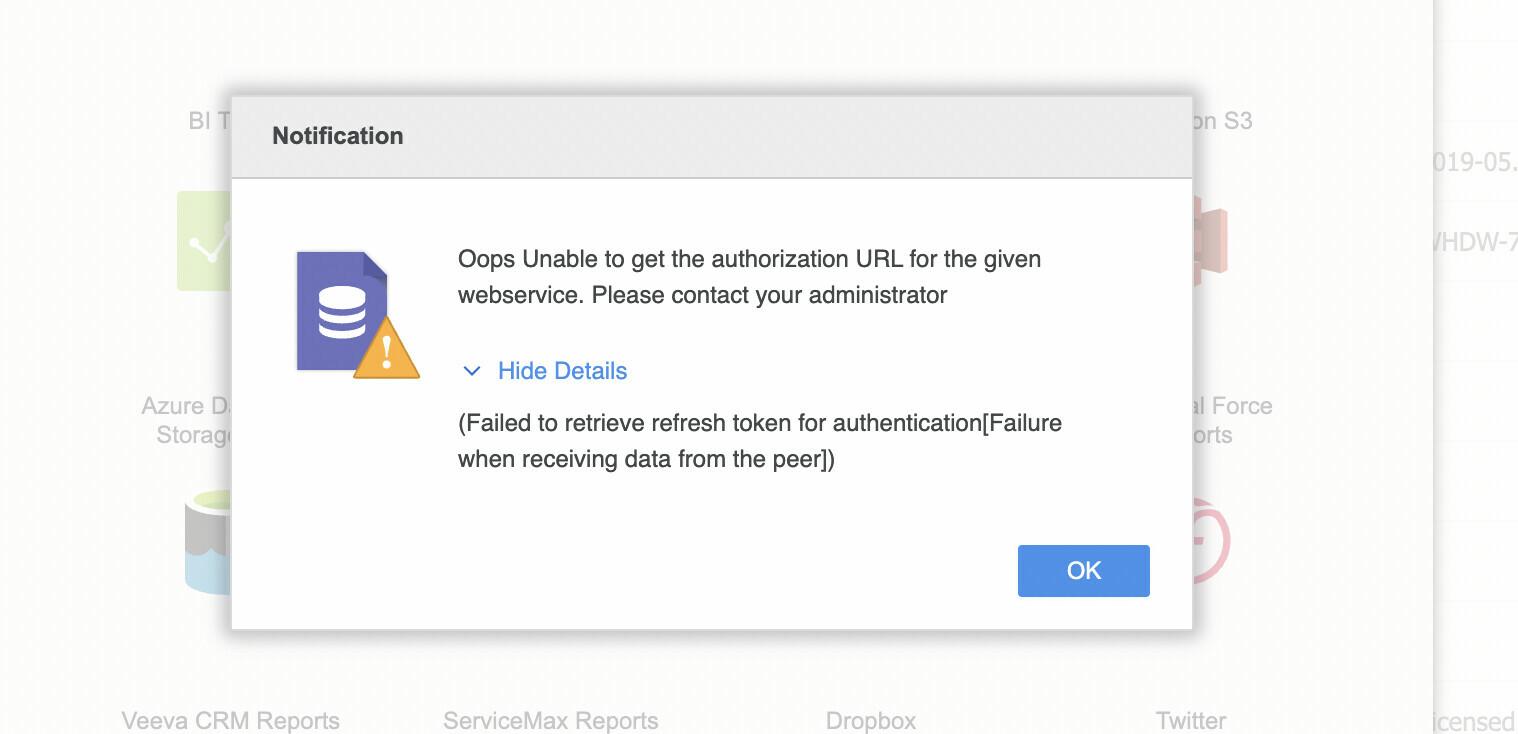
Hi, I have a requirement where, once an object is updated from an external system, a process is triggered that will fetch all the files from the updated object and save the files into a specified box folder into another object that is newly created. I have used the Box toolkit method - createFileFromAttachment() to add the files to the new folder. The method is also getting executed in the future context and callouts are allowed. Yet the process throws an authentication error that starts with: "boxtoolkitToolkit:[AUTH_WRAPPER_PREPARE_FAIL_MESSAGE=Unable to use default credentials to make a callout to Box (maybe this is in a trigger, constructor, or after a DML statement):, authWrapper=BoxAuthWrapper:[adminSettings=box__BoxUser_Settings__c:{}, " Once the process gets executed, if multiple files need to be transferred, only one file gets transferred to the destination folder, and the other files are stopped after the same error is encountered. I’m implementing the requirement in Salesfor
Welcome to the core of technology’s evolution, where the essential role of product management takes center stage in the development journey. In this exploration of Box’s developer platform, as a Senior Product Manager for Box Developer Platform I’d like to demystify the practical significance of product management, particularly in the critical discovery phase. Join me as I pull back the curtain, revealing the behind-the-scenes orchestration of building the Box developer Platform that seamlessly aligns with the evolving needs of our users. This is a companion discussion topic for the original entry at https://medium.com/box-developer-blog/box-developer-focused-product-management-approach-0aefd8bfd8d3?source=rss----a995c24848a3---4
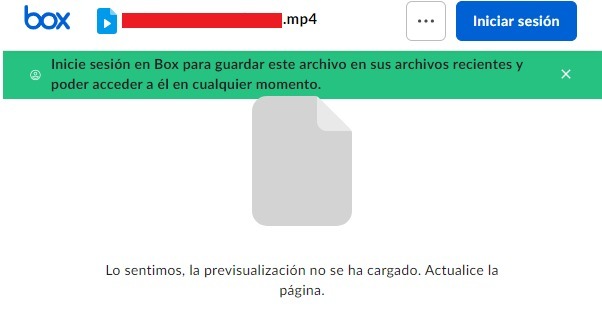
Hello everyone!, I’m working on a website and I’m implementing box embed on iframes to show a preview of my files and I’be stuck because only on Chrome the preview of the iframe isn’t working, The iframe shows the message “We’re sorry, the preview hasn’t load. Please refresh the page.” I’m using Box API to connect and validate my session and bring the shared urls of my files. In firefox and other explorers this works without problems. ¿Any help? Thanks!!
In this article we are going to explore how to electronically sign a structured document using the Box Platform. This is a companion discussion topic for the original entry at https://medium.com/box-developer-blog/working-with-box-sign-structured-documents-ec629628ea5b?source=rss----a995c24848a3---4
Hi Team, What will be endpoint of API if subdomain enabled. Example - Default URL - https://api.box.com/2.0/events If enabled subdomain can we use API with default URL or do we need to use subdomain?
Api Path : https://{{api.box.com}}/2.0/sign_requests Request Body: { "is_document_preparation_needed": true, "parent_folder": { "id": "242033790140", "type": "folder" }, "name": "new file", "days_valid": 2, "source_files": [ { "id": "1402075677437", "type": "file" } ], "signature_color": "blue", "signers": [ { "email": "abc@gmail.com", "role": "final_copy_reader" } ] } Response : { "type": "error", "code": "bad_request", "status": 400, "message": "Bad request", "help_url": "https://developer.box.com/guides/api-calls/permissions-and-errors/common-errors/", "request_id": "0161f8a960ede1346f50bfdc34b75156f", "context_info": { "errors": [ { "name": "source_files", "message": "Enter a valid file.", "reason": "invalid_parameter" } ] } }
Hi folks, I often use the Box Postman Collection to interact directly with the Box API, so I can troubleshoot my code, or just to see what an actual response looks like. The existing collection only automates the access token refresh for OAuth 2.0, and it is fairly complex to change it to support CCG or JWT, even though a lot of times I wish I had that possibility, so I could work directly with the service accounts. Having said that I wanted to gauge the community interest in supporting access token refresh for CCG and JWT, or anything in between: Developer Token (non refreshable) OAuth 2.0 Client Credential Grant (CCG) JSON Web Token (JWT) Other (leave comment below) All of the above 0 voters Let us know! Cheers
Regarding the plan mentioned in the https://www.box.com/pricing/business, we have below queries. Will the “\events” API availability change as the plan changes ? List Of Event type will change as per the Plan ? Will Enterprise events type include user events type ? What minimum paid account required to access the Enterprise event via “\events” API?
Hello everyone, I’m facing an issue with the speed of the responses I’m receiving from the API. I’m making 100 parallel calls from one user and repeating this process 10 times, resulting in less than 1000 calls per minute. Here’s the code snippet that I’m using: _boxClientCredentialsGrant = new BoxCCGAuth(boxConfig); _userclient = _boxClientCredentialsGrant.UserClient(_testUserId); // This part in paralel 100 times // iterate 10 times var result = await _userclient.UsersManager.GetCurrentUserInformationAsync(); The blue line is the performance in average pro call in this scenario I’m wondering if there are additional optimizations that I can implement to receive faster responses to these API calls and process them more quickly. Has anyone had experience with performance optimization? I’m questioning whether the current performance is acceptable or if there are further optimizations I can make on my end. For example, should I consider using an HTTP client instead of the SDK or any o
Hi Team, We are constantly getting below error when our automated jenkins jobs trying to upload files on box folder: access_token = response.json()[‘access_token’] KeyError: ‘access_token’ The same jobs are working fine on staging server with same configurations means files are being uploaded to box folders using the same app config on our staging server. The issue we are facing is in production jenkins jobs, it was working fine till 24th dec but now continue to fails generating access token. We are currently using JWT without SDK approach. Looking forward for some help. Thanks, Shailendra J
Getting below error in /users API Request - curl -i -X GET “https://api.box.com/2.0/users” \ -H “authorization: Bearer <ACCESS_TOKEN>” Response - { “type”: “error”, “status”: 403, “code”: “access_denied_insufficient_permissions”, “help_url”: “http://developers.box.com/docs/#errors”, “message”: “Access denied - insufficient permission”, “request_id”: “qcyqnkhl1oprc6uk” } What permission or paid account needed to access above API ?
It’s end of a year and it’s summary time! I invite you to insights from Box Developer Relations team. We are highly dedicated to improving the developer experience of Box Platform and combine our complementary skills to serve our developer community. This is a companion discussion topic for the original entry at https://medium.com/box-developer-blog/a-year-in-box-developer-relations-team-4bbbb4105790?source=rss----a995c24848a3---4
Tasks allow users to request collaborators on a document to review it or complete a piece of work, and can be used by developers to create document-centric workflows. This is a companion discussion topic for the original entry at https://medium.com/box-developer-blog/box-python-next-gen-sdk-working-with-tasks-b3727349115b?source=rss----a995c24848a3---4
If there’s one lesson imprinted deeply from time at Kiva, it was that the smaller the footprint of the technical systems the easier everything else would flow in the operations of the business. With that in mind, Doc2Doc’s technical platform was built to be minimal, efficient, and cost effective. Our application operational footprint is low and can be handled by one virtual machine along with creative use of 3rd party SaaS systems, a key one of those systems being Box. This is a companion discussion topic for the original entry at https://medium.com/box-developer-blog/how-doc2doc-builds-biz-ops-on-box-9466ac3a505e?source=rss----a995c24848a3---4
Some of our users are getting flagged for going over their allotted API calls per month. We’re aware that this is part of the user’s Box’s billing plan. This is a pretty inconvenient limit. Our use case requires us to do full periodic syncs, where each sync making: ~2 API calls per folder, 1 to retrieve its children and 1 to retrieve its collaborations ~1 API call per file to retrieve its collaborations We do use webhooks to reduce how often we make these calls, but it still doesn’t guarantee control as a developer, especially if a user has thousands of files. To remediate: Are there any API calls that can pull the latest changes to folders & files, instead of us needing to do full periodic syncs? Or is there any other recommended practice so that we can reduce the # of API calls we need to make. Is there a programmatic way to access the user’s monthly limit? Does this limit apply to an individual user or the entire account of users? Any plans to remove this limit?
Box TS SDK is gaining momentum with plenty of new users! In my last post I presented a simple example how to start using the SDK with a static HTML page. Now, let’s take it to the next level and incorporate the SDK to a React based app. This is a companion discussion topic for the original entry at https://medium.com/box-developer-blog/use-box-ts-sdk-in-react-projects-5f029cccda0?source=rss----a995c24848a3---4
Dear Forum, For several months, I’ve been using Box drive for sync’ign with local folders - with no issue. Since last week, I can still login to the online box, but get an SSL error when trying to connect to the Box drive. I checked with my IT team (no change on that side), tried resetting password, no effect. I uninstalled/re-installed, but get to the same point. Coudl it be comign from a recent updates? Any ideas on how to address it? Thanks! 2023-12-16 19:17:49.975 14628 INFO CompleteAuthenticati network_layer Got a SSLError so calling refresh_proxy_settings: BoxHTTPSConnectionPool(host=‘api.box.com’, port=443): Max retries exceeded with url: /oauth2/token (Caused by SSLError(SSLCertVerificationError(1, ‘[SSL: CERTIFICATE_VERIFY_FAILED] certificate verify failed: certificate signature failure (_ssl.c:997)’)))
Hello world, I’m writing some code trying to integrate Box Java SDK into my own Android Java code. The URL to invoke Box OAuth2 is built using code like below BoxAPIConnection.getAuthorizationURL(clientId, URI.create("oauth://box.oauth2/redirect"), state, scopes) Whereas state is a random UUID string and scopes is just root_readonly. Using some non-standard protocol name here since I expect app deeplinks will capture the above redirect, then I will be processing the redirect callback in my code to get the access token. However, upon invoking the above code, my Android code isn’t capturing the deeplink URL at all. Traced down a bit revealed the URL returned by box.com server is being https://app.box.com/login/mfa?redirectUrl=%2Fapi%2Foauth2%2Fauthorize%3Fclient_id%3D<REDACTED>%26response_type%3Dcode%26redirect_uri%3Doauth%253A%252F%252Fbox.oauth2%252Fredirect%26state%3D<REDACTED>%26scope%3Droot_readonly# That made box came to nowhere but a missing page. I thought I should
Collaborations are at the core of Box. They allow users to share content with other users in a similar way as access control lists (ACLs) do in traditional file systems. This is a companion discussion topic for the original entry at https://medium.com/box-developer-blog/box-python-next-gen-sdk-managing-collaborations-473ce9af33fd?source=rss----a995c24848a3---4
I tried to create an access token using the following details { grant_type: ‘client_credentials’, client_id: “2yuh6hjmzagiw5hr8tqhxvcqkcgyiw4c”, client_secret: “my client secret”, box_subject_type: ‘user’, // box_subject_id: ‘my user id’, // }; I am getting following error even after providing the correct credentials: data: { error: ‘invalid_grant’, error_description: ‘Grant credentials are invalid’ } my app setup is : 1.server authentication (Client credential) 2. app access only please let me know how to resolve it
Hello, I am experiencing an issue with the NodeSDK, whenever I apply any data shape, to boxClient.folders.addMetadata() it throws a 400 with “message”: “Request contains invalid parameters.”, If I apply a empty object {}, it works without issue. (So I know that i am able to connect, and have permissions ect) The shape of the metadata template is: The relevant code: const metadataValues = { ENTITY_ID: “1234”, is_Active: “1”, is_Found: “1”, }; let response_metadata_applied = await this.boxClient.folders.addMetadata(folder_id, “enterprise_534608”, “ciptemplate”, metadataValues); It throws a 400, with that error. If I apply let response_metadata_applied = await this.boxClient.folders.addMetadata(folder_id, “enterprise_534608”, “ciptemplate”, {}); It works 100%, but the values are of course empty. I have tried all methods of controlling the body: when I look at the error response { “statusCode”: 400, “response”: { “statusCode”: 400, “body”: { “message”: “Request contains invalid parameters
We are trying to access the file name using the box api. To do that we are using OAuth authentication. But we authorization is pending and we reached out to Admin contact still waiting for the reply. Can someone pls suggest best way to integrate box with our application to read the file name which is in Box. Please do the needful Thanks in Advance.
Hoping someone can help and point me in the right direction Using the .Net SDK using the Access and Refresh Token authentication and when the token expires (via the HttpRequestHandler 401 status code) and the SDK calls the RetryExpiredTokenRequest I get a Bad Request error. If I refresh the tokens outside of the SDK, the code authenticates correctly with no errors. What am I doing wrong? Any help would be greatly appreciated Thanks
Join us live tomorrow with Kyle Adams, Senior Staff Partner Architect at Box, who will be available to answer your questions. Getting Started with Box and Salesforce Experience Cloud Events
We are taking Box Platform on the road 🚗 — and we are starting in my home city Austin, Texas. This is a companion discussion topic for the original entry at https://medium.com/box-developer-blog/box-platform-developer-day-austin-747a96e86274?source=rss----a995c24848a3---4
Already have an account? Login
No account yet? Create an account
Enter your E-mail address. We'll send you an e-mail with instructions to reset your password.