Question

How to use Python to automatically get access token without open the web page

  • May 22, 2025
  • 3 replies
  • 51 views

Forum|alt.badge.img

Hi all,


Currently, I am starting a Python script to automatically download a file from box every day, but the access token is set to expire within 60 mins, so I need to find a way to use Python code to refresh the access token, I search through the community and some helpful pages said it will require a refresh token, but I can not find it anywhere. Could you please kindly tell me how to do that or suggest a better way to solve this scenario?


Thanks!
3 replies

Forum|alt.badge.img

 Have you checked out our Python SDK? It sounds like this would meet your needs. 


Best, 

Kourtney 


Forum|alt.badge.img

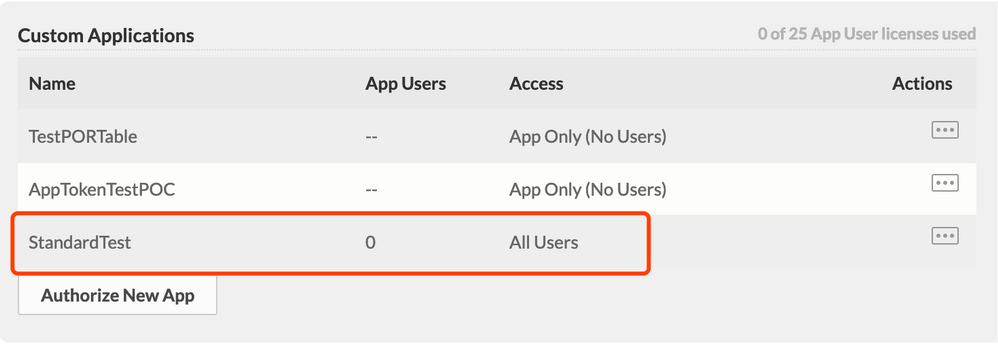
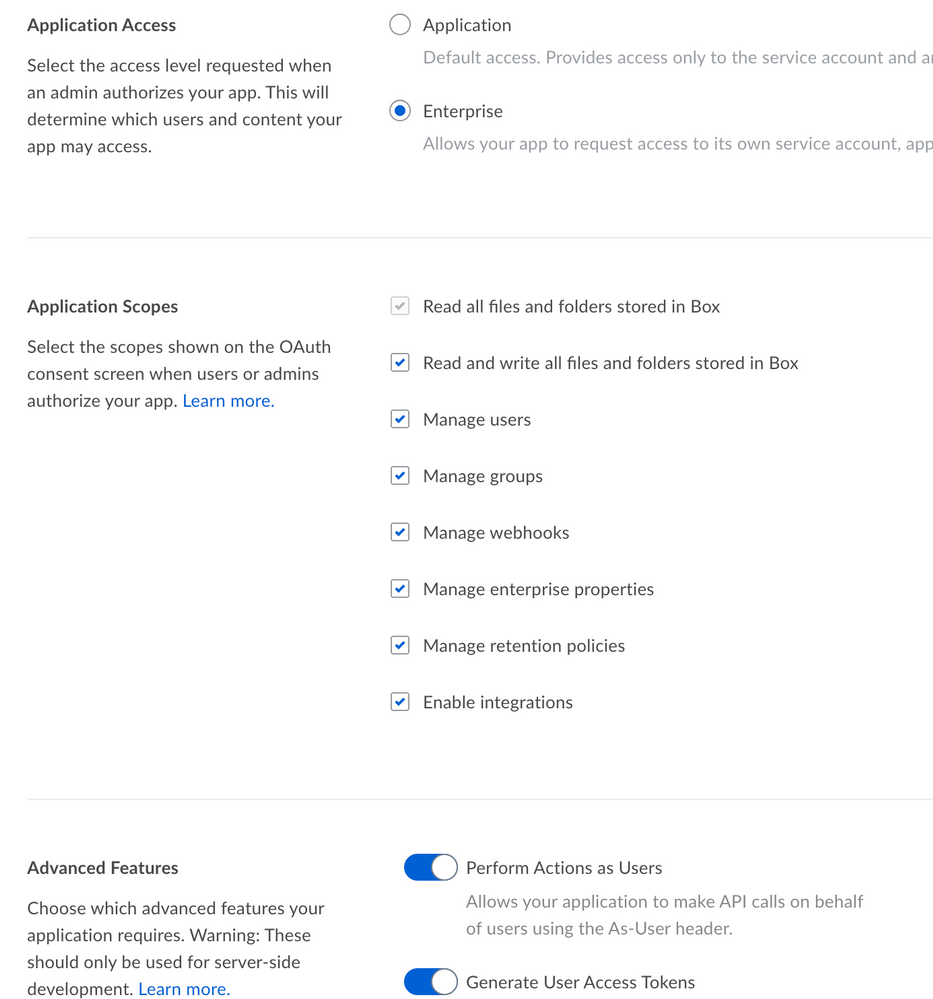
Thanks for your reply, I have checked this page and test several ways. I can use Python sdk with JWT authentication (public/private key) to get the client and already made the enterprise authorization, but it will always return 404 error when I want to get the specific file or folder.


BOX_65wdnqih9ljditxp4edtx83ifm02e615.pngBOX_vjujczxi3zq3gs32k580ibcshwtfc0pw.png


Forum|alt.badge.img

 If you're using JWT auth, it means that your default token is going to be for the application's service account. This means you'll only be able to interact with the content you've added your AutomationUser as a collaborator on or what they own. 


You either need to change your JWT assertion and get a token for a user who has access to the content currently, or add the AutomationUser as a collaborator on the content. 


Best, 

Kourtney