All things API and SDK related
Recently active
In this article we'll explore how we've converted the pre-request script to handle any type of Box application authentication, giving developers greater flexibility in using the API collection in their development process. This is a companion discussion topic for the original entry at https://medium.com/box-developer-blog/box-postman-advanced-collection-8c43c021ed2a?source=rss----a995c24848a3---4
Hi! We have gotten a report of an “access_denied_insufficient_permissions” error when our connector is trying to fetch users via the “https://api.box.com/2.0/users” endpoint. The authentication works as expected. These are the permissions setup in the app: Manage users Manage enterprise properties They are reporting that they are using Box for education. As far as I can tell Box for education is either Enterprise or Enterprise Plus at a discounted price, and not a separate product. Or are there any API limitations for education plan customers and this is expected behavior?
I see that box allows me to upload a folder containing multiple files. Is there any way to do that all the files in the folder have been uploaded, I am looking at webhook but could not utilize this event because FOLDER.CREATED is issued before all the files have been uploaded.
In this article, we’ll dive into the world of the Box Platform file representations, exploring their capabilities using the Python SDK. This is a companion discussion topic for the original entry at https://medium.com/box-developer-blog/unleashing-the-power-of-file-representations-with-box-a3bb871cd1da?source=rss----a995c24848a3---4
Hi, We are using the open-source tool grouper for managing the groups in BOX. The grouper uses the Box SDK to query the users or groups, manage the groups, and manage the group membership. The Box API throws a 503 error randomly while querying users or groups. Please review the error message and let me know if you need anything. type: consumer, finalLog: false, state: init, consumerName: provisioner_incremental_boxProvisioner, totalCount: 147, currentSequenceNumber: null, publisherClass: edu.internet2.middleware.grouper.app.provisioning.ProvisioningConsumer, runId: vuk1k5nv, exception: java.lang.RuntimeException: provisionerClass: GrouperBoxProvisioner, configId: boxProvisioner, provisioningType: incrementalProvisionChangeLog, state: retrieveIncrementalTargetData, changeLogRawCount: 147, changeLogItemsApplicableByType: 106, recalcEventsDuringFullSync: 0, checkErrors: all, syncGroupsToQuery: 20, syncGroupsFound: 1, retrieveSyncGroupsMillis: 1, syncGroupCount: 1, filterByNotProvisionable
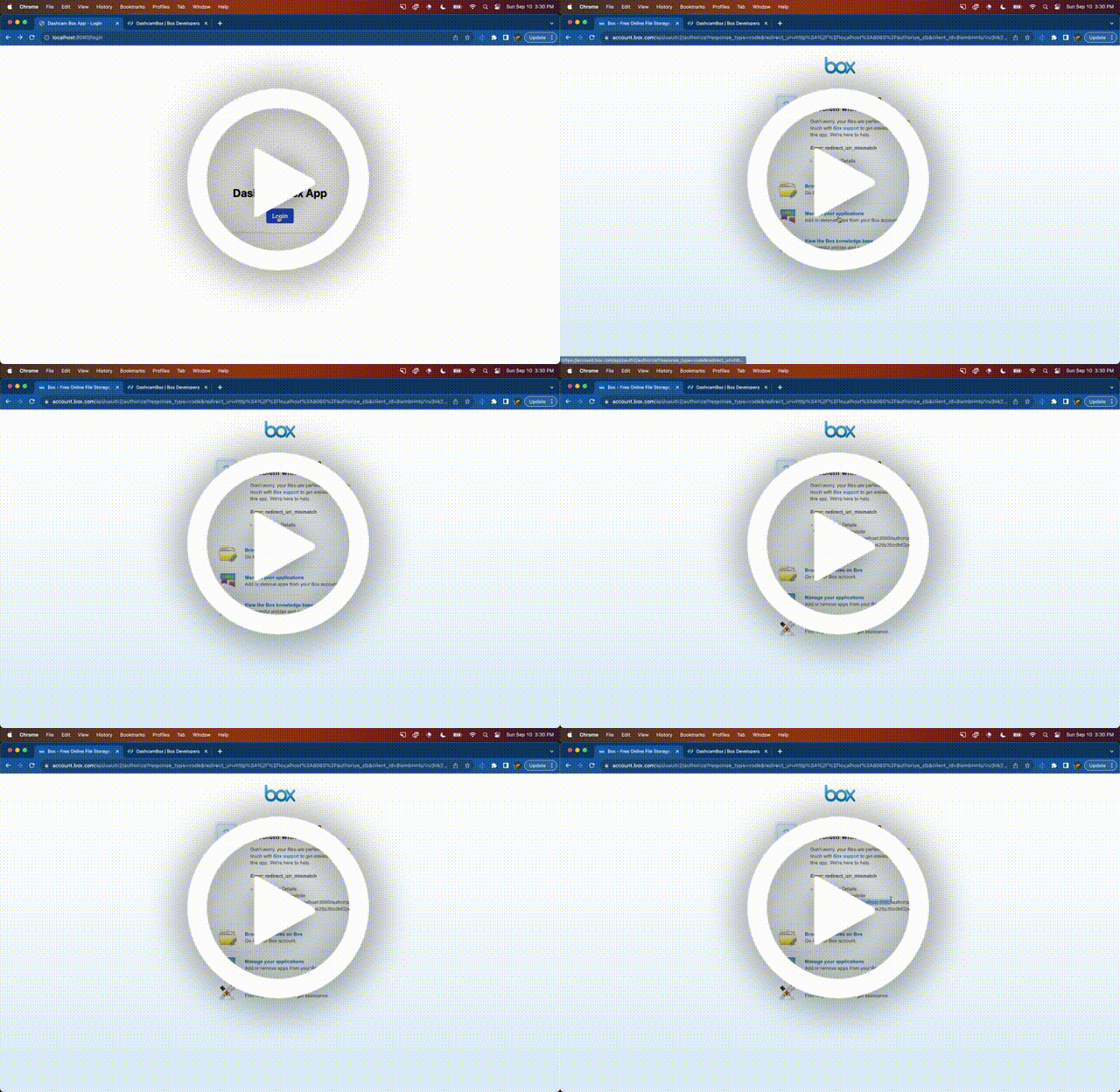
Writing your first Box app is sort of magical, in a couple of hours you can go from having nothing to integrating with a bulletproof cloud filesystem Wondering how I did it? Well, strap in because we’re about to take a magical tour through the Box SDK and navigate through the ocean that is its first developer experience. What we’re trying to do? I will show you how to overcome the most common issues with the Box Node.js SDK, when building something for the first time. By the end of this article, you’ll be a certified Box ninja, able to effortlessly chop, kick, and grab data from Box with Javascript. The Box SDK provides a sweet wrapper around the Box API, making incorporating fancy file features into your node apps simple. Like most beautiful things in life, however, there are some gotchas when getting started that you will learn by reading this article, and you will be glad that you did. By the way, I used Dashcam to take video clips of the flow and bugs discussed below! Issue #1: Mis
Hey all, sorry if this question has been asked before, I couldn’t find anything with a search. We are currently using the box SDK for salesforce and we are trying to insert around 5 subfolders and 1 root folder in one transaction. Currently we are using single call outs for ever folder but are wondering if there is a way we could use 1 call to create multiple folders. I haven’t found any documentation for anything other than single folder creation in both the SDK and the toolkit documentation. I was wondering if there are any solutions to this or if we only get the single call out for folder creation? Thanks!
Hello! I am trying to use the API to add a security classification to a folder and then create a metadata cascade policy so that the classification cascades to anything added to that folder. I can add the classification successfully through the API, but I cannot create the metadata cascade policy. In Postman, my request body to create the metadata cascade policy looks like this: { "folder_id": "12345678901", "scope": "enterprise_XXXXXX", "templateKey": "securityClassification-6VMVochwUWo" } But this returns a 404 error. Is there something wrong with my request? Or am I missing a step somewhere else? I’m able to do this successfully through the Box CLI, but not by making API calls through my integration app (which uses OAuth 2.0 w/ Client Credentials Grant (Server Authentication)).
I have a tiny Python utility that checks for the existence of Autocad .dwl files every 20 seconds in about a hundred folders on my computer. Several co-workers use the same app on their computers. The problem is the time lag between the creation of that file on one co-worker’s computer and its arrival at my computer (and those of the other guys too). One of them suggested I could use the Box API to maybe reduce the time lag. I’m hoping one of you might be willing to help me make the first steps if this is possible. Thanks.
I created personal Box account and am attempting to request a token using the client ID and secret. I am getting the following error. {“error”:“invalid_grant”,“error_description”:“Grant credentials are invalid”} Here are my application settings and requests: App access level : App + Enterprise access Authentication method: Server Authentication (Client Credentials Grant) curl -X POST https://api.box.com/oauth2/token -d “grant_type=client_credentials” -d “client_id=redacted” -d “client_secret=redacted” -d “box_subject_type=user” -d “box_subject_id=redacted” I am providing the user_id of my Box account as the box_subject_id.
Hi Team, I have some box folders on https://gehealthcare.box.com and I am trying to upload files on the same using python scripts which are executed via jenkins. I am currently using JWT without SDK approach and I am able to get the token but when I pass that token to my box URL where the files needs to get uploaded I am getting below error message: upload_response.text: {“type”:“error”,“status”:404,“code”:“not_found”,“context_info”:{“errors”:[{“reason”:“invalid_parameter”,“name”:“parent”,“message”:“Invalid value ‘d_139168108673’. ‘parent’ with value ‘d_139168108673’ not found”}]} Here 139168108673 is my folder id where the file needs to get uploaded. Kindly help as it is quite urgent. Looking forward to hear from you. Thanks, Shailendra Jetpuria
I am getting below error when I have concurrent request to have a Box Token. {“error”:“invalid_grant”,“error_description”:“Please check the ‘jti’ claim. A unique ‘jti’ value is required.”} Java Box SDK - 2.32.0
I am trying to call the Box api with c# and search for documents and get their metadata. I am able to see the metadata when I pass “metadata.enterprise.{metadata_template_key}” in a string array into the fields for the Search Manager. How am I able to extract that data? I do not see a way to get it from the BoxItem type. I know I can make a second call to get the metadata directly but I would have to make this call on all the documents the search api returned. I would like to prevent making so many calls if possible.
Hi there! Our app uses box-ui-elements and we want to start using the latest annotations API functionality with text highlight, drawing, mentioning and more. We already updated box-ui-elements to the latest version, but it didn’t give expected result, annotations were still not highlighted So I have a question: Does box-ui-elements already use the latest annotations API functionality or integration is still in progress? Thank you in advance!
Writing your first Box app is sort of magical; in a couple of hours, you can go from having nothing to integrating with a bulletproof cloud filesystem. This is a companion discussion topic for the original entry at https://medium.com/box-developer-blog/everything-i-learned-debugging-my-first-box-app-c47e41b765a5?source=rss----a995c24848a3---4
This is the place to discuss the Box API Postman collections. Let us know if you found a bug, saw an inconsistency with the documentations or even have suggestions on how to improve the collection.
Hi folks, Hi folks, thinking that you use the Box Postman Collection to interact with our API, I wanted to share this with you: With the objective to make our API Postman collection more flexible, I’ve been working on it so that it supports all of Box authentication types Developer Token, OAuth, CCG, and JWT. The idea is to detect the type of environment selected, and adjust the token refresh accordingly. I’ve also created a few helper methods to create these environments. I would very much like you take it for a spin, and send some feedback. You can fork this collection from here. You can leave your feedback by replying to this post. And of course ping me with any questions. Cheers
Let’s face it, every product has its own jargon. To support the onboarding process and increase the level of comprehension of the Box documentation, I prepared the Box Platform Basic Glossary. I’m sure this post will help you get a grasp of the most important concepts and jumpstart your new content-based cloud-based solutions. The list covers the basics; we’ll expand it soon in our documentation portal. This is a companion discussion topic for the original entry at https://medium.com/box-developer-blog/box-platform-basic-glossary-6d72fff22d69?source=rss----a995c24848a3---4
We are excited to introduce the latest generation (currently in Beta) of Box Python SDK, designed to elevate the developer experience and streamline your integration with the Box Content Cloud. With this release, you’ll have access to: Full API Support: The new generation of Box SDKs empowers developers with complete coverage of the Box API ecosystem. You can now access all the latest features and functionalities offered by Box, allowing you to build even more sophisticated and feature-rich applications. Rapid API Updates: Say goodbye to waiting for new Box APIs to be incorporated into the SDK. With our new auto-generation development approach, we can now add new Box APIs to the SDK at a much faster pace (in a matter of days). This means you can leverage the most up-to-date features in your applications without delay. Embedded Documentation: We understand that easy access to information is crucial for developers. With our new approach, we have included comprehensive documentation for
Hi, While fetching files from user of my organization. I am unable to fetch shared documents which is shared by user which is not in my organization. So, is it expected behavior. Also, in total count it displayed count with shared files but in entries it did not return the shared files.
Hello, I’m just getting started with Box CLI and need a way to batch remove hundreds of external users that have tens of thousands of collaborations within an enterprise. We can remove one at a time from the legacy admin dashboard, but I’d like to do this in batch via Box CLI, as advised by Box Support. I can’t find any documentation on external users specifically, only on the individual collaborations of managed users. Thoughts? -Vlad Weinstein
I regularly access files over FTP. This has not been a problem until recently. But at the moment, although FTP login is still successful, I receive a “Error on input file” error when attempting to get any file. Please help me resolve this.
Box now connects content workflows between Salesforce and Slack with a new Salesforce Developer Toolkit feature, details here Join for a live demo at our Community Roundtable next week. Box for Salesforce Community Roundtable
I wanted to answer a question from one of our Community Roundtable members @NLeo here in the forums so that others may benefit from the approach. Question from @NLeo: How can we load Content Explorer and Content Uploader UI Elements in Experience Cloud? Here are you current options: Wait a few weeks until our team releases UI Elements for Experience Cloud within our managed package. You can leverage a screenflow and drag and drop the existing Ltn components within a screen. The downside to this approach is that you’ll need to run the screenflow as the Box service account and will not show up the Experience/Community user performing the Box actions. I have an open source community project that can be modified for your specific use case. I would treat this as a starter and by no means as production-ready unmanaged package: https://github.com/kylefernandadams/box-ui-elements-lwc If your timelines are flexible Option 1 is the obvious choice. Option 2 isn’t my favorite, but if you
We are excited to introduce the latest generation (currently in Beta) of Box TypeScript SDK, designed to elevate the developer experience and streamline your integration with the Box Content Cloud. With this SDK, you’ll have access to: Full API Support: The new generation of Box SDKs empowers developers with complete coverage of the Box API ecosystem. You can now access all the latest features and functionalities offered by Box, allowing you to build even more sophisticated and feature-rich applications. Rapid API Updates: Say goodbye to waiting for new Box APIs to be incorporated into the SDK. With our new auto-generation development approach, we can now add new Box APIs to the SDK at a much faster pace (in a matter of days). This means you can leverage the most up-to-date features in your applications without delay. Embedded Documentation: We understand that easy access to information is crucial for developers. With our new approach, we have included comprehensive documentation for
Already have an account? Login
No account yet? Create an account
Enter your E-mail address. We'll send you an e-mail with instructions to reset your password.