










Introductions and general questions relating to Box
Recently active
Since yesterday, I've encountered an issue.When my clients try to access their files, they can see the files listed in a view. However, when they click on a file to view it in detail, they are redirected to a login page.The expected behavior is that they should be able to preview the document and download it to their local machine without needing to log in, as they are already authenticated with the unique password I generated for them.I haven't changed anything in my workflow regarding password authentication for each client's folders, so I suspect this issue may be on Box's end. Please address this matter urgently.Thank you.
🎥✨ Let’s watch our recap video featuring Lauren (Arriola) Berrey and Joe Klinker as they break down the biggest announcements, innovations, and highlights from BoxWorks 2024. From industry insights to groundbreaking tech updates, this video is your ultimate guide! Also dive into the full BoxWorks replay to learn more about Intelligent Content Management, or visit our BoxWorks Video Hub to pick and choose the content you’d like to read and watch.
Recap to a great demo from Barry Fitzgerald, Founder, CTO who gives overview of how cloudcards.ie has grown their content business for the aviation industry, and @smartoneinok Box overviews Box AI developer zone Recording here Highlights0 mins Cloudcards.ie - overview8 mins 18 secs - document management and tech stack18 mins - Customer discussion and Polls29 mins 40 secs - Generative AI and Cloudcards platform demo47 mins 36 secs - Box platform overview
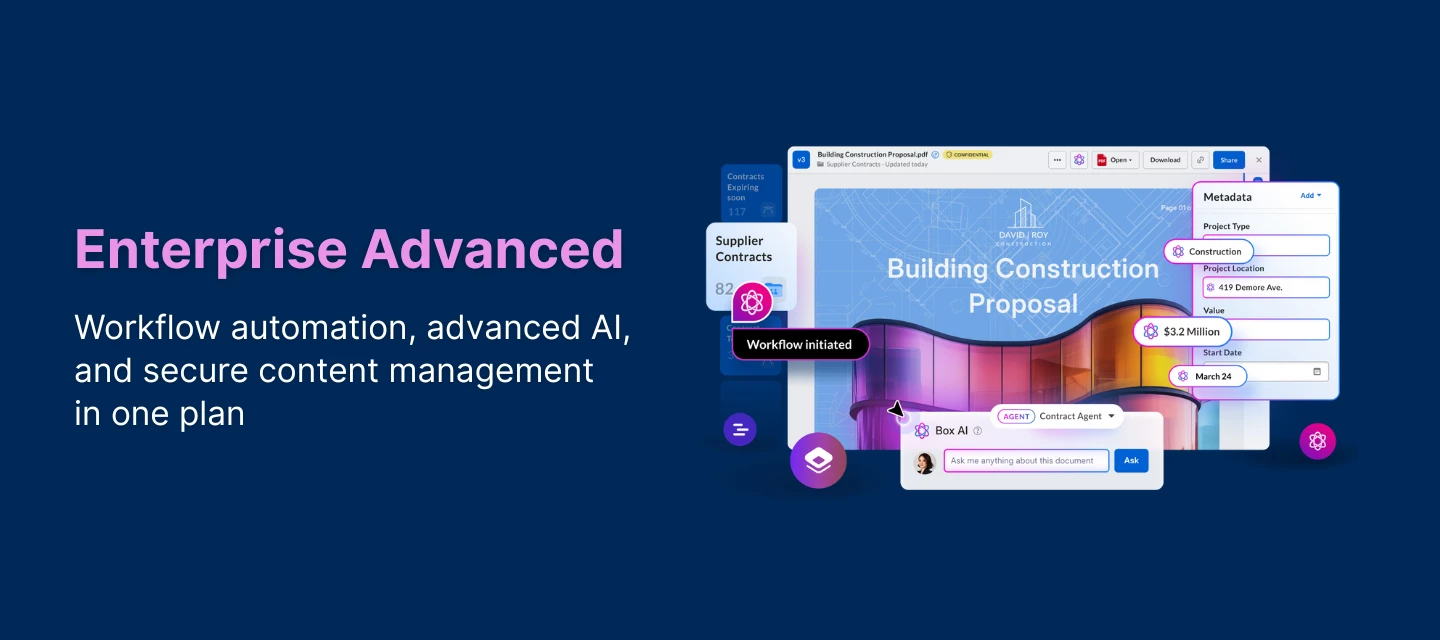
At BoxWorks 2024, Box unveiled groundbreaking advancements in Intelligent Content Management (ICM), demonstrating how AI is revolutionizing the way organizations manage and leverage their unstructured data. Visit the most recent Box Blogs to learn more about Intelligent Content Management innovations. Below are some of the announcements and notable highlights: 🔵 AI tailored to every kind and size of business ✨ Box AI Studio enables businesses to create and deploy powerful Box AI agents specifically tailored to their unique needs. This will roll out in January 2025.✨ Additional AI-related announcements included new integrations with Microsoft Copilot Studio and Vertex AI Studio. 🔵 Seamless, AI-powered workflow automation ✨ Secure AI-powered metadata extraction on the Intelligent Content Cloud✨ Box Forms will streamline form-based business processes natively in Box. ✨ And with Box Doc Gen, users can dynamically generate custom documents at scale by pulling data from a variety of source
Back from Boxworks | Dec 3, LondonOn the 3 December we are bringing the very best of BoxWork to the heart of London at The Ham Yard Hotel, where we'll be sharing our groundbreaking announcements, with a unique London twist! Prepare for a private bowling alley, brand experiences, and plenty of networking with industry peers this is a date you won't want to miss.The event starts from 12 p.m. through to 4 p.m. with optional after drinks at the world famous Devonshire pub. To RSVP your invitation, just register your attendance here.
The Box Education team is thrilled to announce an exciting update: a brand new Box University experience is available today at training.box.com! What’s changing? New Learning Paths: Discover a variety of new learning paths tailored for users, admins, and co-admins. Whether you’re looking to master the essentials quickly or onboard to a new Box tool, we have you covered. Our new learning paths include: Box 101: Getting Started with Box: You'll learn how to navigate the platform, upload and organize files, and collaborate with your team effectively. Perfect for new users! Deploying Box: Learn how to ensure a smooth rollout, manage permissions, and optimize the platform to meet your organization’s needs. Managing Box: Gain insights into user management, security settings, and reporting tools. Enhanced User Interface: Enjoy a cleaner, more intuitive user interface that makes it easier than ever to find the training you nee
Join us for the premier event on cloud content management, featuring exciting keynotes, product innovations, and expert insights. Stay tuned for breakthroughs in collaboration, security, and AI-driven solutions. Don't miss out—BoxWorks 2024 kicks off today! We'd love to see your amazing photos from the event and hear about the key highlights! We're also excited to know which innovations you're most looking forward to. #BoxWorks2024
Welcome to this week's community digest! Here, you'll find the latest updates and highlights from our vibrant community. Whether it's new discussions, upcoming events, or spotlighting the achievements of our members, we’ve got you covered! 💫 Learn more and register on our BoxWorks 2024 event! Monday's Community Spotlight 🌟 Unlocking the future of content management with Box AI Tuesday Tips and Tricks: Customizing Metadata Templates Customer Success Corner Recording: Enhance Collaboration with Box and Microsoft 365 Box and Microsoft 365 - Q&A Box Connector - The Official Native Integration for Box, Box Sign and HubSpot Now Available! Box Poll Question Thursday’s FAQ: Metadata We’re excited to highlight our expert Customer Success Manager to this week’s Community Roundtable! ⭐ Sanna MaknojiaIn our previous roundtable: Enhance Collaboration with Box and Microsoft 365, she provided valuable strategies about Box and Microsoft productivity and collaboration integrations
Sanna Maknojia, CSM, provides summary of Box and Microsoft integrations with live demos Highlights Introduction - Customer Success Corner and Box and Microsoft introduction Box and Microsoft Productivity and Collaboration IntegrationsWrap up Topic Details Introduction - Customer Success Corner and Box and Microsoft introduction Recording clip here Box and Microsoft Productivity and Collaboration Integrations Box for MS 365 Office apps Box for MS 365 coauthoring on desktop Box for Outlook Box for Microsoft Teams Box for Microsoft copilot Recording clip here Recording: Box and Microsoft Teams feature overview. Link Recording: Securely Store emails and attachments with Box for Microsoft outlook. Link Recording: Edit and Co-author content on Box using Box and Microsoft Office 365. Link Wrap up
SparkGrid Software announces the commercial launch of Box Connector for HubSpot. This groundbreaking solution provides a deep, native integration of Box’s cloud-based content management directly within HubSpot’s CRM platform.The Box connector eliminates the non-integrated third-party tools or complex externalworkflows, offering businesses a seamless and secure way to access, manage, and previewBox files, and utilize Box e-signature capabilities directly inside HubSpot.With over 228,000 companies in more than 135 countries using HubSpot and 97,000 customersrelying on Box, the need for an integrated, efficient workflow between these platforms has neverbeen greater.Unique FeaturesDeep, Native Integration Using HubSpot UIX Tools: Built with the latest HubSpot UIXcomponents, the connector allows users to interact with Box content directly within thefamiliar HubSpot interface, eliminating the need to switch between platforms or set upexternal automations. Enhanced Security Within HubSpot: B
Hi team! #file-system I am working a ticket with some Sync questions that WebApp and Client swarm are both stumped on:Summary: From client - "We've encountered an error when trying to transfer ownership of a directory in our Box environment.The error stated the operation can't be completed because the directory is a synced root folder. I removed the sync from the folder and then was able to transfer ownership successfully. My questions are:1. What are the caveats for ownership transfer of a root folder when folder sync is enabled for one or more users in the directory tree?2. Is sync status on subfolders removed for all users when the ownership transfer of the root folder takes place?"Ask: I've pulled what info I can from our support pages, but I'm not seeing anything that addresses the above questions directly. Client pulled the following but recommended I come here for further insight:see this error in the code:This folder could not be moved because it is a synced folder under root.B
Michelle Syu, Product Marketing Manager, Box, recently shared in our Box Blogs: Getting the right content in front of the right people at the right time is critical for any team to get things done. Whether it’s sharing brand assets, managing a project workspace, or onboarding a new vendor, effective collaboration is a big part of doing your work well. Here at Box, we’re excited to wrap up this quarter with new features across Box AI, Box Notes, and Box Hubs that will help you do your best work. These updates have been carefully designed to address the ever-evolving needs of our customers across every company size, line of business, and industry. Read the full blog here and learn more about: 🔵 Box AI updatesEnhanced formatting options - You can now ask Box AI to deliver responses in a specific format such as a table, block quote, code, or list. Follow-up questions - When chatting with Box AI for Documents and Box Hubs, you can now “continue the conversation” and ask follow-up questions
I understand that Box for Microsoft Office can be used for co-authoring within a group. One file contains sales figures and we do not want them to be edited in the tally.In another file, we want to input/modify the data by 2 or more people. Is it possible to allow/not allow co-authoring for each folder?I tried using the “group” setting, but even if I set up one folder (and 4 members), it still participates in co-authoring in no specified folders.
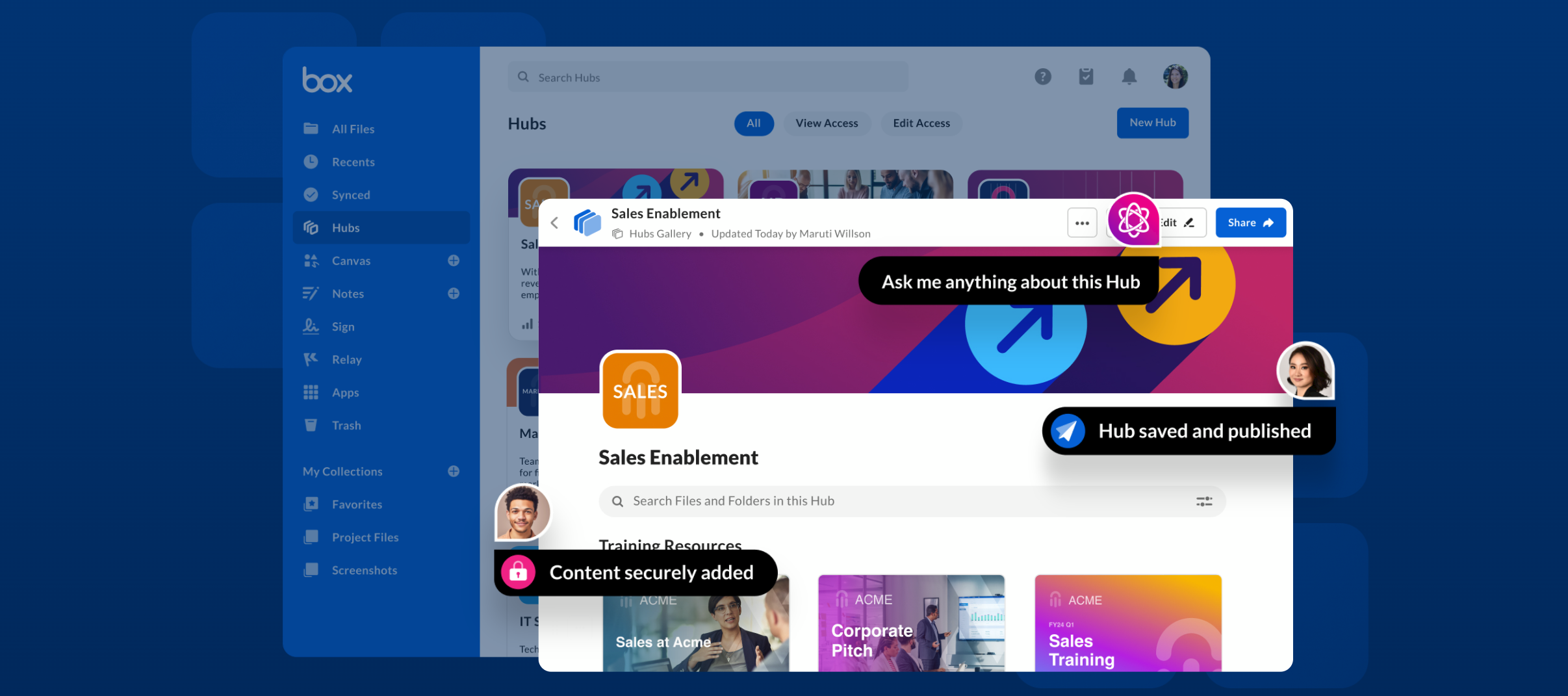
Tyan Hynes (Group Product Manager, Search, Box), Steve Chiou (Team Director, Product Management, Box), Laryssa Polika (Senior Team Manager, Product Marketing, Box), @Mark Lomeli - Box (Principal Customer Success Manager, Box), and our special guest, Robert Frost (Head of IT, Bulletproof) provides an overview of whats new in Box Hubs GA, discussions about Box Hubs and Box AI for Hubs, some examples of use cases, and live Q&A sessions. See below for highlights and here for the full recording Topic Details Box Panel on Box Hubs and Box AI Panel discussions with Laryssa Polika, Steve Chiou, Tyan Hynes, and Mark Lomeli Recording clip here Box Hubs and Box AI panel Customer Topics Recording clip here Poll on Box Hubs use cases Robert Frost overview about Box Hubs at Bulletproof Recording clip here Robert Frost live demo of the Bulletproof Box Hub Recording clip here
Welcome to this week's roundup, where we bring you an exciting blend of events, updates, and conversations tailored for our vibrant community. We would like to make sure you stay connected and informed about the latest trends and highlights. 🎊 Secure your spot by registering here:✨ BoxWorks 2024 Monday's Community Spotlight 🌟 Box partnership with AWS Customer Success Corner Highlights and Recording - Content Curation with Box Hubs Highlights and Recording: Getting started with Box Hubs and Box AI Industry Innovators: The Future of the Banking Industry with Box Tuesday Tips and Tricks: Using File Request Developers can register for BoxWorks 24 for FREE Box Drive Update! We are releasing Folder Redirection and ARM Support soon among other feature updates, Join Our Private Beta Now!! Halloween Digital Face Costume Contest Thursday’s FAQ: Box File Request Special thanks to our esteemed speakers to these community roundtables! ⭐ Nick SmurdaWith a wealth of experience an
Nick Smurda Box CSM, provides overview and demo of Box Hubs and Box AI for Hubs, including review of new features. Recording here HighlightsIntroduction & Agenda - will focus on use cases combining Box Hubs and Box AIBox Hubs and AI introductionUse cases for Box AI and Box HubsRecent updates from GABox AI for Hubs overviewBox AI use cases - Sales EnablementSetting up a Box Hub - overviewDemo of setting up a Box Hub
cannot external users when I am creating workflow in relay , but external user can access my boxexternal users
Hi Awesome Members! 💙 Please check out this video that just dropped on the Salesforce AppExchange Youtube channel: Our very own Perry Rotella, Managing Director, Financial Services, provides some great insight in banking trends, concerns, and solutions (including Box). 🎉 Learn about Box on AppExchange. In this video:0:00 Introduction 0:21 The Challenges of Client Onboarding in Banking 1:11 The Impact of Manual Error 2:03 The Power of Generalized AI in Centralized Content Management 2:56 The Role of Compliance 3:38 The Impact of Stringent Security Measures 4:25 The Impact of Optimizing User Experience During Client Onboarding 5:23 Client Onboarding Trends in the Banking Industry 6:11 Why FinTech Solutions Should Use Box 👏👏👏
We’re thrilled to announce that Box is partnering with AWS to bring powerful AI models and capabilities to enterprise content! 🎉 “AWS and Box both recognize that the key for companies to realize the greatest value from generative AI is the ability to simply and securely leverage their own data and content," said Vasi Philomin, VP of Generative AI at AWS. “Together, we are making it easy and seamless for our joint customers to apply today’s most advanced generative AI models and applications to their data. The result will be new capabilities that will unlock innovation for industries, companies, and people around the world.” 👉 Check out the latest Box Blogs by Meena Ganesh, Sr. Product Marketing Manager at Box, to learn more about this integration. As reposted by Aaron Levie, CEO at Box, from Matt Garman, CEO at Amazon Web Services (AWS), in a recent post on Linked In: “I’m incredibly excited that we’re expanding our partnership with AWS to bring even more AI models to Box! With Box A
Hi,I am a developer for PLC programs and want to explore the unity pro software from schenider, i couldnt found the trail version of it for learning purpose can anyone support me to share it. I found below link on internet but seems to be like its removed from the link. https://schneider-electric.app.box.com/s/szaaz8nq4nwdqh340ghm0pdtvbg4ljsq Thanks,
Thanks to Marek Podgorski, for yesterdays overview, demo, and roadmap for Box app center integrations. Thanks for our guests who joined for live Q&A HighlightsMarek Podgorski, introduction. Box App Center Overview Demo of NEW release - ability to selectively enable integration apps Future - Integration Activity Report & App Requests Customer Q&A & live polling community.box.com soft launch Highlights and recording here
We’ve gathered a dynamic mix of events, updates, and discussions just for you. Stay in the loop with the latest happenings and connect with our fellow community members. Join us as we highlight the key moments and insights that will elevate your Box experience! 🔥 See these links to secure your spot: BoxWorks 2024 Box Master Classes (Extended Program on Day 2) Box Higher Ed Works 2024 registration form Box Developer Day Toronto Monday's Community Spotlight: 🌟 Oxera, Economics, Finance and Data Science Consultancy, Chooses Box for Intelligent Content Management Tuesday Tips and Tricks: Using Threat Detection 2023 Box Healthcare Community Roundtable: Keeping researchers secure and happy Box EduTalks Wednesday: Protecting IP and PII using Box Shield Getting Started with Agentforce Thursday's FAQ: Box Shield Highlights and Recording: Managing access to Box app center integrations We’re thrilled to give a big shoutout to our incredible speaker for his outstanding con
We’re excited to kick off an open discussion and we want to hear from you about how you utilize Box in your everyday activities. Whether you're collaborating with team members, managing projects, or storing important files, your insights are invaluable! Feel free to share your experiences, offer advice, or ask questions -- this may be insights about your primary use cases for Box in your daily workflow, any specific features or integrations you find particularly helpful, or some tips or best practices you’d like to share with fellow users. Let’s learn from each other and discover new ways to maximize our use of Box!
Box Shield is your go-to solution for advanced security measures, helping organizations mitigate risks and ensure the secure flow of information. From threat detection to classification policies, and everything in between, we've got you covered. Visit our Box Shield FAQ which aims to provide you with insightful answers to the most common questions about Box Shield. Discover how Box Shield can augment your content security strategy and keep your data safe. 🛡 Shield FAQ covers the topics related to:Smart Access Threat Detection General questions such as Shield administration roles and shield updates Feel free to reach out to us if you have concerns and further questions. 🤗 Related articles:👉 Getting Started with Box Shield👉 Shield Smart Access Policies👉 Using Box Shield
🎉 BoxWorks 2024 is just around the corner, and the excitement is palpable! 🎉 Join BoxWorks in San Francisco, November 12-13, where industry leaders will showcase the future of intelligent content management and unveil AI-powered products designed to automate workflows and enhance data security. 😎🔐 Register here and don’t miss out on this incredible opportunity to connect with industry experts and fellow Box enthusiasts! Keep the momentum going! Maximize your BoxWorks experience by registering to our Box Master Classes. 🎉 Mark your calendars and get ready for an unforgettable experience at BoxWorks 2024! We can’t wait to see you there! 🤝💬 We also want to hear from you. What are you most excited to experience at BoxWorks 2024? Share your thoughts below. ✍
Already have an account? Login
No account yet? Create an account
Enter your E-mail address. We'll send you an e-mail with instructions to reset your password.

