









-
Recently active
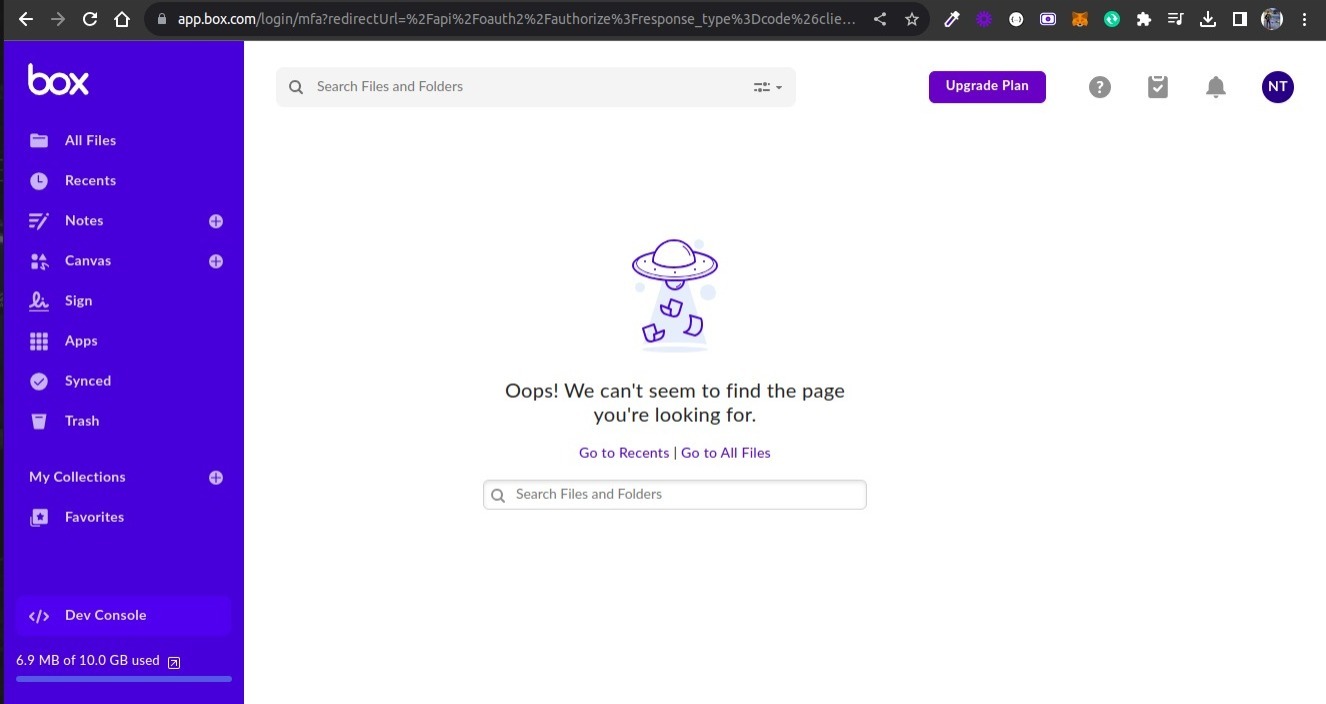
Our Use Case: We are a SaaS vendor with security concious enterprise customers. We recommend that our customers connect their cloud storage provider (e.g., Google Drive) so that we can import configuration files and export report files. We would like to add Box to our list of supported cloud storage providers. We would be implementing a Box custom app. Our current recommendation to our customers for other cloud storage providers: Create a cloud storage user account specifically for our app, with access only to folders intended for import/export. From within our application, the organization admin enables the integration to their cloud storage provider (we have a plugin/app concept). On integration enablement, we start an OAuth2 flow; the customer enters the user described above, and we obtain the temporary code (i.e., ?code=… on the redirect). We immediately send the temporary code to our server. The server exchanges the temporary code for a refresh token (i.e., this is to avoid the c
Hi! We have gotten a report of an “access_denied_insufficient_permissions” error when our connector is trying to fetch users via the “https://api.box.com/2.0/users” endpoint. The authentication works as expected. These are the permissions setup in the app: Manage users Manage enterprise properties They are reporting that they are using Box for education. As far as I can tell Box for education is either Enterprise or Enterprise Plus at a discounted price, and not a separate product. Or are there any API limitations for education plan customers and this is expected behavior?
I see that box allows me to upload a folder containing multiple files. Is there any way to do that all the files in the folder have been uploaded, I am looking at webhook but could not utilize this event because FOLDER.CREATED is issued before all the files have been uploaded.
Hello! I am trying to use the API to add a security classification to a folder and then create a metadata cascade policy so that the classification cascades to anything added to that folder. I can add the classification successfully through the API, but I cannot create the metadata cascade policy. In Postman, my request body to create the metadata cascade policy looks like this: { "folder_id": "12345678901", "scope": "enterprise_XXXXXX", "templateKey": "securityClassification-6VMVochwUWo" } But this returns a 404 error. Is there something wrong with my request? Or am I missing a step somewhere else? I’m able to do this successfully through the Box CLI, but not by making API calls through my integration app (which uses OAuth 2.0 w/ Client Credentials Grant (Server Authentication)).
I created personal Box account and am attempting to request a token using the client ID and secret. I am getting the following error. {“error”:“invalid_grant”,“error_description”:“Grant credentials are invalid”} Here are my application settings and requests: App access level : App + Enterprise access Authentication method: Server Authentication (Client Credentials Grant) curl -X POST https://api.box.com/oauth2/token -d “grant_type=client_credentials” -d “client_id=redacted” -d “client_secret=redacted” -d “box_subject_type=user” -d “box_subject_id=redacted” I am providing the user_id of my Box account as the box_subject_id.
I am trying to call the Box api with c# and search for documents and get their metadata. I am able to see the metadata when I pass “metadata.enterprise.{metadata_template_key}” in a string array into the fields for the Search Manager. How am I able to extract that data? I do not see a way to get it from the BoxItem type. I know I can make a second call to get the metadata directly but I would have to make this call on all the documents the search api returned. I would like to prevent making so many calls if possible.
Hi, While fetching files from user of my organization. I am unable to fetch shared documents which is shared by user which is not in my organization. So, is it expected behavior. Also, in total count it displayed count with shared files but in entries it did not return the shared files.
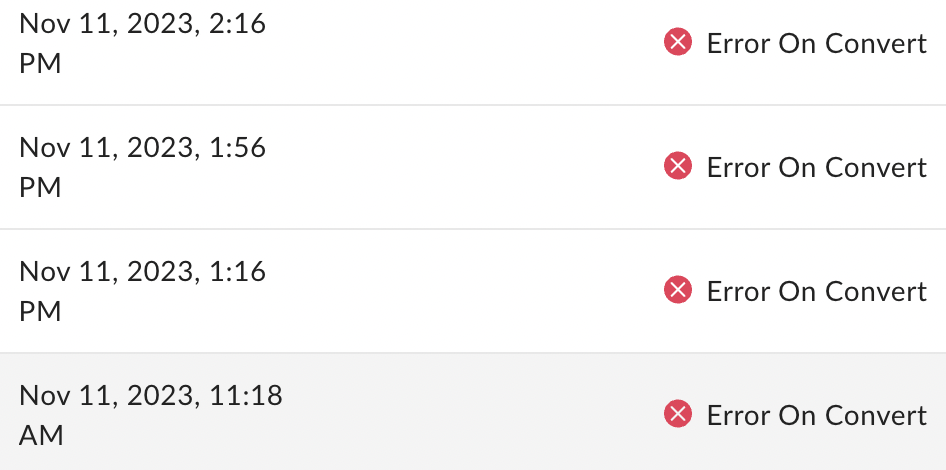
I regularly access files over FTP. This has not been a problem until recently. But at the moment, although FTP login is still successful, I receive a “Error on input file” error when attempting to get any file. Please help me resolve this.
Hey, I’m new to using box and I’m trying to explore the SDK/APIs. I want to generate a pre signed url (like in S3) to allow the user to upload files directly through my UI without having them interact with box. Also, is there a way to test the paid features like get a direct download link using my free dev account?
Hi all, I’m using the boxsdk python lib to search for files, and then retrieve the file’s content as a string. Something like: search_results = box.search().query(<my_params>) for file in search_results: content = file.content() Problem is after this point, the Download API returns binary data that I can’t seem to decode, I’ve tried different encoding formats using python’s in-built decode, utf-8, ascii, iso, etc. Is there some way of properly decoding the binary data into string text? Of course, I’m aware this won’t work for most file types, but would at least like to get .doc, .docx, .txt files as a starting point. I also don’t need to store the content into a file locally, just need to output the file contents. Thank you!
I have created application with Client Credentials Grant and when i am trying to use it with box_subject_type=user. i am getting “Grant credentials are invalid” error. I have checked client ID and client secret and user ID. Also I have checked App Access Only as i am trying with user subject type Note: I am using newly created free account without any subscription or trial
The get sign templates listing API call is returning a 500 Internal Server Error for me. This seems to be irrespective of whether making the call as a particular user or standalone. API: https://developer.box.com/reference/get-sign-templates/ Call fails whether through code or just curl, e.g. curl -L -X GET “https://api.box.com/2.0/sign_templates” -H “Authorization: Bearer <ACCESS_TOKEN>” Response is HTTP Code 500 “Internal Server Error” Anyone else see this when making a call to that API endpoint?
I’m trying to authenticate with OAuth 2.0 and I keep getting 401 unauthorized errors. I know for sure that I’m using my correct Client ID and Client Secret, so I’m not sure what’s going wrong.
While checking pricing page in Box I saw we have 50000 API calls per month for Business Plan and for Enterprise we have 100,000 API calls per month. So, can anyone explain me how it’s work and where I can check how many requests are pending.
I have a folder ID and I have a leaf name. What I want is the full file details. At the moment I list the folder and look for the leaf name. This works but for large folders is very slow and requires lots of API calls. Is there an API which takes as input a folder ID and a leaf name and returns a file info just for that file? The best I’ve seen is get-search but that has several problems - it does a recursive search when given folder IDs which I don’t want, and I want an exact match for the file name, not a fuzzy one (its still fuzzy if you use “double quotes”). Any ideas? BTW this is for rclone!
Hi, a partners is sharing files with us through a box.com account. The files are store in folder tree. There are over 25K of files stored. We receive an xls files containing only filenames. We need to download files based on a filename but I do not know in which folder the file resides. I have made some attempts in python to search and download files, but it looks like my approach is incorrect or I am hitting API rate limits. I have noticed that if I have the file ID I can easily download the files, but I only have the filenames. What would be the best approach for me to create a automated solution using python and the box.com API? Would it be easy for the partner to give me the file_ids? Is there an easy way to retrieve those from all files that are uploaded? Or is there a fast way to search based on filename? I would love to hear what your approach would be.
Hi, when creating group with this Box API: developer.box.com Create group - API Reference - Box Developer Documentation Explore the Box APIs and SDKs to use for app development, API documentation, developer support resources, and access the Box Developer Console There are 3 options to choose from for member_viewability_level: admins_only - the enterprise admin, co-admins, group’s group admin admins_and_members - all admins and group members all_managed_users - all managed users in the enterprise Also in admin UI there is Permission Setting on group page with also 3 options, but they don’t match. When creating group with API, this is how chosen options are reflected in UI: admins_only → Admins only admins_and_members → Admins only all_managed_users → Company But I can’t figure out they way to set Permission Setting to “Group members” no matter what options I pass through API, how can I do this?
Hi, I am a dev for a research project. Each month a dataset is collected and uploaded to a particular Box folder to be shared with research partners. I am not the owner of the target Box folder, just a dev assigned to automate the upload process. I have looked at the docs but have confused myself. The Owner of the upload folder needs to create an API key/token or otherwise grant access for an automated process to upload a file. I am not sure though what level/type of access to ask the folder Owner to grant. The code I write will run unattended once a month. It should not run “as me” as I will be reassigned to a different project after this uploader is running. Is a “Service Account” all that is needed? I will need to educate the Owner on what to enable and I am not sure what to tell him at this time. Thank you in advance
Hi All, We are facing an issue w.r.t. box file picker on iOS devices. We have integrated file picker as per documentation but while sharing the files and after selection of files, we need to press select button twice to complete the operation and dismissing the file picker. Thanks.
Box Workshops are a great way to get yourself familiarized with the Box Platform or event explore some feature you haven’t used before. These workshops have been designed to be hands on and self paced, so you can explore them on your own terms. Feel free to post feedback and comments.
Can I use the SDK with JWT authentication on the free plan? If not, what plans allow me to use the SDK with JWT authentication? Currently, I’m not very familiar with BOX’s pricing plans…
Hi! I have a question about Box’s OAuth2. How many refresh tokens can be obtained simultaneously per client ID for Box? For instance, GOOGLE allows up to 100 refresh tokens to be obtained for one Client ID. There is currently a limit of 100 refresh tokens per Google Account per OAuth 2.0 client ID. If the limit is reached, creating a new refresh token automatically invalidates the oldest refresh token without warning. This limit does not apply to service accounts Google for Developers Using OAuth 2.0 to Access Google APIs | Authorization...
If I have an id but I don’t know is it a file or folder id, what is the easiest way to find it out? In another words, how to get type (file or folder) by object id?
When requesting a the information about a File using GET /files/:id?fields=representations each entry is supposed to contain a content property that has the url_template. Is that incorrect? If so, why would that not be included?
I wanted to register for a developer account from the Box page (Creating Your Developer Account – Box Support), so I clicked on the Developer Sign Up Page (https://account.box.com/signup/developer) linked on that page. On the page after clicking, I couldn’t find the section that would allow me to become a Developer, and instead, the usual sign-up page for a regular account was displayed. I would like to develop and test Box applications, but it seems I cannot do that with a Personal account. Could you please provide guidance on how I can proceed with development? best.
Already have an account? Login
No account yet? Create an account
Enter your E-mail address. We'll send you an e-mail with instructions to reset your password.