Question

Why can't I create Hubs?

  • November 11, 2025
  • 1 reply
  • 17 views

I want to create a Hub, but it’s not in my left-hand menu. 


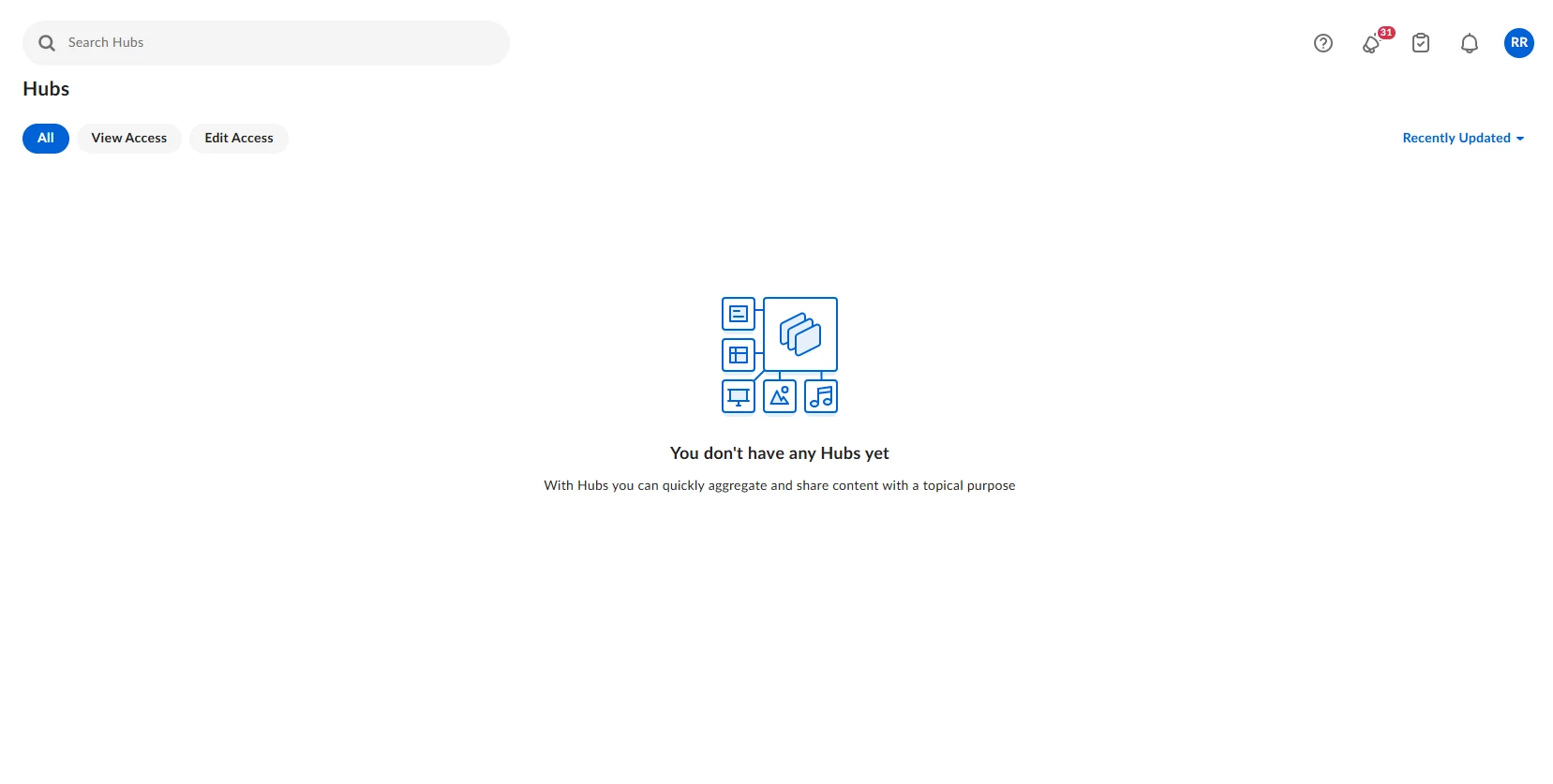
When I visit https://app.box.com/hubs I can only see this. 


I’m admin, so don’t understand why I wouldn’t have Creation rights.


1 reply

  • New Member
  • January 24, 2026

This assumes you have an Enterprise-level plan that has Hubs:

1. Check that Hubs is enabled for your org

As Admin:

  1. Go to Admin Console → Enterprise Settings.​

  2. Open the Content and Sharing tab.

  3. Scroll down to the Hubs section and click Configure.​

  4. Under “Box Hubs” (or similar): choose one of

    • Enable for all Hubs users (recommended)

    • Enable for select users or groups

    • Enable for everyone except select users or groups.​

  5. Save changes.​

If this is set to “Disable for all Hubs users”, nobody will see Hubs or be able to create them.​

2. Make sure you’re allowed to create Hubs

Within that same Hubs configuration pane:

  1. Look for visibility settings of Hubs in the navigation menu.​

  2. Set Hubs visible to either:

    • All managed users (recommended), or

    • Only users with permission to create Hubs.​

  3. If you pick the second option, ensure that:

    • You (your user or an admin group you’re in) are included in the “select users or groups” allowed to create Hubs.

If Hubs are visible only to “users with permission to create Hubs” and your account isn’t in that allow-list, you won’t see the Hubs tab or New Hub option even as Admin.
