Question

User cannot see any files after login – folder index corruption suspected

  • February 23, 2026
  • 4 replies
  • 26 views

Our user can log in to Box normally but All Files shows completely empty. We have confirmed: - Correct email is used - Permissions are correctly assigned and re-shared - No filters applied - Other accounts can see the folders normally - Clearing cache/cookies, different browsers, different devices all have no effect This appears to match Box known issues regarding corrupted file/folder index for the user. Please run the script to repair the user's account index (storage count / folder map).

User email: <personal information removed>
4 replies

  • Community Manager
  • February 23, 2026

Hi ​@Cornelia,


Welcome to Box Community and glad to help!

Can you please try again the following preliminary troubleshooting steps:


If the issue persist, could you kindly confirm if your account has two-factor authentication (2FA) enabled, and whether you were able to access your account settings to review the 2FA section.


Thanks for posting! 


  • Author
  • New Participant
  • February 24, 2026

We already performed these actions yesterday, but none of them worked.
We even tried the following:

  1. Logging in with another person’s account on this computer → successful, and all data was visible.
  2. Changing the network → no effect.
  3. Logging in on a different computer with this person’s account → still not working.

It is quite clear that the issue is related to this specific user account, not the device or network.


  • Author
  • New Participant
  • February 24, 2026

We are using mobile-based two‑factor authentication (2FA).
Yesterday morning, the user’s mobile phone had an issue and was unable to receive SMS messages. The BOX 2FA SMS messages only arrived gradually in the afternoon.

However, after that incident, when we attempted to log in to BOX, the system no longer displayed the 2FA verification page.
We are not sure if this behavior is related to the earlier SMS problem.
We also tried logging in again today, and the 2FA page still did not appear.


  • Author
  • New Participant
  • February 24, 2026

Yesterday morning, the user attempted two‑factor authentication (2FA) eleven times, but all attempts failed because her mobile phone did not have network access at the time, so the SMS messages did not arrive.
After her network was restored in the afternoon, she received all eleven 2FA SMS codes at once.

However, since then, when attempting to log in to BOX, the system no longer displays the 2FA verification screen.

This morning, we tried the following actions:

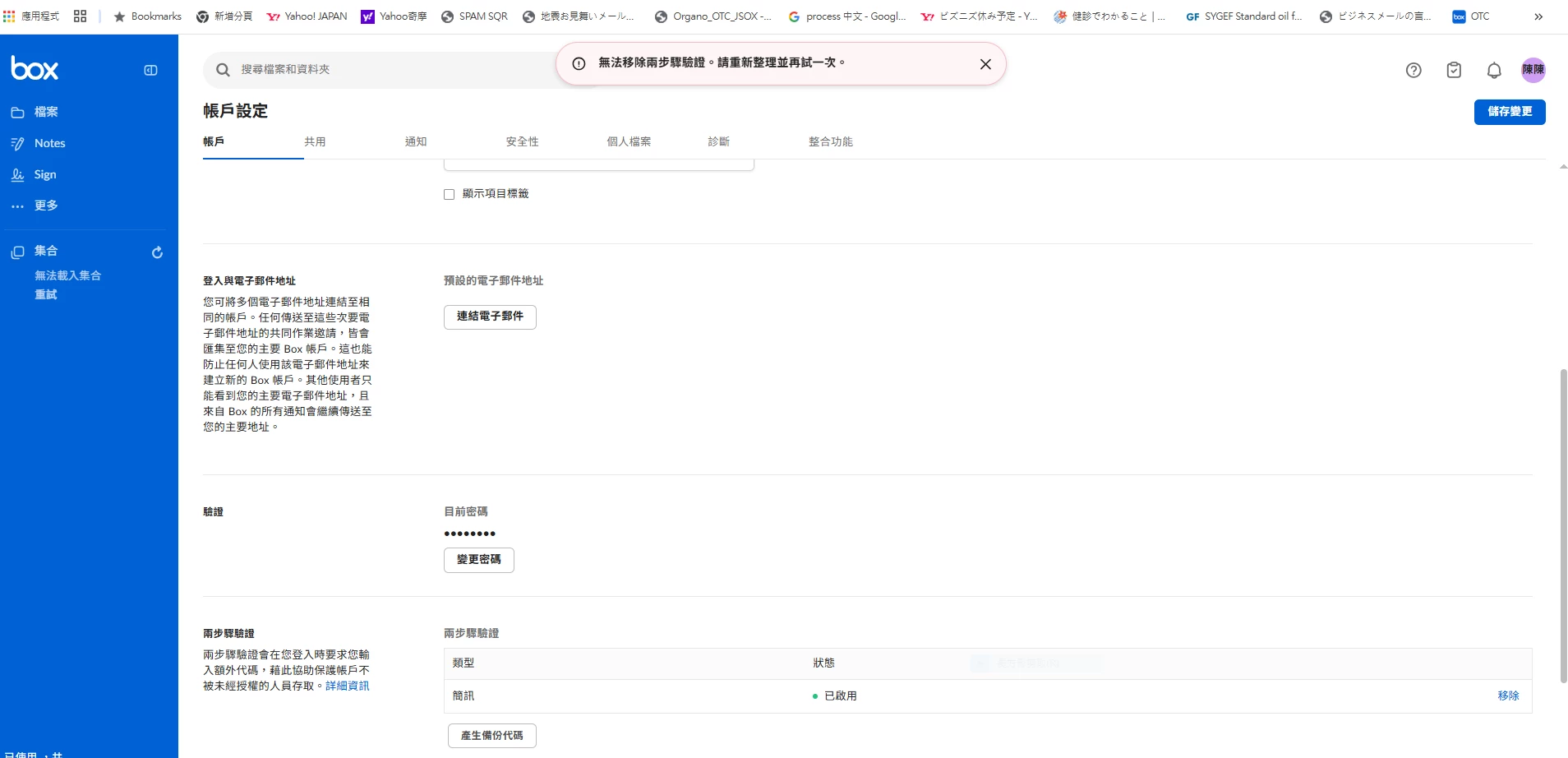
  1. Remove two‑factor authentication
    → The system showed the message: “Unable to remove two-step verification. Please refresh and try again.”("無法移除兩步驟驗證。請重新整理並再試一次")


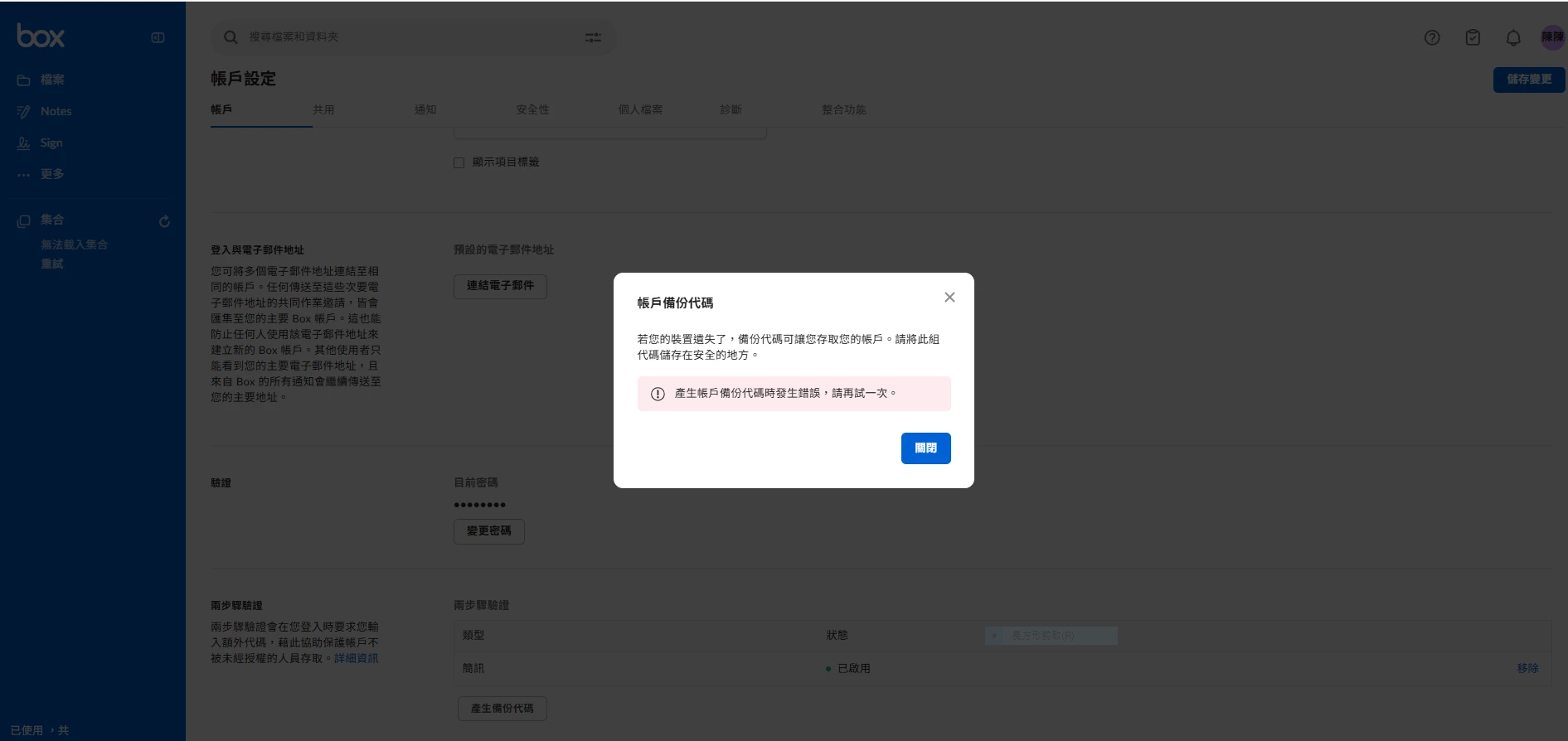
  2. Generate backup codes
    → The system showed the message: “An error occurred while generating account backup codes. Please try again.”("產生帳戶備份代碼時發生錯誤,請再試一次")