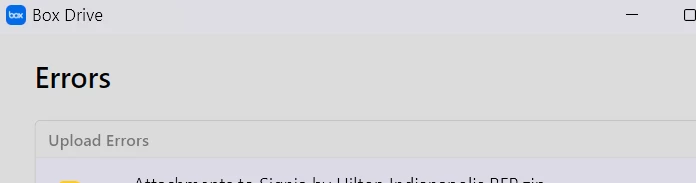
Upload error messages won't go away! How do I make this stop???? I am so beyond frustrated, and it looks like I am not the only one who has this issue!
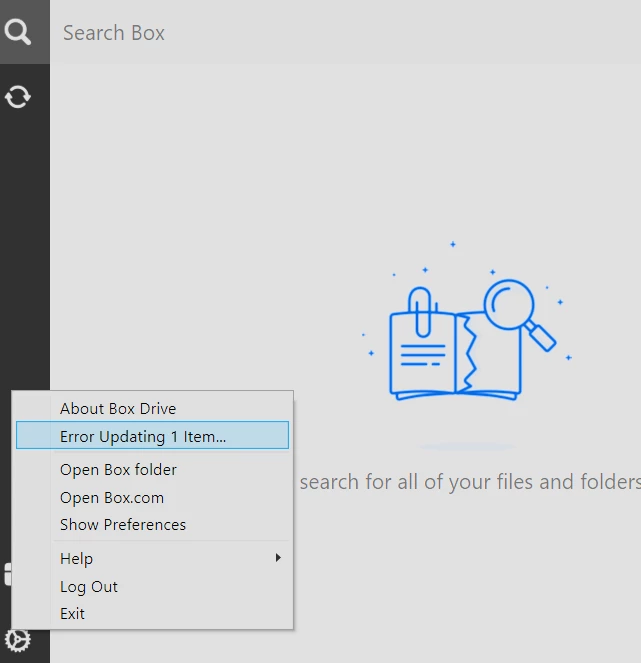
Navigate to the search menu by going to the system tray and clicking the Box icon.
Alternatively you can use the keyboard shortcut Ctrl + Alt + Shift + B.
Click the gear icon, and from the list that displays click Log Out.
*Reminder before you logout -- logging out of Box Drive will permanently delete unsynced files from your local Box folder.
To secure your unsynced files, ascertain whether any files exist in C:\users[USERNAME]\AppData\Local\Box\Box\unsyncedFiles.
These are files that have not been uploaded to Box. If these files do exist, and if you want to keep them, copy them to any location outside of C:\users\[USERNAME]\AppData\Local\Box\Box\ (such as your desktop).
Hope it helps! Let us know should the issue persist.