
Question

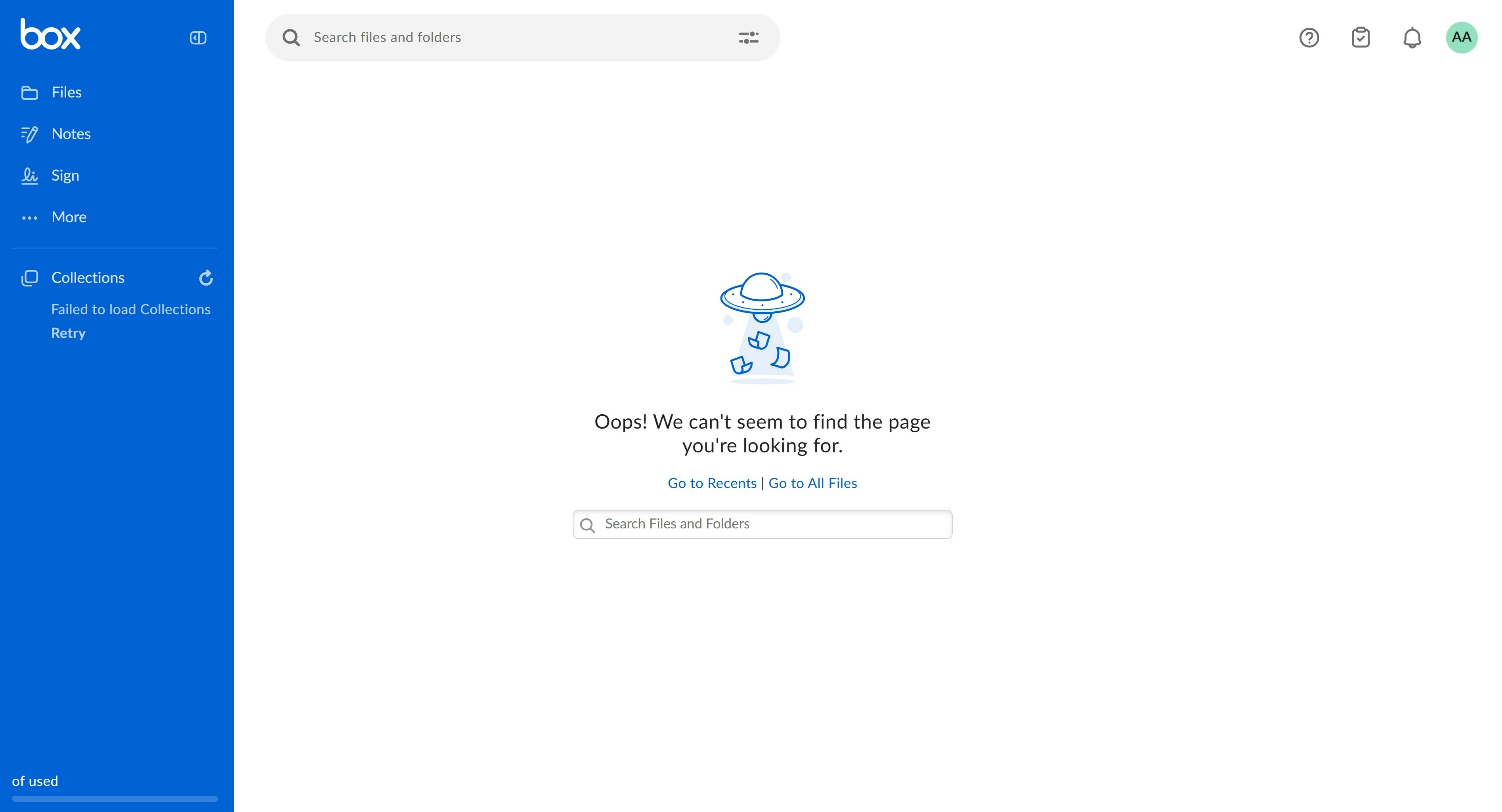
Unable to view collaboration files

  • December 18, 2025
  • 3 replies
  • 31 views

My colleague was added by the client to collaborate on shared files. When she logged in from the invite link, the above error appears. The client has also tried removing and re-adding her to the files, but the same error appears. Can you help to troubleshoot and assist on resolving this issue please.

3 replies

Rona Box
  • Community Manager
  • December 18, 2025

Hi ​@BOX User

Welcome to Box Community, and we’re glad to provide more details regarding this error despite granting user access to the folder. 


Does the user have more than one Box account? If yes, is the user logged in to the Box account where she was invited to collaborate? 

Please make sure that the invitee’s login email address is the same to the email you’ve used to send the collaboration invite. 


For more details, please check out this article,  “Unable to Access Content- User Signed into Wrong Account.”


Thanks for posting! 


  • Author
  • New Participant
  • December 19, 2025

The user only has 1 BOX account and yes, the login email address is the same email that was used to send the collaboration invite. Please help to assist on this error. Maybe we can connect separately to resolve this? Thanks.


Rona Box
  • Community Manager
  • December 19, 2025

Hi ​@BOX User

Thank you for getting in touch, 

Now that we’ve established that the invitation was sent to the correct email account. Could you instruct your invitee to look for pending invitations? 


To find and resolve a pending invitation:

  1. In the left menu of your Box account window, click Files.
  2. In the pending invitations panel under ACTION REQUIRED, hover on the name of a file or folder.
  3. To see details about the invitation, click the ellipses, "...", and select View Details.
  4. To decline the invitation, click the ellipses, "...", and select Decline All.
  5. To accept the invitation and gain access to the project's content, click Accept.


Hope it helps!