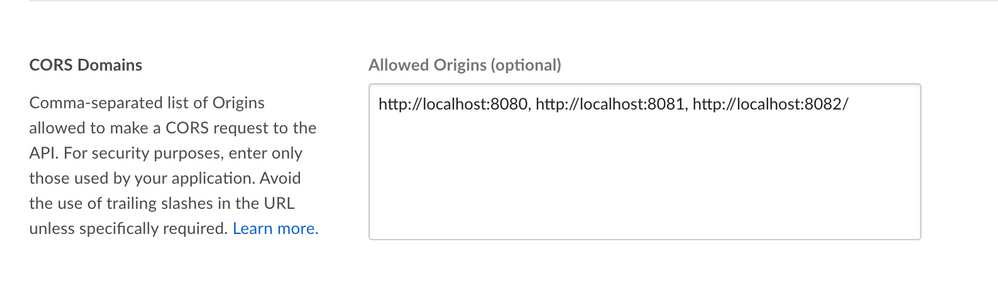
im getting below message while uploading file from my angular5 web application running on url http://localhost:4200
- HttpErrorResponse {headers: HttpHeaders, status: 403, statusText: "Forbidden", url: "https://upload.box.com/api/2.0/files/content", ok: false, …}
- error:
- code: "cors_origin_not_whitelisted"
- context_info: {origin: "https://gecustomer-portal-uiversionfinal-nov3-harshanew.run.aws-usw02-pr.ice.predix.io"}
- help_url: "http://developers.box.com/docs/#errors"
- message: "Access denied - Did you forget to whitelist your origin in the CORS config of your app?"
- headers: HttpHeaders {normalizedNames: Map(0), lazyUpdate: null, lazyInit: ƒ}
- message: "Http failure response for https://upload.box.com/api/2.0/files/content: 403 Forbidden"
- name: "HttpErrorResponse"
- ok: false
- status: 403Could you please help me to solve this issue
- error: