Question

Unable to install Box Drive

  • September 7, 2026
  • 7 replies
  • 88 views

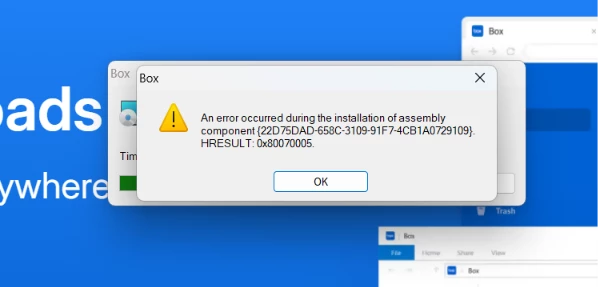
I have uninstalled Box Sync, but I am still unable to install Box Drive. When trying to install the application I get this message: 
 

7 replies

Rona Box
  • Community Manager
  • September 7, 2026

Hi ​@RobO, 

Welcome to Box Community, and we’ll help install Box Drive in your machine! 

Try removing the traces of Box Sync in your machine by running the Microsoft’s fix-it tool and move on to install Box Drive here. 


Hope it helps! Feel free to reply if you have additional questions. 


  • Author
  • New Participant
  • September 9, 2026

No luck. Same thing happens.


  • Author
  • New Participant
  • September 13, 2026

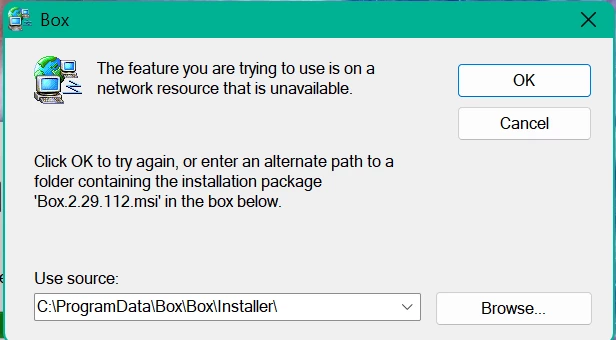
Uninstalled everything I possible could related to Box, and I still can’t install Box Drive. The only thing left is a ‘blank’ icon in installed apps. When I try to uninstall this, I get the same message as shown above.


  • Author
  • New Participant
  • September 19, 2026

No help?


  • Box Employee
  • September 22, 2026


The issue seems to be rooted in something Windows sided.

Does downloading a new copy of the .msi, hitting “Browse” in the pop-up you’re observing, and linking to the newly installed .msi allow installation to proceed? 

Alternatively, folks in the past (like this or this post) have seen success following one of the solutions on this page. 


  • New Member
  • October 9, 2026

Having a similar issue.  Trying to move from Box Sync to Box Drive.  It fails every time during install with this message.  I don’t see anyway to uninstall BoxSync under programs and I’m also seeing a D Drive with a question mark?  I’m on latest Windows 11.


  • Box Employee
  • October 9, 2026

​@KerryB This is presumably on your personal machine?


Separately, could you try running the .msi as an administrator and see if that helps? The 0x80070005 code looks like there might be a permissions error.


I don’t see anyway to uninstall BoxSync under programs

Is Box Sync still installed after this error?


I’m also seeing a D Drive with a question mark

Can you provide a screenshot of this?