
Question

Unable to access shared file owned by someone who no longer uses that account

  • November 19, 2025
  • 3 replies
  • 14 views

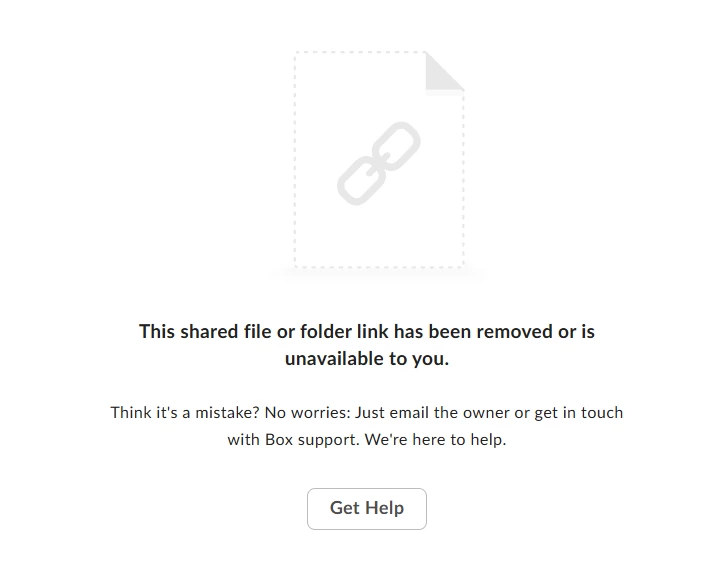
While trying to access a box link which was previously accessible to me, I am not able to access the link and get an error page (screenshot is attached below). I think the owner is no longer part of the organization to confirm on the document. Could you please help to check how we can get the access to the document back?



3 replies

  • New Member
  • November 18, 2025

I access Box as an non-government end user via USAFX.  I use a gmail address.  There are two departments that upload documents to me - Probation and AUSA.  I can see the items uploaded and authorized by probation.  The AUSA sends me a different link for discovery, but I always get the following message :”This shared file or folder link has been removed or is unavailable to you.”  I know I am authorized and that the AUSA has created the link.  Sometimes when I log in, there is no information in box.  My questions, is there some kind of issue where two different departments are tryign to upload documents to the same gmail box credentials?  What else could it be?


Rona Box
  • Community Manager
  • November 20, 2025

Hi ​@Amritha

Welcome to Box Community, and we’ll assist with your shared link error. 


If the shared link you used to have access with has stopped working and began to displaying such error. It could mean that your shared link has been removed or the link has expired. 

At this rate, you should report this to the sender or owner of the shared link to re-share the Box content and create a new shared link. 


To know more about this error, please checkout this article.


Hope it helps, and if you have additional questions please feel free to reply in this thread. 


Rona Box
  • Community Manager
  • November 20, 2025

Hi ​@Juangmgo, welcome to Box Community and I moved your post to this related article, please join our discussion. 


Kindly reach out to the owner, and ensure that the access type is set accordingly so you would be able to preview their content. 


Please see the details below when setting the shared link’s access type: 


When you create a shared link, you have these access permissions from which to choose:

  • People with the link:  Anyone with the link can access the item and no Box account is required. For extra security, you can also set a password or expiration for the link, as well as restrict download and/or preview access for link viewers.
    • Password-protected shared links are available to all paid Box User accounts.  All passwords for open shared links require at least eight characters, and should contain at least one uppercase letter, number, or special character.
  • People in your company:  Only people who: 1) are managed on a Box account (Starter and above); (2) have an email address that matches a domain registered with Box for the account that created the link, can access the link. For example, if acme.com is a registered domain on your account, all managed account members with an email address ending in acme.com can access this type of link. People who do not match a domain listed on your account cannot access the link, even if they are managed members on your account.
    • When accessing the link, collaborators must log in to Box to verify their identities. People in your company is disabled if you do not have a valid business domain registered with Box.
    • Collaborators in the folder can also access content if People in your company is selected.
  • Invited people only: Only people invited to the folder or file can access the content. Collaborators already have access to their content, but can easily direct one another to a specific file or folder using the shared link.


Hope it helps!