Question

Template folder tree in salesforce opportunities

  • May 22, 2025
  • 3 replies
  • 42 views

Forum|alt.badge.img

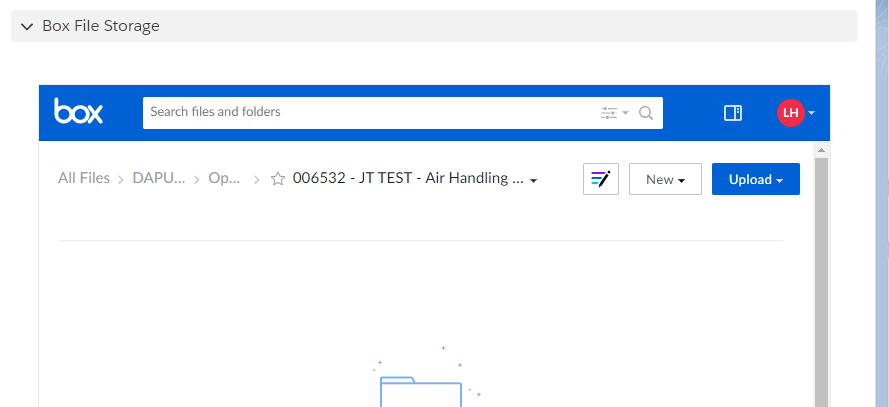
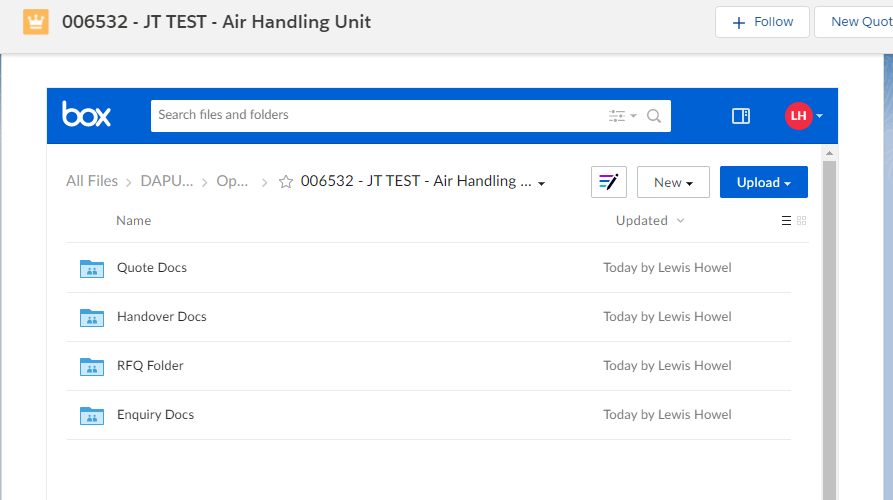
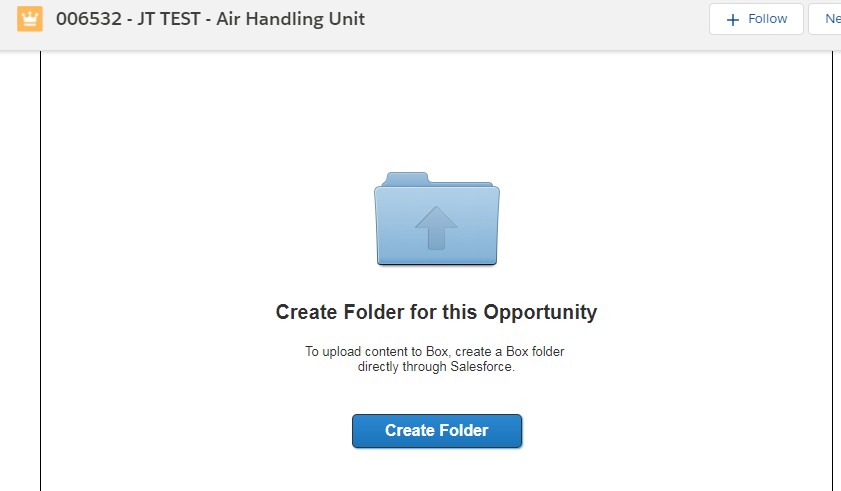
when a user clicks create new folder on salesforce opportunity, i want it to create a template of sub folders (enquiry, pricing, technical etc.) I have no idea how to do this...BOX_06gso7ct37qhdlk8bdzruf51x9gbc7ps.pngBOX_di4zjsu4i7d4j92kr2598lc70kczns7q.pngBOX_xam5g0zhiak8o3srzpjw5y5r99foy3tk.png


3 replies

Forum|alt.badge.img

Hello Lewis,


I am no expert, but I found the documentation example helpful for this:

// Instantiate the Toolkit object
box.Toolkit boxToolkit = new box.Toolkit();

// Create a folder and associate it with an account
Id accountId = '***number removed for privacy***FBozz';
String accountFolderId = boxToolkit.createFolderForRecordId(accountId, null, true);
system.debug('new item folder id: ' + accountFolderId);

// Create two sub-folders in the newly created account folder
String legalFolderId = boxToolkit.createFolder('Legal Documents', accountFolderId, null);
system.debug('Legal Folder id: ' + legalFolderId);
String pictureFolderId = boxToolkit.createFolder('Pictures', accountFolderId, null);
system.debug('Picture Folder id: ' + pictureFolderId);

// Collaborate the current user on the account folder. Note that we're sending false for the optCreateFolder param that shouldn't actually matter since the folder(s) already exists 
Id userId = UserInfo.getUserId();
box.Toolkit.CollaborationType collabType = box.Toolkit.CollaborationType.EDITOR;
String collabId = boxToolkit.createCollaborationOnRecord(userId, accountId, collabType, false);
system.debug('new collaboration id: ' + collabId);

// ALWAYS call this method when finished. Since salesforce doesn't allow http callouts after dml operations, we need to commit the pending database inserts/updates or we will lose the associations created
boxToolkit.commitChanges();

I created a trigger on our Case object that takes the Case Attachments and Creates the Box folder, uploads the files to Box, and then creates subfolders using the code above.


Forum|alt.badge.img

Hi, Everyone,

Thanks in advance to anyone who can help!


New to Box and the Salesforce Toolkit...I'm trying to replicate this creation of a folder template for each Opportunity, in my case doing it in a Trigger. My code is below.


I am able to get the folderId for the first folder, but I don't know where it is actually created. Then my subfolders are just not created. What am I missing? My apologies if it's elementary, as I'm not much of a developer.


trigger createLoanFolders on Opportunity (before update) {
// Instantiate the Toolkit object


for(Opportunity o : Trigger.new){

box.Toolkit boxToolkit = new box.Toolkit();

// Create a folder and associate it with an opportunity

String oppFolderId = boxToolkit.createFolderForRecordId(o.Id, null, true);
system.debug('new item folder id: ' + oppFolderId);


// Create two sub-folders in the newly created account folder
String financialsFolderId = boxToolkit.createFolder('Company Financials', oppFolderId, null);


system.debug('Company Financials Folder id: ' + financialsFolderId);
String healthFolderId = boxToolkit.createFolder('Health Benefits', oppFolderId, null);
system.debug('Health Benefits Folder id: ' + healthFolderId);

// Collaborate the current user on the account folder. Note that we're sending false for the optCreateFolder param that shouldn't actually matter since the folder(s) already exists
Id userId = UserInfo.getUserId();
box.Toolkit.CollaborationType collabType = box.Toolkit.CollaborationType.EDITOR;
String collabId = boxToolkit.createCollaborationOnRecord(userId, o.Id, collabType, false);
system.debug('new collaboration id: ' + collabId);

// ALWAYS call this method when finished. Since salesforce doesn't allow http callouts after dml operations, we need to commit the pending database inserts/updates or we will lose the associations created
boxToolkit.commitChanges();

////

}

}


Thanks so much!

Chris


Forum|alt.badge.img

Are you the Box Admin? You could search under the root folder for the specific Opportunity folder.


It could also be that the FRUP records are not created - these tell Box and SF that you should have access (Read/Write) based on your SF permissions to the object - the Opportunity in this case.


I found lots of info in the Custom Settings in SF - look for "Folder Details" to find your root folders and their Ids.