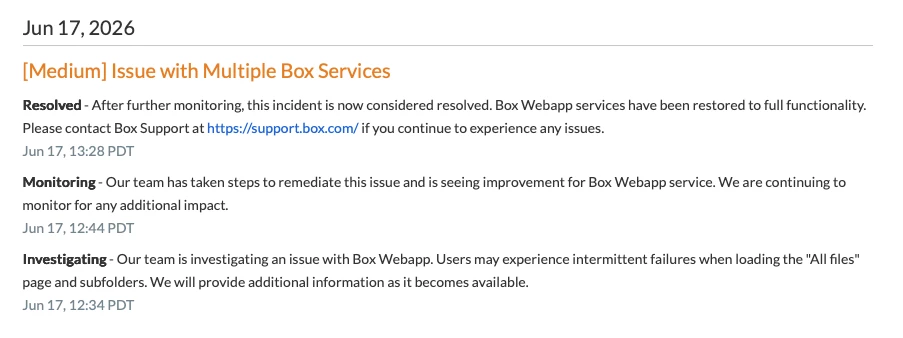
When I sign in, the following message appears.
Oops! Something went wrong. Please contact your IT administrator if you continue to run into this issue.
To tell the truth, I’m the IT administrator in the organization myself, but even if I ask myself how to solve it, I can’t figure anything out😭
Of course, I searched for previous cases of similar issues.
Previous Case1
- Log out and log in to the Box website? → Yeeees. But nothing get solved
- Please try your alternate browser. → I did. I also tried Private-mode. But never solved.
- Clear your browser's cache and cookies. → Same as above
- Make sure your browser is up to date. → I always use the most up-to-date browser. Also, when I signed in with another test user using the same browser, this message didn’t appear.
- Check your firewall if configured. → As I mentioned above, since the issue doesn’t occur with other test users, I don’t think the firewall is the cause.
- Disable plugins,add-ons,extensions in multiple browsers. → Same as above😞
Previous Case2
To get a closer look, please attach a screenshot of your error in the forum.

Does this help?
However, I am able to use Box now
To tell the truth, even though an error message appears, I can still use Box without any issues, so it’s not really causing me any trouble.
It’s been about six hours since the message first started appearing. Should I wait and observe the situation for a while longer until things get a bit worse?