
Question

One folder not showing in our box.

  • December 16, 2025
  • 1 reply
  • 22 views


We previously shared and jointly used the following Box folder with GE Vernova:
https://gevernova.ent.box.com/folder/ [removed by moderator] ?s=9e71grbyshqpkakubpriot5s0h1kxc9u

Currently, this folder is not visible in our Box account. We have verified that the folder is also not available in the Trash.

  1. We have Editor access to the folder (as shown in the attached screenshot).

<image removed - personal information redacted>

  1. We can access other shared folders on our Box home page; however, this specific folder — “N1 Rotor Lock Disc Kaizen_W42 2025” — is not visible.
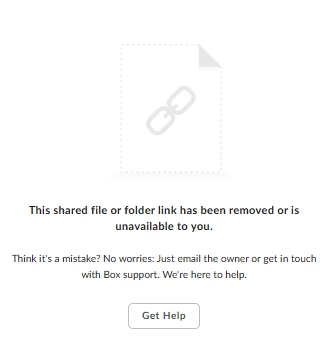
 

  1. We informed our customer, M/s GE, about this issue. After verifying the Box folder and our access permissions, they confirmed that everything is correct from their side.
    Reference IT ticket number: GEVINC0183376.

Kindly check and resolve this issue at the earliest.

1 reply

Rona Box
  • Community Manager
  • December 19, 2025

Hi ​@CKB Group

Welcome to Box Community, and we’re glad to help with your folder access. 


Here’s our answer for more clarification: 

  1. Upon checking, there are no collaborations folder present in your Box account. By any chance, are you referring to someone else’s Box account?
  2. If you have time, please reach out again to the folder owner and make sure that they send the folder invite to the correct email address. One more thing, the screenshot you’ve posted belongs to a shared link error -- please see full details here.  Do you remember receiving a shared link URL or invitation sent by noreply@box.com? 


Note: when an item is shared only through shared link with public access, you can only access them through the shared link provided  and not directly through your Box account. 


Hope it shed light to your issue, however if you have more questions, please let us know.