Solved

Not being able to sign in on Mac

  • July 14, 2026
  • 3 replies
  • 30 views

Hello!


I just created a new personal account with Box and signed out with my institutional account. I can sign in to the new account on box.com but I am unable to do so on the Mac App. I keep getting in a loop wherer the app takes me to box.com to sign-in, the web sign-in opens the box app, and then it gives me the same message that I need to sign in on box.com, and so on over and over again. I uninstalled box from mac, downlaoded box rester app and ran it. Both did not work. 

Best answer by Rona Box

Hi ​@hhadah, thank you for getting in touch! 


This loop occurs when there is a Google association linked to your Box account, and you use the "Sign in with Google" flow when logging into Box normally.


To break the loop and successfully sign in, please follow these steps:

  1. Go to the Box.com (not the Box Drive desktop application) using your internet browser.
  2. Click on your user profile icon in the top-right corner of the page and select Account Settings.
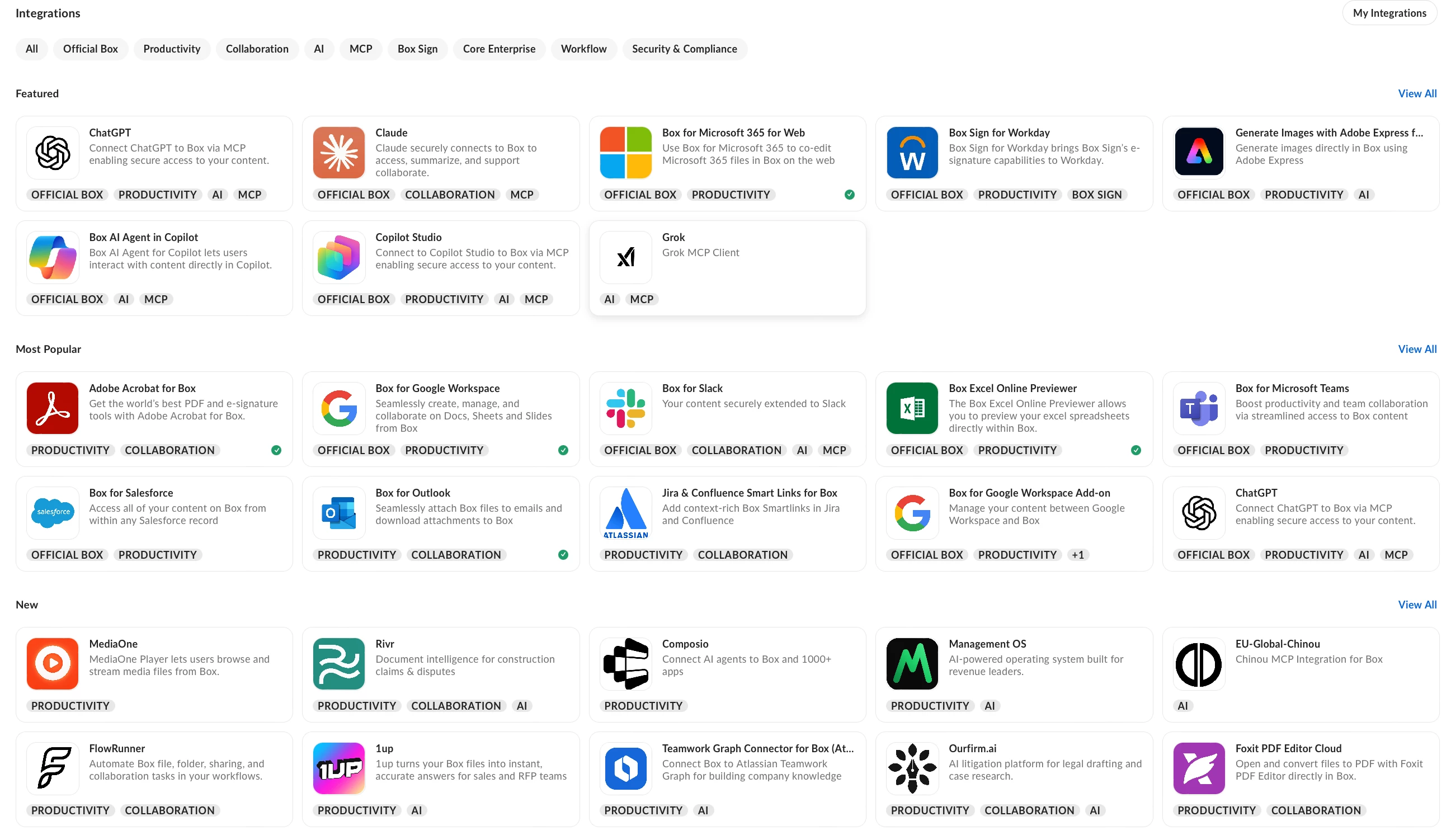
  3. Click on the Integrations tab at the top of the settings page.
  4. Scroll down to the Applications linked to your account section. Locate Google in the list of applications and click the Reset association button next to it.
  5. Once the association is reset, open the Box Drive desktop application and attempt to log in again.


Hope it resolves your login loop issue with Box Drive! Feel free to reply if you have additional questions. 

3 replies

Rona Box
  • Community Manager
  • July 14, 2026

Hi ​@hhadah

Welcome to Box Community, and we’re glad to assist with your Box login. 


Just to get specific information regarding the Box application you’re having issues with. Could you please answer these questions? 

  • What is the Operating System and its version running in your machine? 
  • Confirm the current version of your Box application.
  • Do you get any error message? If yes, feel free to attach a screenshot. 


Thanks for posting! We look forward to hear back from you. 


  • Author
  • New Participant
  • July 14, 2026

Hi ​@Rona Box!

Thank you for responding!

  • My MacOS is Tahoe 26.5.2 (25F84)
  • I am downloading Box version 2.52.312
  • I am not getting any error message, just a feedback loop telling me to sing in using the browser, the browser sign in prompts me to open box, and then box prompts me to sign in using the browser again, and the loop goes on.

Thank you so much for helping!


Rona Box
  • Community Manager
  • Answer
  • July 14, 2026

Hi ​@hhadah, thank you for getting in touch! 


This loop occurs when there is a Google association linked to your Box account, and you use the "Sign in with Google" flow when logging into Box normally.


To break the loop and successfully sign in, please follow these steps:

  1. Go to the Box.com (not the Box Drive desktop application) using your internet browser.
  2. Click on your user profile icon in the top-right corner of the page and select Account Settings.
  3. Click on the Integrations tab at the top of the settings page.
  4. Scroll down to the Applications linked to your account section. Locate Google in the list of applications and click the Reset association button next to it.
  5. Once the association is reset, open the Box Drive desktop application and attempt to log in again.


Hope it resolves your login loop issue with Box Drive! Feel free to reply if you have additional questions.