Question
Lost PSD files
Subject: Missing PSD files in Box: recovery and prevention
Our team just ran into a problem. We work entirely with Photoshop files, and each PSD produces a folder of exported JPG assets. Everything is stored in Box.
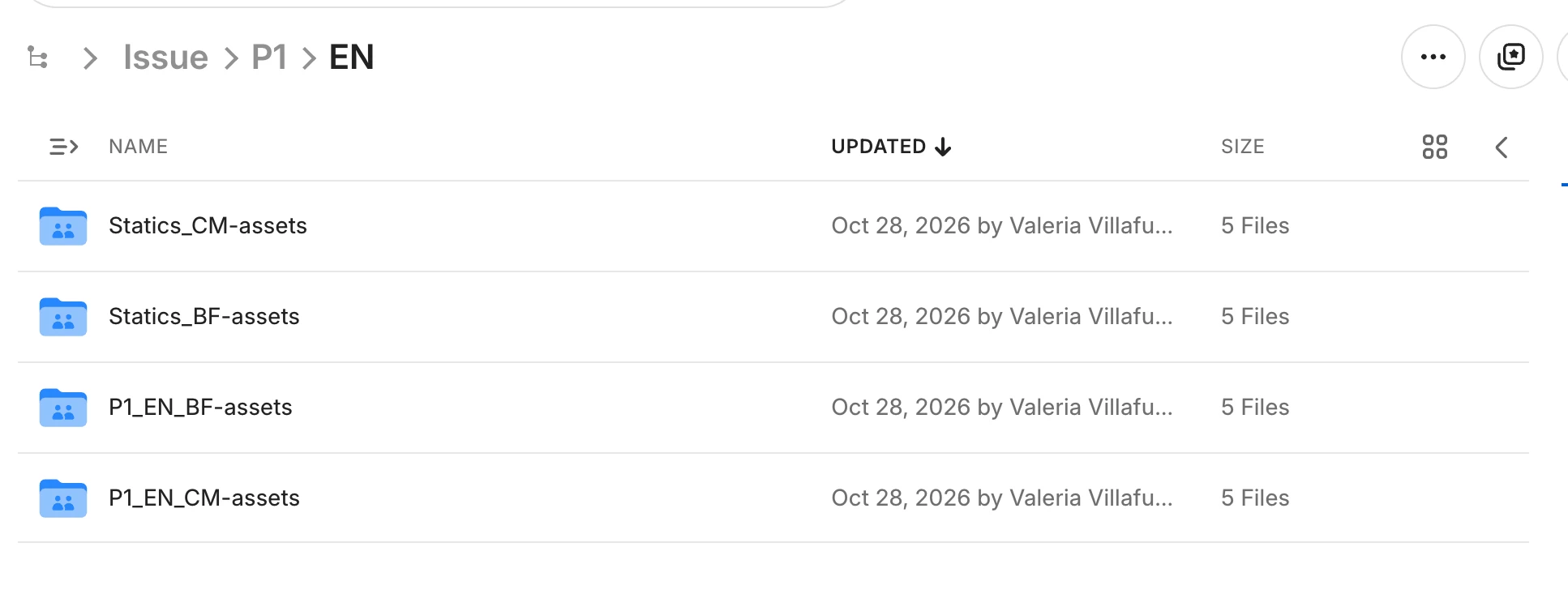
Today we got a change request for one of the PSDs. When we opened the project folder, the exported asset folders were still there, but several of the original PSDs they came from were gone. I didn't delete them.
- How can I recover PSD files that I didn't delete myself?
- How can we keep this from happening again? Right now we have to rebuild the PSD from scratch, and that costs a lot of time.
In the image below you can see all of the assets generated from the PSDs but the PSDs are not available con box.