
Hello,
I have a (free) Box account. I just installed the Box Drive desktop app (on Windows 10), and I'm seriously underwhelmed.
All I get is an ordinary Explorer window, representing a mounted volume (according to the details view), that is nowhere else to be found in the file system or elsewhere in Explorer. (I know the local files are in a folder inside the user profile, but that's not the same.)
There is no drive letter (although a mounted volume might well have one).
There is no online-only/offline choice. There are no overlay (status) icons. There is no configurable sync folder location to be found.
All of those (sans the drive letter) are mentioned in Box support docs, but nowhere to be found in the installed software here.
Preferences are extremely limited. This is all that can be configured:
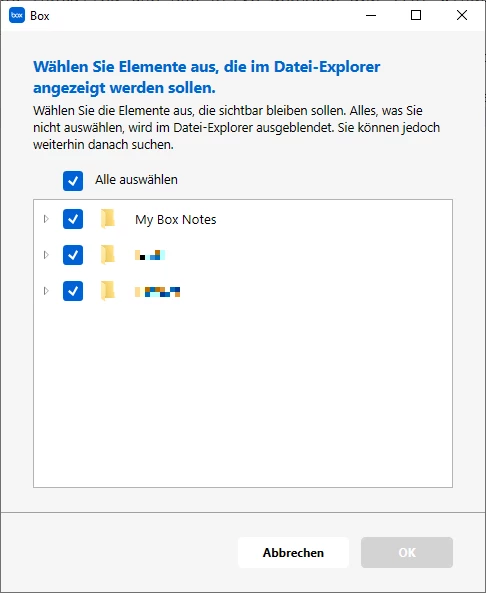
Oh, and the display language can't be changed (my OS is in German, but I'd prefer all apps to be in English).
Is this really "it", or did I miss something?