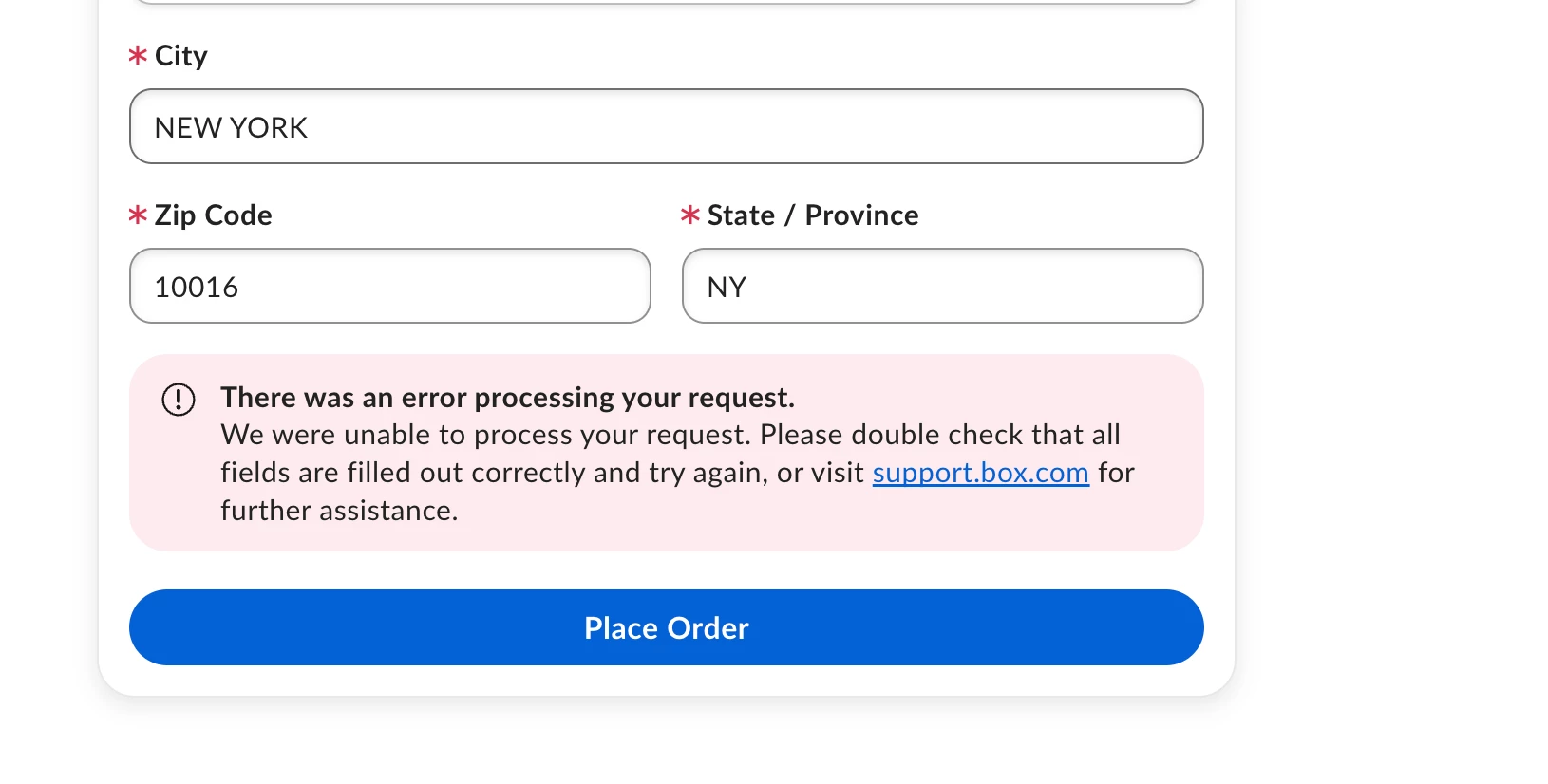
[Summary] I am attempting to upgrade my Free account to a Box Business plan, but I am unable to complete the process due to a recurring error.
[Steps Taken]
-
Created a Free account, verified my email address, and logged in.
-
Clicked the "Upgrade Plan" button in the top-right corner.
-
Selected the "Business" plan.
-
Set the total number of users to "3" and selected "Monthly" billing.
-
As a Japanese user, I initially entered all information (including payment and address details) in Japanese characters. 6. The payment method used is a VISA Virtual Card. To ensure there were no typos, I had multiple colleagues double-check the entered information. I have confirmed that all fields were filled in correctly.
-
After clicking the "Upgrade" button, the error occurred.
[Results] An error message appeared, and the upgrade could not be completed.
[Error Message] "An error occurred while processing your request. We were unable to process your payment information. Please double-check that all fields are correct and try again. If you need support, please see support.box.com."
[Troubleshooting Attempted] To rule out character encoding or browser issues, I tried the following:
-
Changed the language setting from Japanese to English and tried again → Same issue.
-
Simplified the address using English/Roman characters (e.g., "Minato", "Tokyo") → Same issue.
-
Switched between full-width (Japanese) and half-width characters → Same issue.
-
Attempted the upgrade in an InPrivate (incognito) window → Same issue.
-
Searched the Box Community for solutions and found a similar case (https://support.box.com/hc/en-us/community/posts/ [removed by moderator] ), but it did not lead to a resolution.
[Environment]
-
Browser: Microsoft Edge (latest version)
-
OS: Windows 11 Pro
[Request]
-
Please help me complete the upgrade process for my account.
-
Please share this information internally to prevent similar issues from occurring in the future, especially regarding localized input and virtual card processing.
Thank you for your assistance.