Question

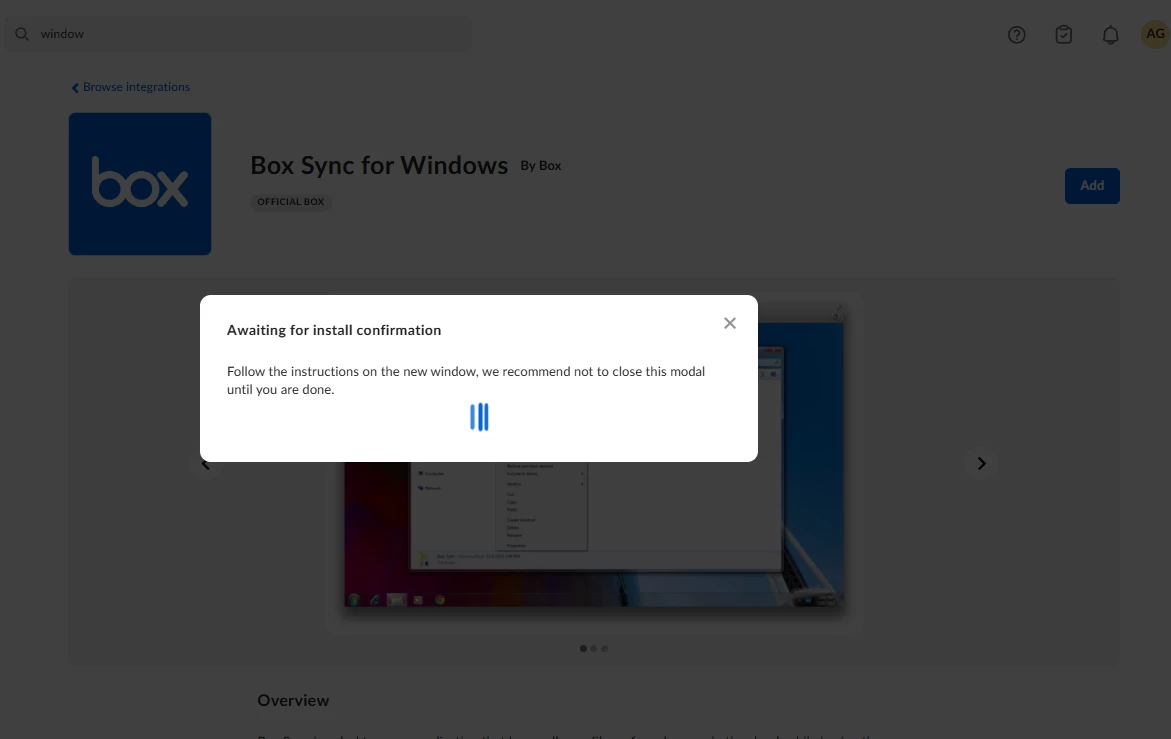
Installing box sync for windows issue

  • December 22, 2025
  • 2 replies
  • 14 views

what is the solution with this problem? i tried to install this again and again but i can’t download it.


2 replies

Rona Box
  • Community Manager
  • December 23, 2025

Hi ​@Eyron

Welcome to Box Community, and we’d love to assist! 


We’ve recently announced the EOL for Box Sync come December 2O26. At this point, I’d recommend on installing Box Drive instead. 


To install Box Drive on Windows:

  1. Download the Box Drive installer.
  2. Navigate to the location where you downloaded the file, and double-click it to run the installer.
  3. Follow the instructions to complete the installation. If Box Drive does not launch automatically when the installation completes, you may need to go to the Start menu and launch the application manually.
  4. You must log in to Box Drive the first time you open it. You may be redirected to your company's login page.
  5. After you log in, Box Drive displays a brief walkthrough of its features. When this completes, your Box content is available at C:\Users\USERNAME\Box.


Hope it helps, and if you have questions please let us know. 


  • New Member
  • December 24, 2025

Hello,
E-ZPassMA
It sounds like you are experiencing repeated issues trying to install a specific program or driver, but it keeps failing and won’t download. This problem could be caused by several factors, including incompatible hardware or software, corrupted installer files, missing dependencies, or network issues. To resolve it, first ensure that the version you are trying to download matches your system’s specifications, including operating system and hardware compatibility. Clear any temporary files, restart your device, and try running the installer as an administrator. If the issue persists, checking official support forums or contacting the software provider for a compatible version may help solve the problem.