Question

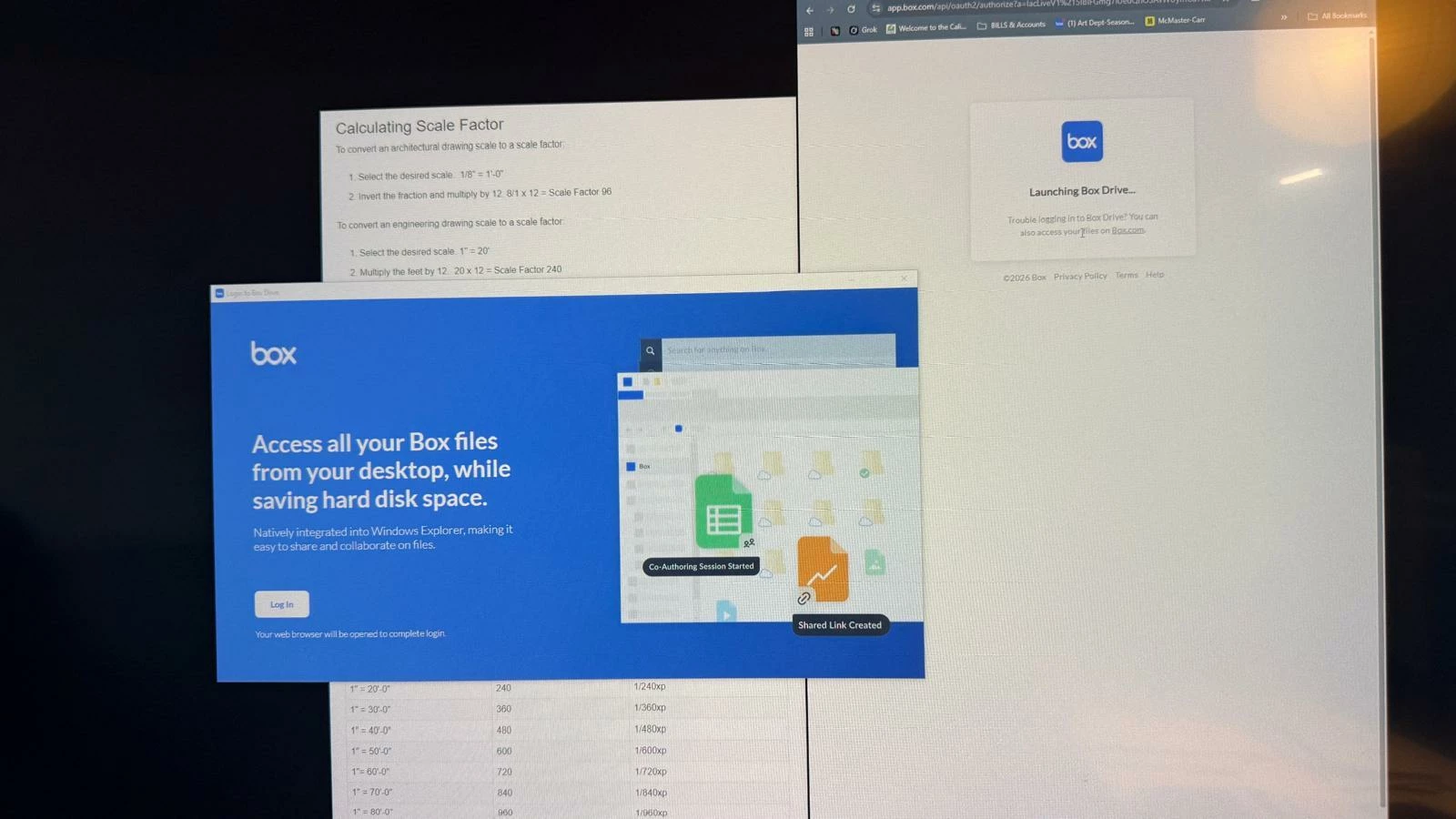
i cant log into my box drive on my pc.

  • February 13, 2026
  • 4 replies
  • 69 views

 i need to talk to someone because every step i took on the community did not work

4 replies

Rona Box
  • Community Manager
  • February 13, 2026

Hi ​@shamim

Welcome to Box Community, and we would be happy to provide additional assistance regarding your Box Drive application. 


I can’t seem to find prior activities in the forum with your Box account. To better assist, could you share more information regarding your issue with your Box Drive? 

  • Your Operating System
  • Box Drive version 
  • Error message 
  • Steps taken, especially those that you’ve picked up in the forum. 

We wait to your reply! 


  • Author
  • New Participant
  • February 18, 2026

Hi, yes of course.

-Operating system: Windows 10. 

-Box drive version: The latest I found on your website. under the properties “Detail” tab is reads: {F7847FF5-3F5D-46AB-A477-CA4EB4A95091}

-Error message: It’s just a loop. After I install the drive, it wants me to login. When i click on the link, and login on the website, nothing happens. (Photo Attached) 


Steps Taken: I closed and force quited Box, ran Box Reset Tool. didnt work. I uninstalled box,  went to Task Manager → Processes → end any "Box" or "Box.exe" tasks and deleted the box folders. 


  • Author
  • New Participant
  • February 18, 2026

I was finally able to make it work. this is what I did: 

  • Open Chrome (or any browser) and go to https://app.box.com (log in if needed).
  • Click your profile icon (top right) → Account Settings.
  • Go to the Integrations tab (or sometimes under "Security" or "Authentication").
  • If you see Google listed/associated, click to remove or unlink it.
  • If prompted, set or reset a direct Box password (under Security tab if available).
  • Save changes, then log out of box.com completely.
  • Restart Box Drive → try logging in again with your email + the direct Box password (instead of Google prompt).

  • Author
  • New Participant
  • February 18, 2026

I was finally able to make it work. this is what I did: 

  • Open Chrome (or any browser) and go to https://app.box.com (log in if needed).
  • Click your profile icon (top right) → Account Settings.
  • Go to the Integrations tab (or sometimes under "Security" or "Authentication").
  • If you see Google listed/associated, click to remove or unlink it.
  • If prompted, set or reset a direct Box password (under Security tab if available).
  • Save changes, then log out of box.com completely.
  • Restart Box Drive → try logging in again with your email + the direct Box password (instead of Google prompt).