Question

I can't see any of my files

  • April 22, 2026
  • 1 reply
  • 8 views

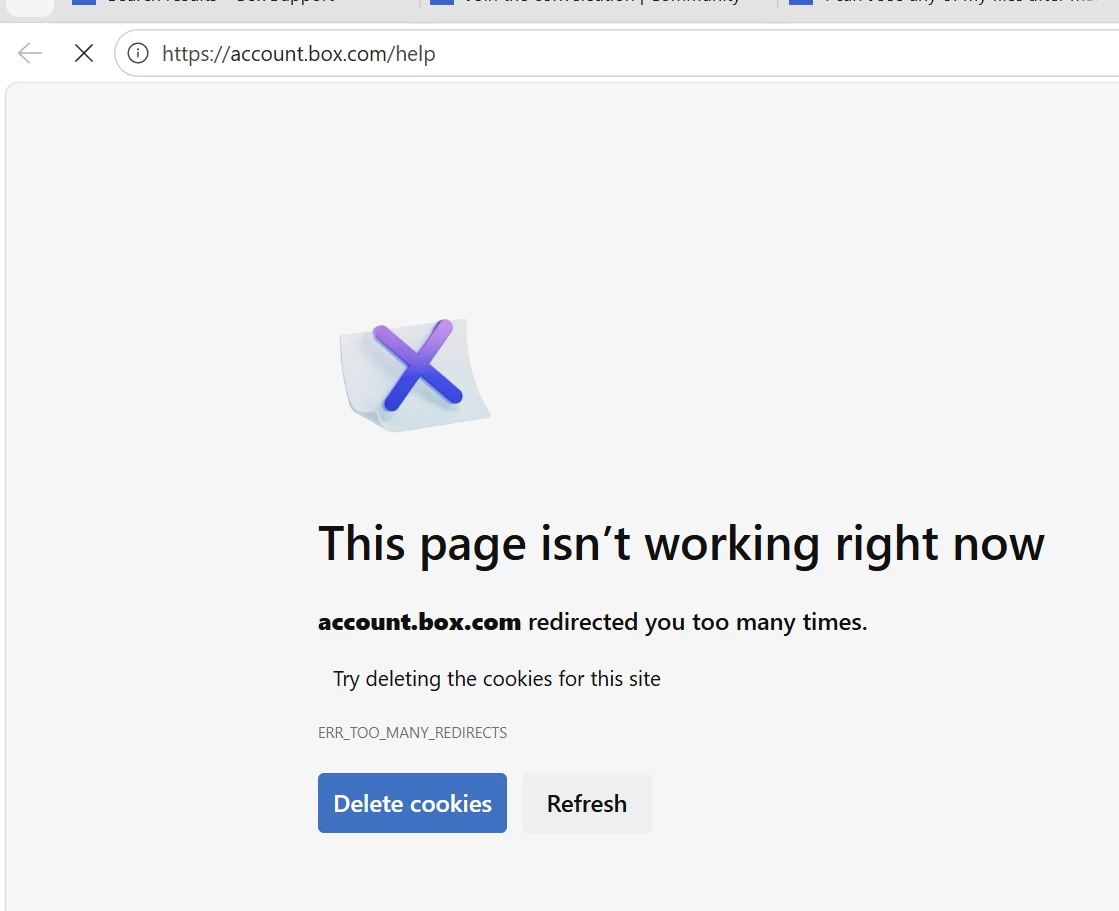
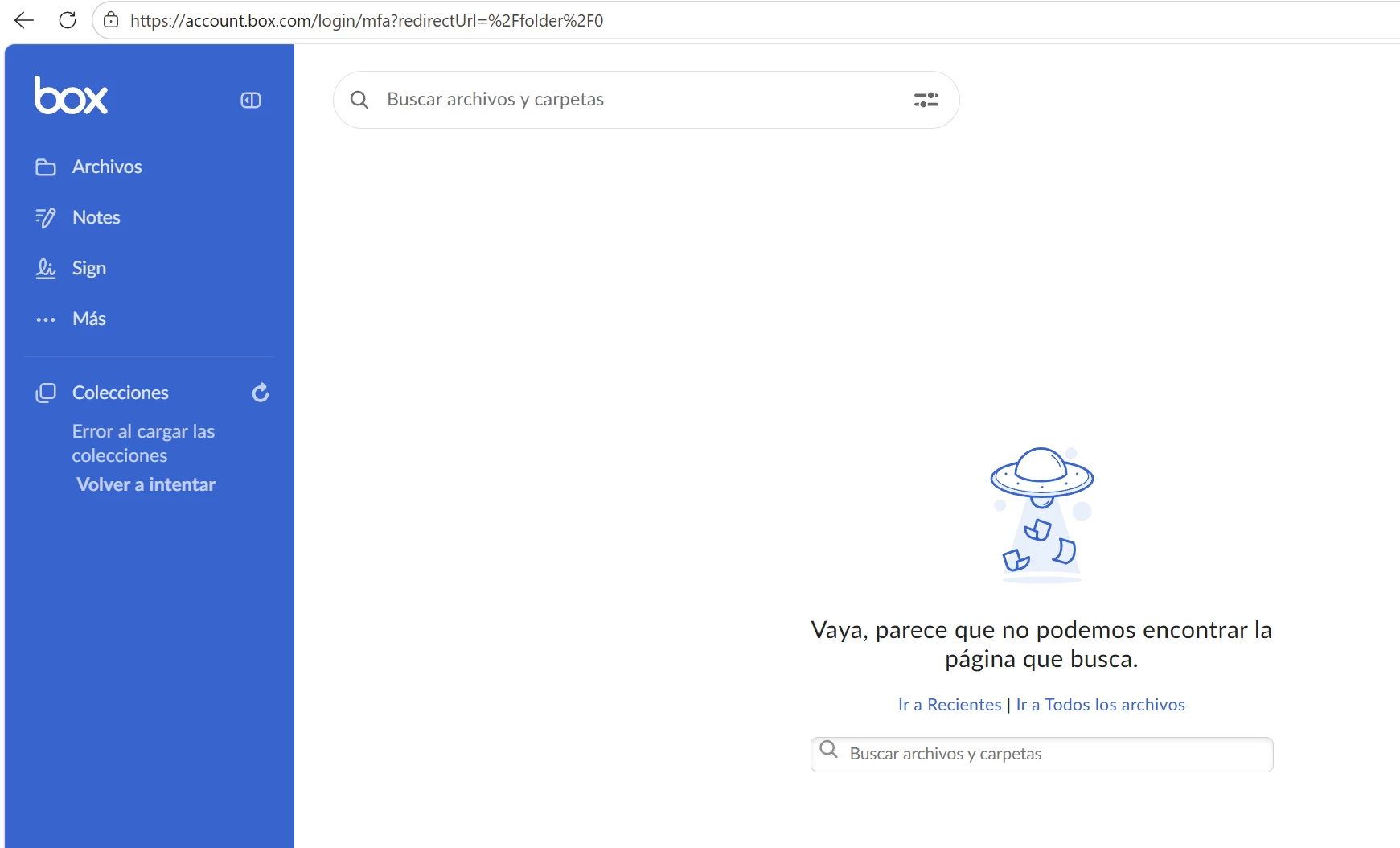
I can't see any of my files, and if I try to access a section, I get this error. It's worth mentioning that I had to create another account to open this ticket because when I try to log in to my first account, I get another error and it won't let me log in. I tried other browser, but the result was the same


1 reply

Rona Box
  • Community Manager
  • April 24, 2026

Hi ​@Juan Baas

Welcome to Box Community, and we’ll help resolve your login error! 


Let’s start with your Box login error. Most often than not, clearing your browser’s cache and cookies would fix this error. 


In the meantime, please follow these preliminary troubleshooting steps to resolve the login error: 

  • Updating your browser to the latest version
  • Clearing your browser's cache
  • Using Box with an alternate browser, computer, or network. 
  • Open account.box.com in an incognito/private window.
  • Temporarily disabling any internet security/firewall programs to test whether they conflict with Box (Note: you may need clearance or assistance from your organization’s IT department/helpdesk to do this)
  • Temporarily disabling any plugins/extensions in your browser
  • Removing unwanted extensions, plug-ins, ads, pop-ups & malware:
  • If you're on a VPN, proxy, or filtered corporate network, try another network.
  • Sign out of Box and sign back in.
  • Check that your device date/time is correct.

Hope it works! Let us know if you need additional help.