Solved

I can't access a file or folder that has been shared with Me.

  • June 16, 2026
  • 5 replies
  • 64 views

“The file or folder has deleted or can’t be used.” error message comes out even the file has been shared recently.

Best answer by Rona Box

Hi ​@kshoji

Welcome to Box Community, and we will help access your shared file or folder! 

Are you accessing the file through a shared link or by logging in to your Box account? 


If a previously shared contents started giving this type of error, here are the things you should check: 

  1. Your access to the folder or file may have expired or removed. 
    • If this is the case, you must reach out to the file or folder owner to help restore your Box access. 
  2. Are you logged in to the Box account where the file or folder was shared? 
    • Upon checking, there are no shared folders or files present in your Box account 
    • For you to successfully access the shared content, you need to confirm if you are logged in to the Box account that was invited to access this folder or file. 

Hope it helps! Let us know if you need additional assistance. 



5 replies

Rona Box
  • Community Manager
  • Answer
  • June 16, 2026

Hi ​@kshoji

Welcome to Box Community, and we will help access your shared file or folder! 

Are you accessing the file through a shared link or by logging in to your Box account? 


If a previously shared contents started giving this type of error, here are the things you should check: 

  1. Your access to the folder or file may have expired or removed. 
    • If this is the case, you must reach out to the file or folder owner to help restore your Box access. 
  2. Are you logged in to the Box account where the file or folder was shared? 
    • Upon checking, there are no shared folders or files present in your Box account 
    • For you to successfully access the shared content, you need to confirm if you are logged in to the Box account that was invited to access this folder or file. 

Hope it helps! Let us know if you need additional assistance. 


  • New Member
  • June 30, 2026

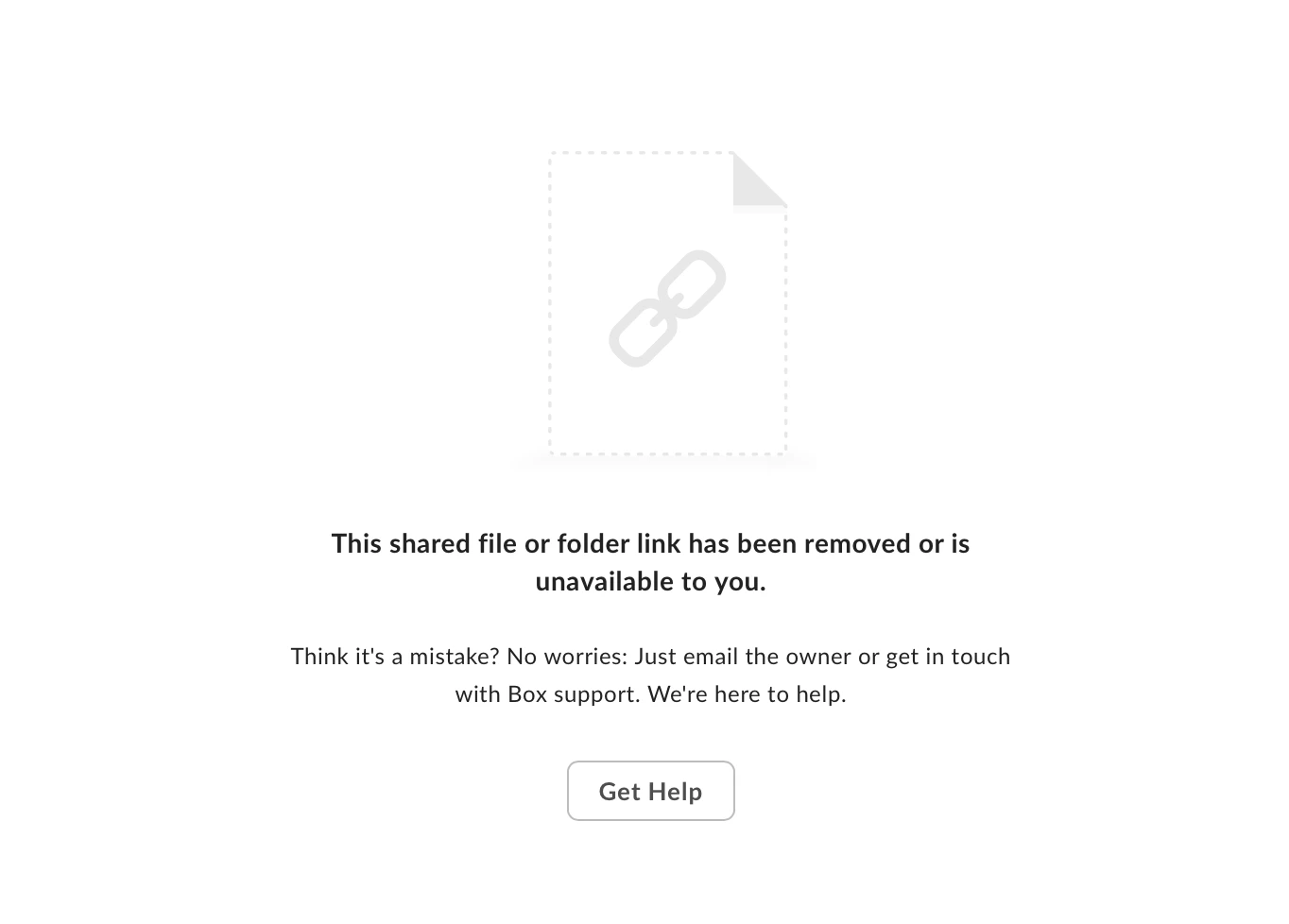
this shared file or folder link has been removed or is unavailable to you.


How can I access the supplemental files in the WAVE sport Nutrition Curriculum?


Rona Box
  • Community Manager
  • June 30, 2026

Hi ​@Dskalsky, welcome to Box Community, and we moved you post to this related topic. We’re glad to assist!


With this shared link error, please reach out to the owner or sender of this link to modify the shared link’s access type or recreate a new shared link if it’s already expired. For more details, please check out this link


Hope it helps!  Let us know if you need additional assistance. 

Hi Box Support Team,

I am writing to request your assistance in recovering a folder that was recently removed/deleted from my account, along with its original shared link.

Unfortunately, I can no longer see the folder in my main dashboard, and it is no longer visible in my Trash folder either.

Here are the details of the folder:

If possible, I would highly appreciate it if the folder could be restored from the backend, and if the original shared link could be reactivated, as other people relied on that specific link to access the files.

Thank you very much for your time and help.

Best regards,


  • New Member
  • July 6, 2026

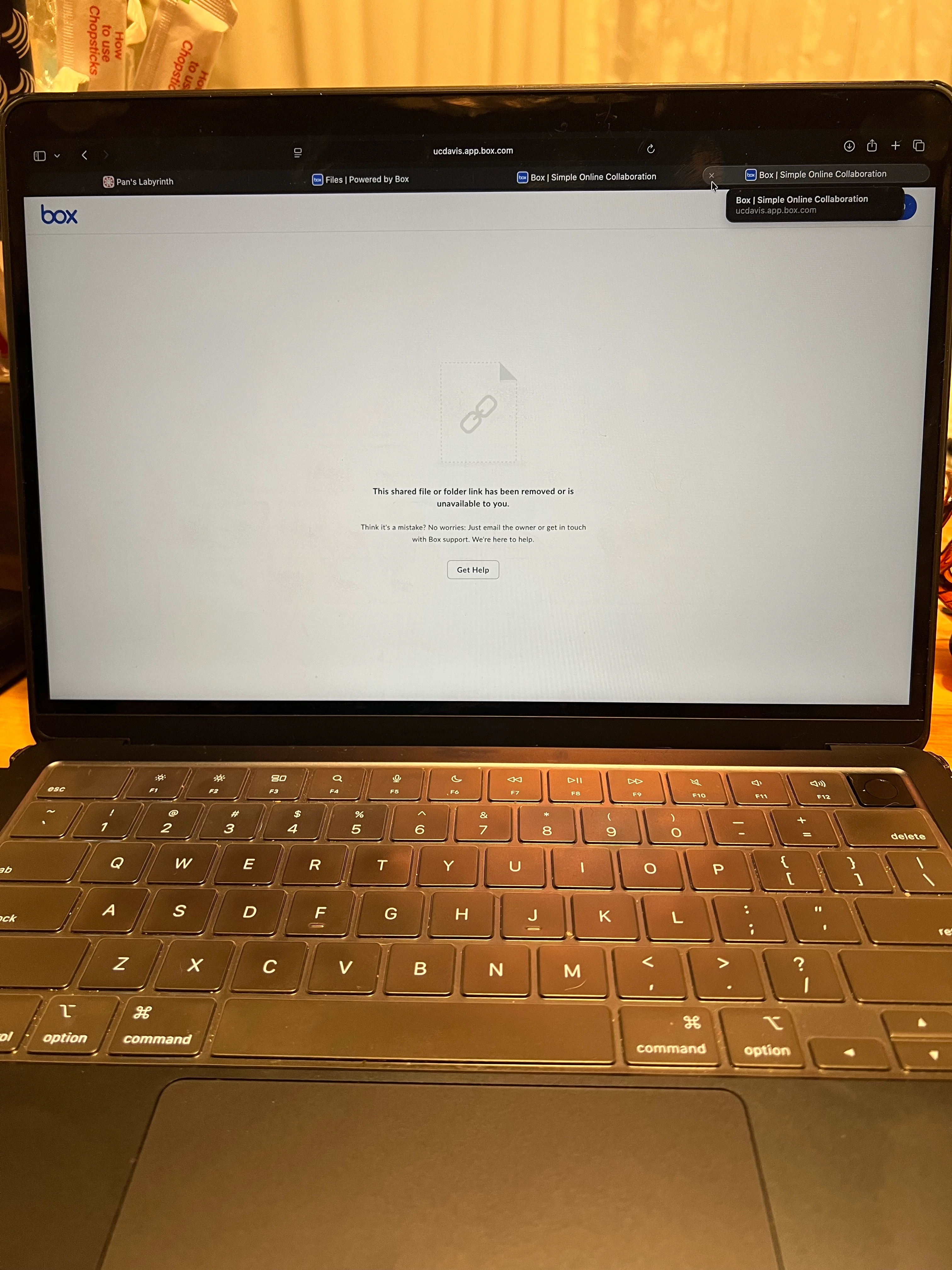
Hi, I’m a student and I’ve been having issues accessing a shared Box folder for a class, so I signed up using my personal email and asked the instructor to invite me through my personal email.  Even though I’ve been given access, I am encountering this screen:


The instructor has confirmed the correct email address and I’m not sure what to do.  There’s no direct support for such issues via Box, which is …. frustrating.  Any help would be greatly appreciated! Thank you!