Sticky

How to create a Box Support Ticket

  • June 16, 2026
  • 1 reply
  • 25 views

How to create a Box support ticket:

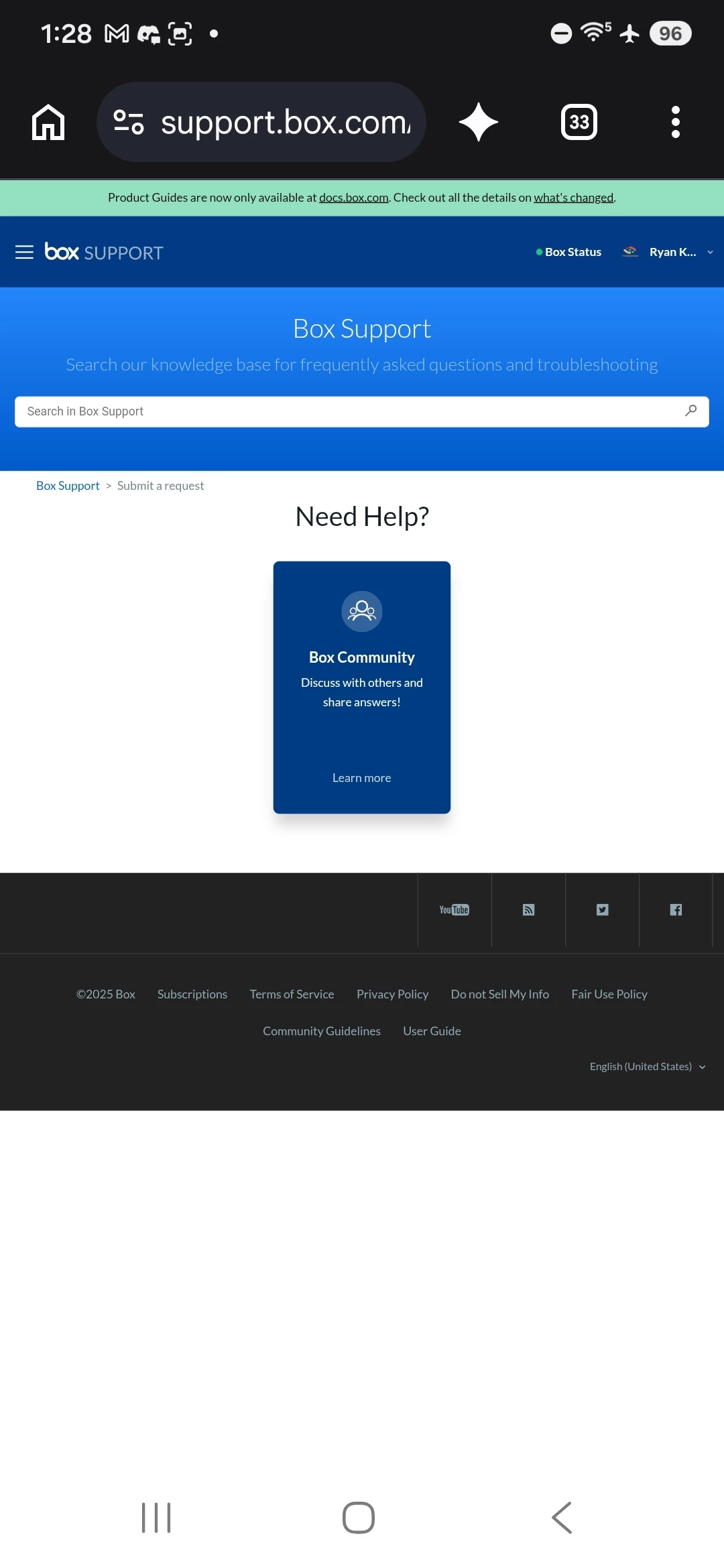
  1. Go to support.box.com
  2. click “Sign in” in the top right corner
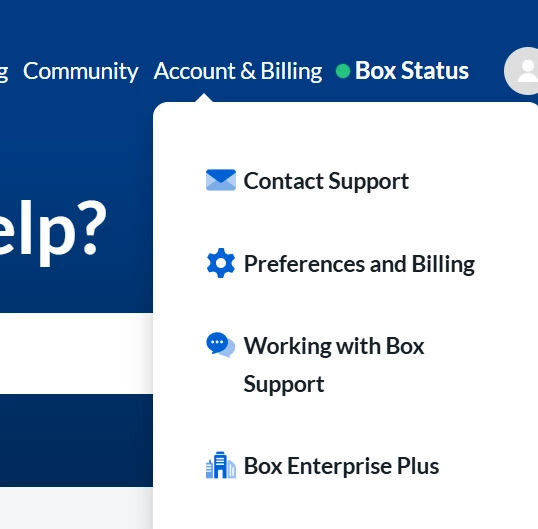
  3. select “Account & Billing” from the menu options at the top (This can be found beside “Box Status”
  4. select “Contact Support”


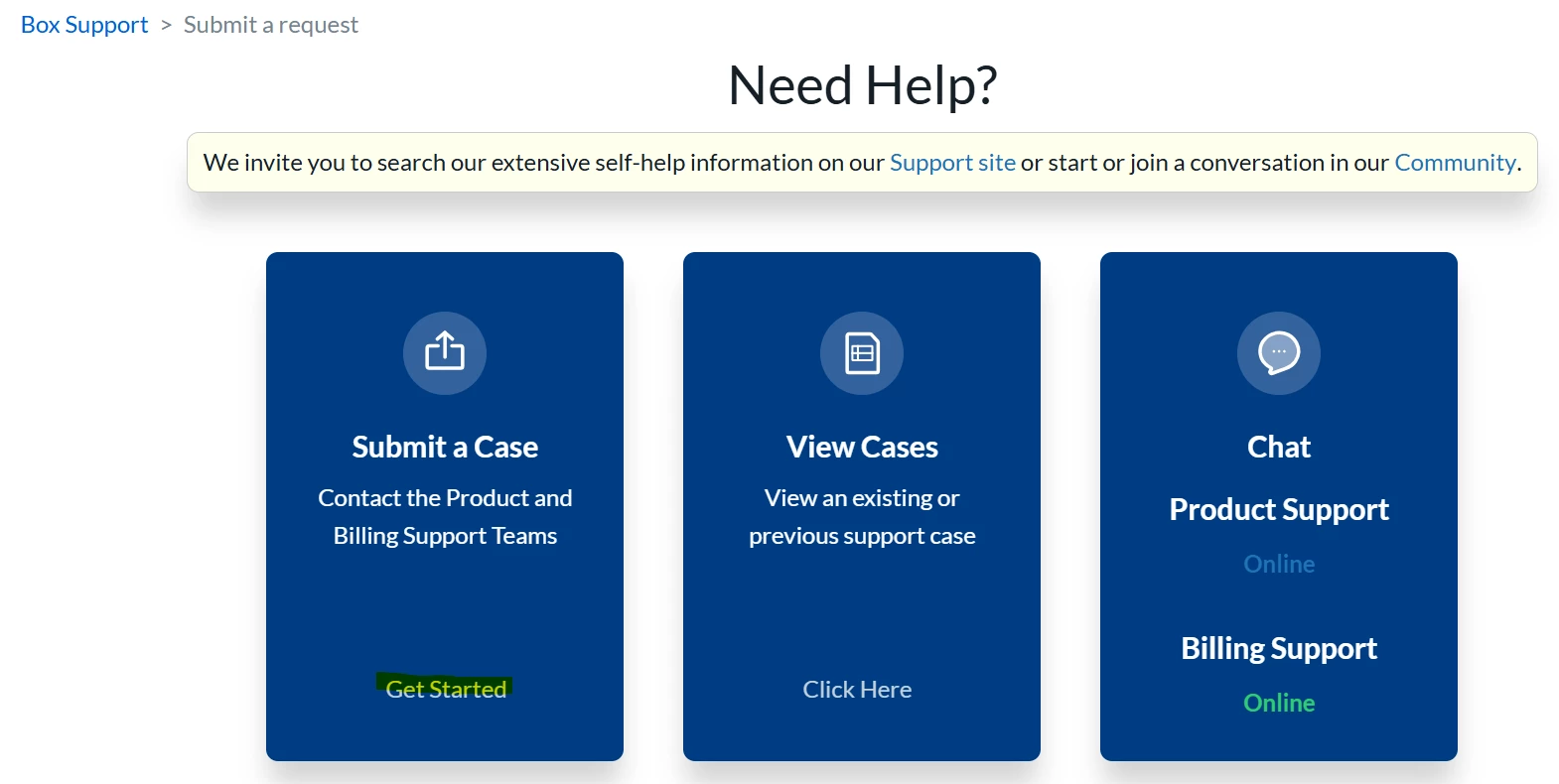
  1. Click on “Get Started” under submit a case
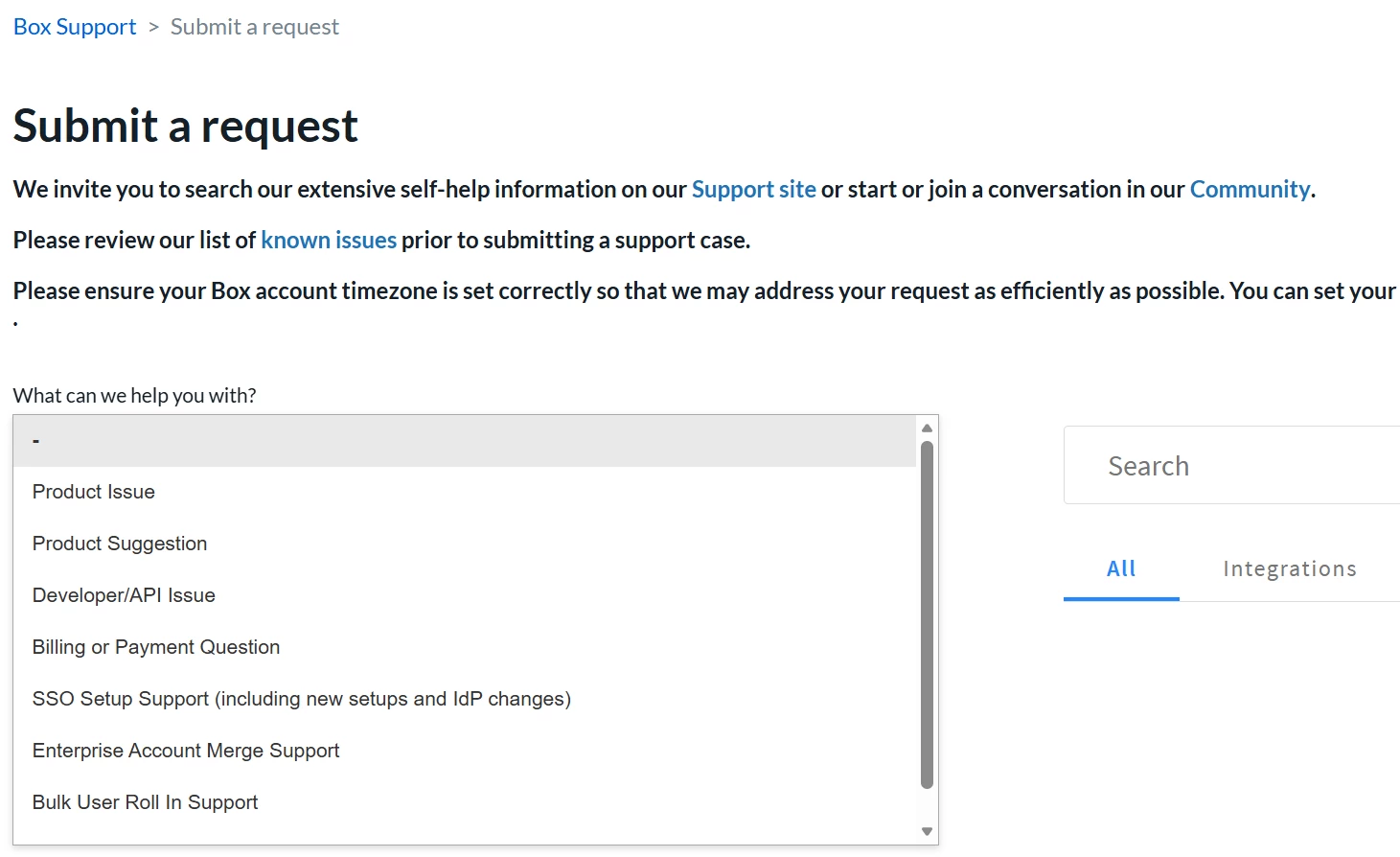
  1.  Fill out ticket details as shown below.
 

1 reply

Jey Bueno Box
  • Community Manager
  • June 16, 2026

👋 Hi ​@Baker, thank you so much for sharing this! Your guideline is incredibly helpful, especially for users who are new to Box and may not be sure where to start. 🙌


To our community members,


Support options vary depending on the plan you’re subscribed to, so make sure you’re signed in when looking for available support channels.


For users who can’t sign in due to account‑access issues, or if your paid‑plan support channels aren’t available yet, you can submit a request using this ticket form. Thank you!