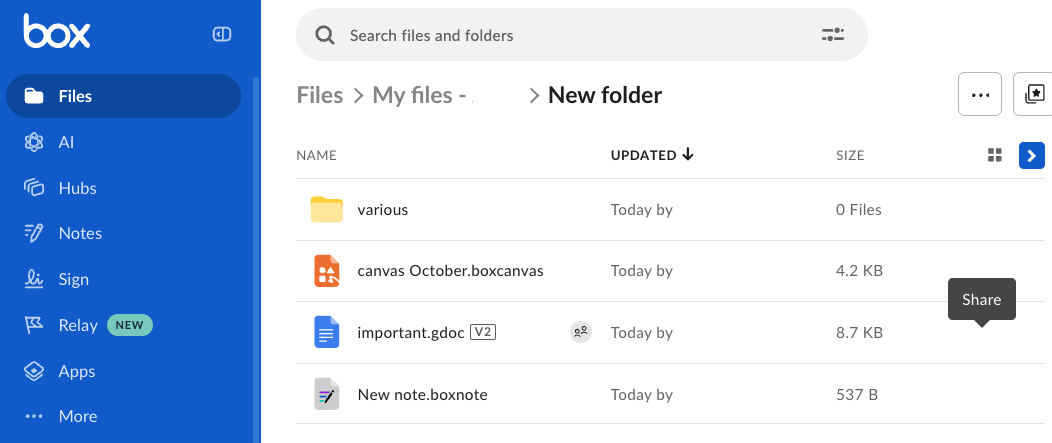
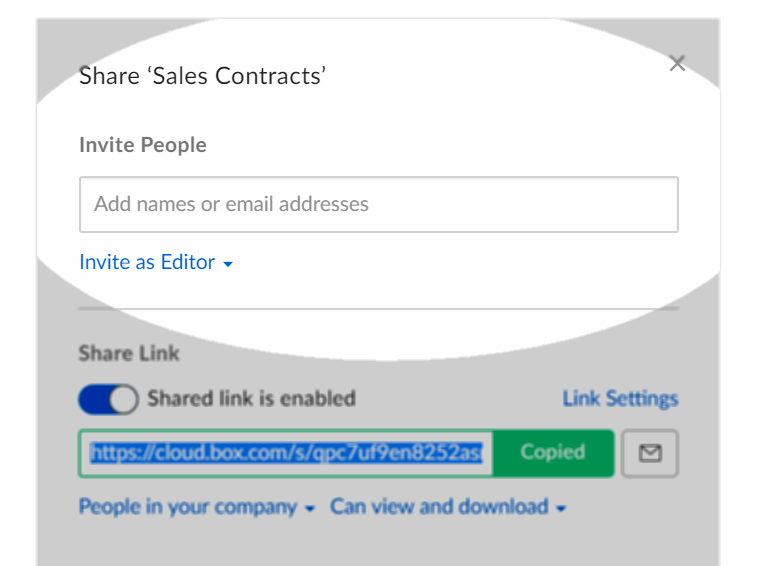
Since I'm unable to contact anyone at the company, I'd love to rely on the insights and wisdom of the community. I have three users on my company account, I am the admin and I have created a file structure. I would like my other two colleagues to see the exact same file structure when they login. If they make any changes, it would also reflect on the other two people's visibility as well. How do I do that?

Solved
HELP with File Structure Visibility for Entire Team
Best answer by Rona Box
Hi
You may be looking to concurrently work in the document with multiple collaborators. In that regard, please use Microsoft Co-Authoring and note that collaboration invitation is still required for the users to edit the file with you.
For more information regarding this feature, please check out the following articles for Microsoft Office Co-Authoring.
- Using Microsoft Office Co-Authoring Basics
- Technical Requirements to Enable Co-Authoring in Box
- Admin Guide for Enabling/Disabling Co-Authoring in Box for Microsoft Office
Thanks for posting!

Sign up
Already have an account? Login
Community access is available only with a Box Account.
Sign in with your Box AccountSign in to the Box Community
Community access is available only with a Box Account.
Sign in with your Box AccountEnter your E-mail address. We'll send you an e-mail with instructions to reset your password.