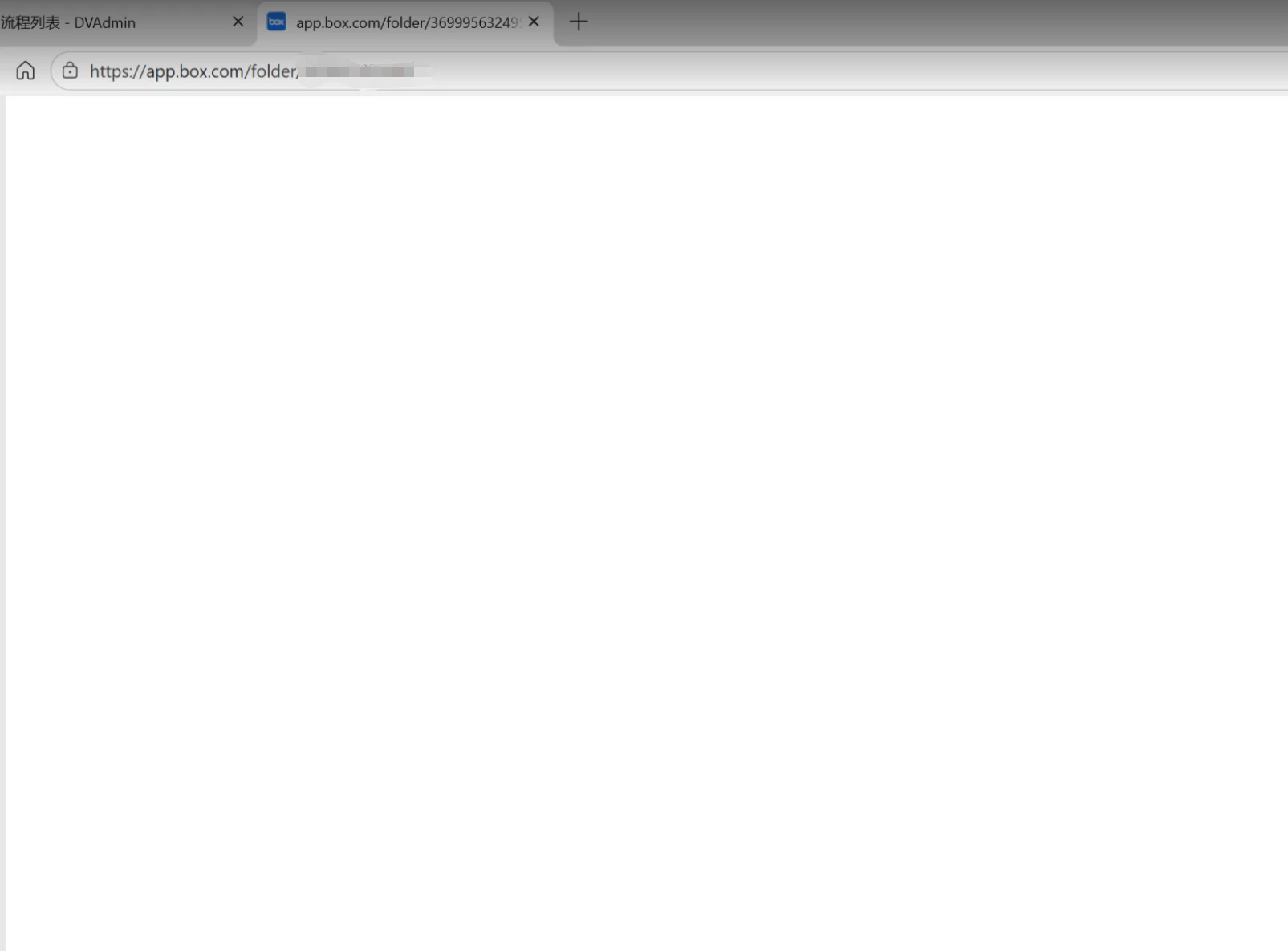
Question

Folders not loading

  • March 19, 2026
  • 39 replies
  • 107 views

Show first post

39 replies

  • New Member
  • March 20, 2026

having the same issue! 


  • New Member
  • March 20, 2026

My staff and client collaborators are experiencing the same. They have been long time collaborators to our folders. We have Enterprise account type.


  • New Member
  • March 20, 2026

Same with my staff and client collaborators. They have been long time collaborators to our folders and had not had this issue before. We have Enterprise account type.


  • New Member
  • March 20, 2026

Same issue for my staff and client collaborators, they have been collaborators for many years. Suddenly they can’t access.


  • New Member
  • March 20, 2026

Have you encountered such a problem? We have too. Currently, the files can be opened normally through the client. Hope this can be of help to you.


  • New Member
  • March 20, 2026

Hello!

It appears this issue is happening to every collaborator across the board.

My organisation is an Enterprise account. My staff and client collaborators have been collaborators for many months/years. Suddenly they are unable to access the folder today. Comes up with a blank screen for them.

I have done a test of unlink and relink - this does not help. 

I have also advised them to check firewall/security, update their browser, clear cache files, restart computer etc. and have also tried all this myself on my personal account. None of these methods are working. 

Still a blank page.

I can’t seem to find where to submit a ticket for this issue but seeing as it is happening to others outside of my organisation and collaborators, I am hoping Box support can pick up and fix this soon as it is effecting our operations.

Thank you.


  • New Member
  • March 20, 2026

I am having the same issue - can not find a solution or a way to submit a ticker


  • New Member
  • March 20, 2026

Me too. I can open the files, but when I click on the folders, the screen just goes blank. I hope this can be resolved as soon as possible.


  • New Member
  • March 20, 2026

I also have this issue!


  • Participating Frequently
  • March 20, 2026

Many of our external collaborators are experiencing the same thing and I dont know how to help them. They have tried the following to no avail:

  • Updating your browser to the latest version
  • Clearing your browser's cache
  • Using Box with an alternate browser, computer, or network.
  • Temporarily disabling any internet security/firewall programs to test whether they conflict with Box (Note: you may need clearance or assistance from your organization’s IT department/helpdesk to do this)
  • Temporarily disabling any plugins/extensions in your browser
  • Removing unwanted extensions, plug-ins, ads, pop-ups & malware:
  • Restart your machine.

  • Participating Frequently
  • March 20, 2026

This is happening to our collaborators too


  • Participating Frequently
  • March 20, 2026

Same over here! Please fix asap because we have a big deadline coming up on monday


  • Participating Frequently
  • March 20, 2026

We are as well


Rona Box
  • Community Manager
  • March 20, 2026

Hi ​@Thankyou, and everyone, 

Welcome to Box Community! Thank you for bringing this into our attention, and we are deeply sorry for the inconvenience. 

As for the latest update, our Engineering team has identified the issue and have released a fix.


Thanks for posting, and please let us know should the issue continues.