Hi,
I’m contacting you on behalf of a colleague who is currently unable to reach support from their account.
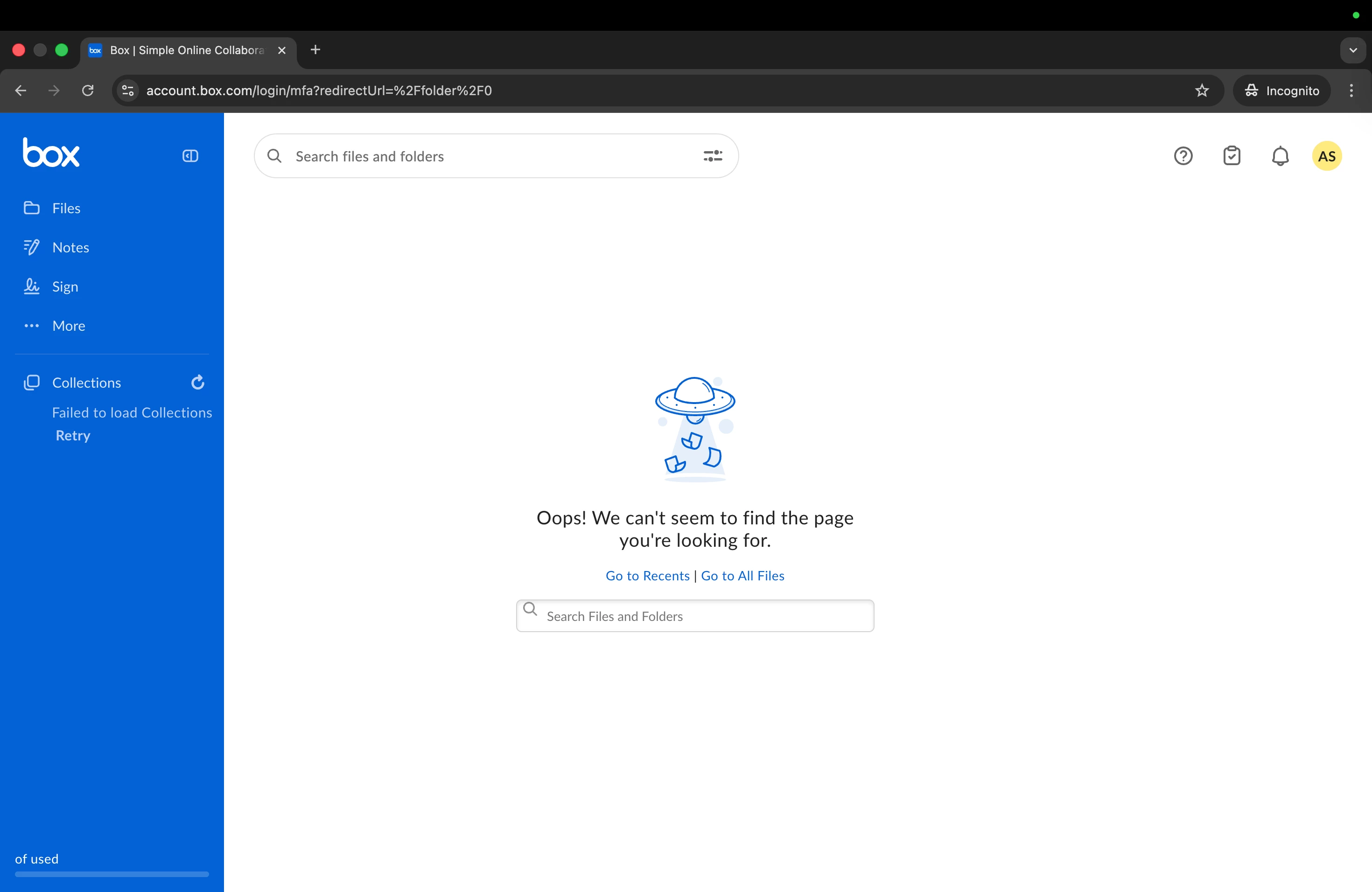
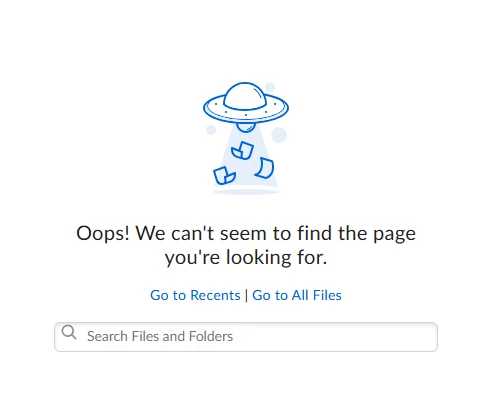
They’ve lost access to their Box folders and are receiving the error: “Oops! We can't seem to find the page you're looking for.” Previously, access was working normally, but now they’re unable to see any collaboration folders.
We’ve already checked with the organization that owns the folders, and everything appears to be working correctly on their side. They also tried removing my colleague and re-sending the invitation, but the issue persists.
We also tested by creating a new folder and inviting them as a collaborator, but that folder does not appear in their All Files view either.
Additionally, while investigating, we noticed several account-related issues:
- The Profile section does not display any information, and any attempted edits are not saved
- All fields in the Account section (Account Settings) appear blank
- They are unable to change their 2-step verification method and receive an error
- They previously used SMS for MFA, but their phone number is no longer present in the Profile section
- In the Diagnostics section, the User IP address is shown as [removed by moderator]
Troubleshooting steps already attempted:
- Verified that the invitation email matches the email in their account settings
- Tried different browsers
- Tested outside the company network (no firewall)
- Restarted the browser
- Enabled/disabled VPN
- Disabled all browser extensions
- Used Incognito mode
Could you please help investigate what might be causing this issue or advise on next steps?