Question

Cannot Access Shared Folder

  • June 17, 2026
  • 1 reply
  • 43 views

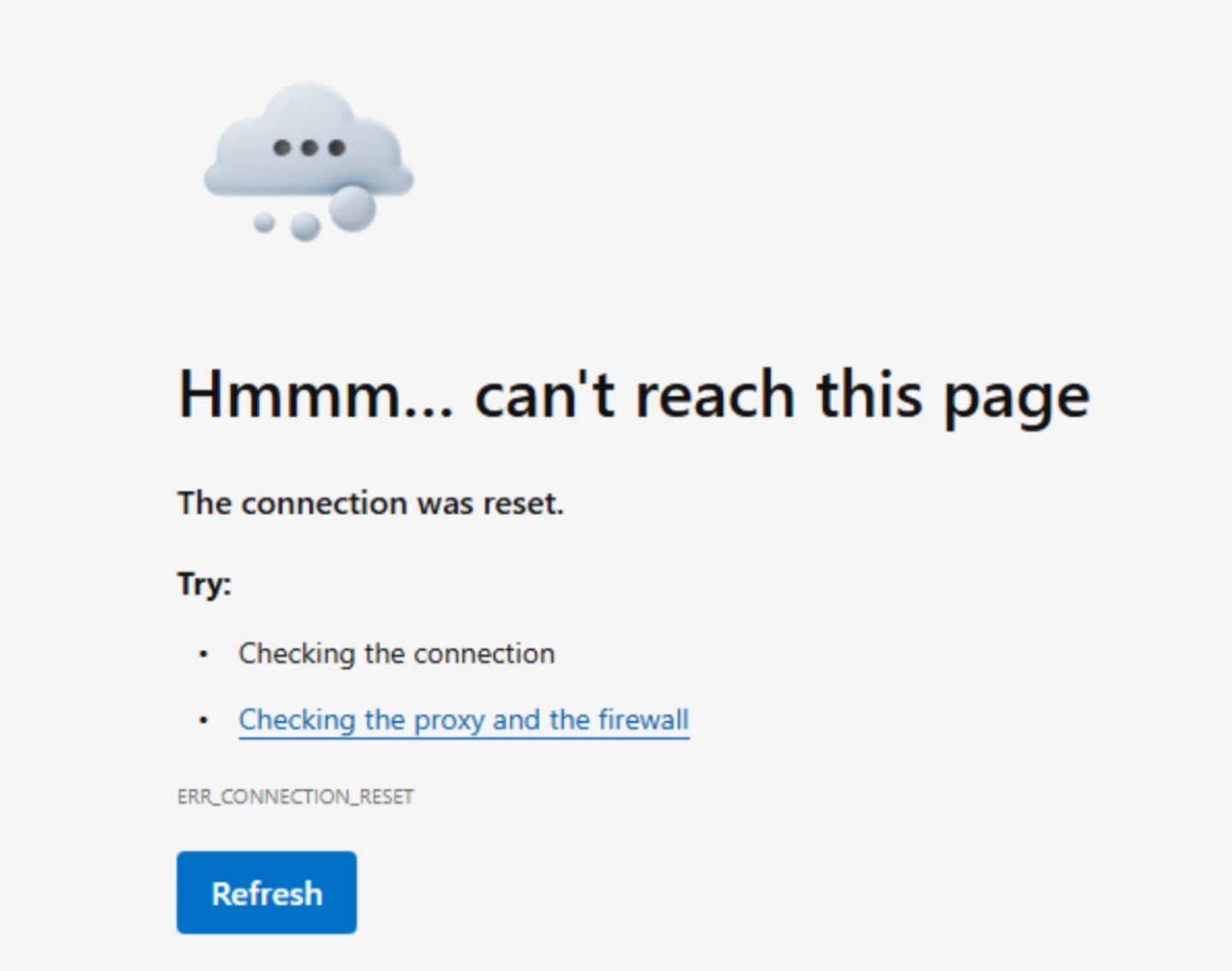
I am unable to access a shared folder. I have cleared my cache/cookies and have tried multiple different browsers but still keep getting the below error:

 

1 reply

Rona Box
  • Community Manager
  • June 18, 2026

Hi ​@S_S123

Welcome to Box Community, and we’ll gladly help with your error trying to access a shared folder. 


Let us begin with the following: 

  • Do you get this connection error by going to the Box website?
  • Is it recurring in all browsers, with incognito or private window included? 
  • Is your browser up to date
  • Restart your machine. 

This error message that you have receive is a common network-related error indicating that the connection between your browser and the server was abruptly interrupted or reset.


You should continue using these additional troubleshooting steps: 

  • If you are experiencing this error while trying to access or use Box, you can run a built-in connection test to check the health of your connection:

    • Go directly to https://app.box.com/account/diagnostics or click your profile picture/initials in the upper-right corner of your Box account, select Account Settings, and navigate to the Diagnostics tab.
    • Under the Connection Diagnostics section, click Run Test.
    • Once completed, click Full Report to view or copy the diagnostic details. If the test fails to complete, it is highly likely that a firewall, proxy, or security software is blocking Box domains.
  • Since connection resets are frequently caused by network security devices or software blocking traffic, ensure that your firewall, proxy, or antivirus software allows the following essential Box domains:

     
    • *.box.com
    • *.box.net
    • *.boxcdn.net
    • *.boxcloud.com

Hope it helps! Let us know how it goes.
