
Question

Box Tools in Workbooks

  • March 4, 2026
  • 2 replies
  • 42 views

Hi there,


For the last few months, we’ve been having issues with Box Tools integration with Chrome and Edge when using through Workbooks.


If we try to open any document inside Workbooks, from Box we get a pop up (snip below) asking us to allow Box Tools to connect. I have checked and this is still switched the allow.
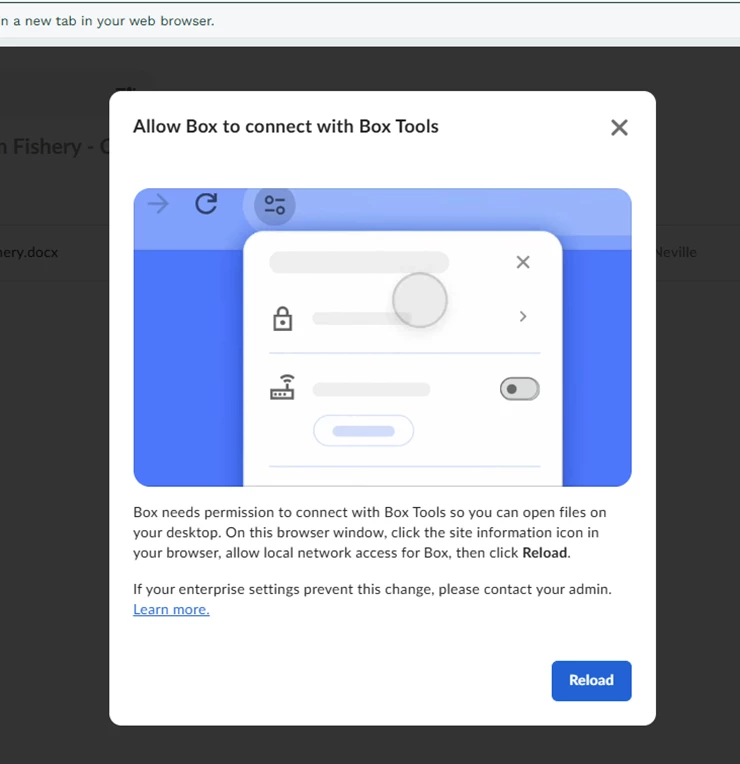


Has anyone got any ideas how to get Box working within Workbooks again?

2 replies

Rona Box
  • Community Manager
  • March 5, 2026

Hi ​@Utilityman

Welcome to Box Community, and we will help you remove this browser prompt.


With the release of Google Chrome 142, Microsoft Edge 143 and Firefox, Box users are prompted to allow or block local network access when a website tries to connect to software on their devices.

Please see the End User Instructions to Allow Access.


Hope it helps! If you have questions, please let us know. 


  • Author
  • New Participant
  • March 9, 2026

Hi ​@Rona Box 


Thank you for the above. We’ve already tried that on both Chrome & Edge but with no luck. Its still not allowing us to open in WB. We still get the same popup and can get no further even though we’ve selected Allow Local Network Access.