Hi @KGeurtsen,
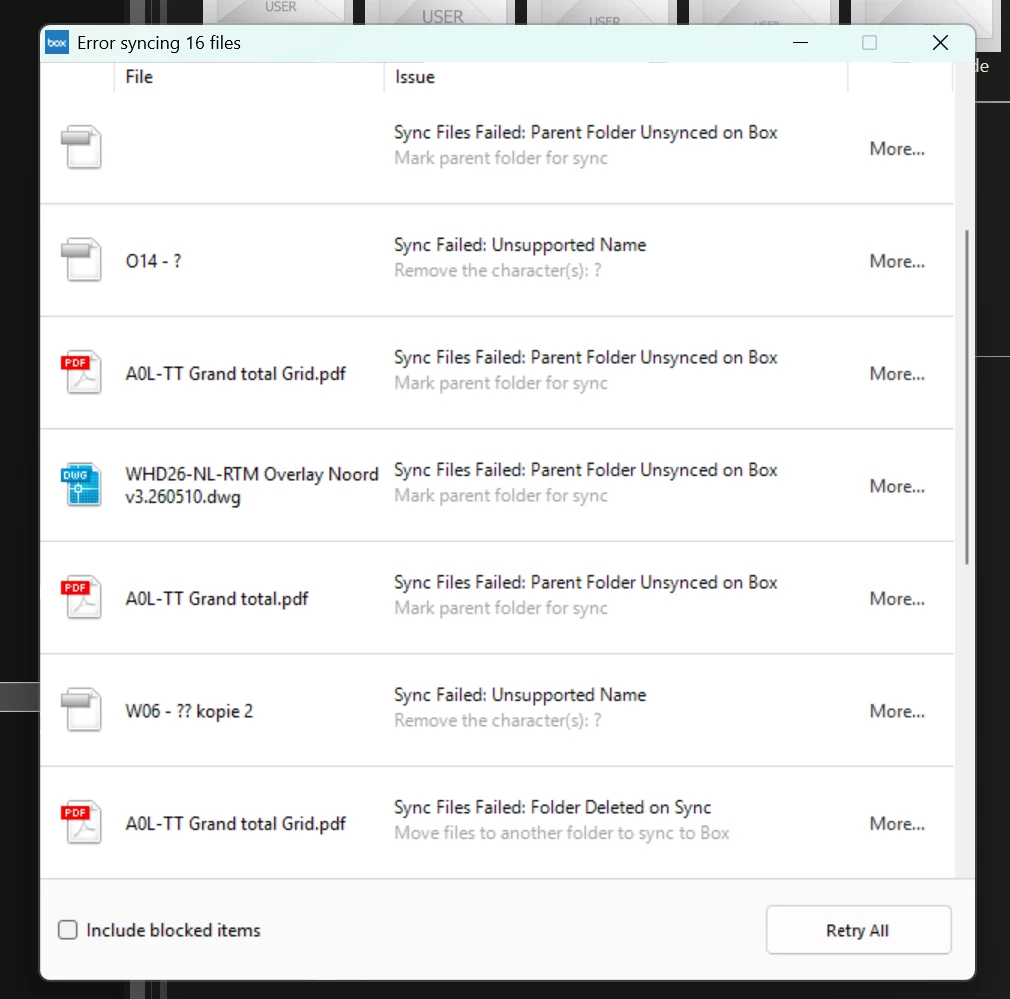
Welcome to Box Community, and we’re going to help with your Sync errors.
Before we proceed with troubleshooting your Sync issue, we highly recommend switching to Box Drive.
Why Switch?
- Current Experience: Box Drive is the latest desktop application from Box.
- Automatic Syncing: It eliminates the need for manual syncing, although you can still mark files for offline access if needed.
- Quick Resolution: The problem you're facing is likely to be resolved immediately upon installation.
Installation Benefits
By installing Box Drive using this link, Box Sync will be automatically uninstalled. Rest assured, any files that have not yet synced to Box will remain safe in your old Box Sync folder.
To learn about the differences between Box Sync and Box Drive, please see our article Switching from Box Sync to Box Drive.
For more information about Box Drive and its basic functionality, please see our article Using Box Drive Basics.
If you have any questions or concerns please let me know. Thank you for considering this change!