Question

Box Drive fails to retain locally downloaded files in MacOS

  • June 11, 2026
  • 2 replies
  • 10 views

Hi, I am facing quite a major issue. I recently upgraded from Box Sync to Box Drive. It is important for me to have my Box files saved locally so I can use them without an internet connection, while still having them synced to the cloud in case I need remote access.

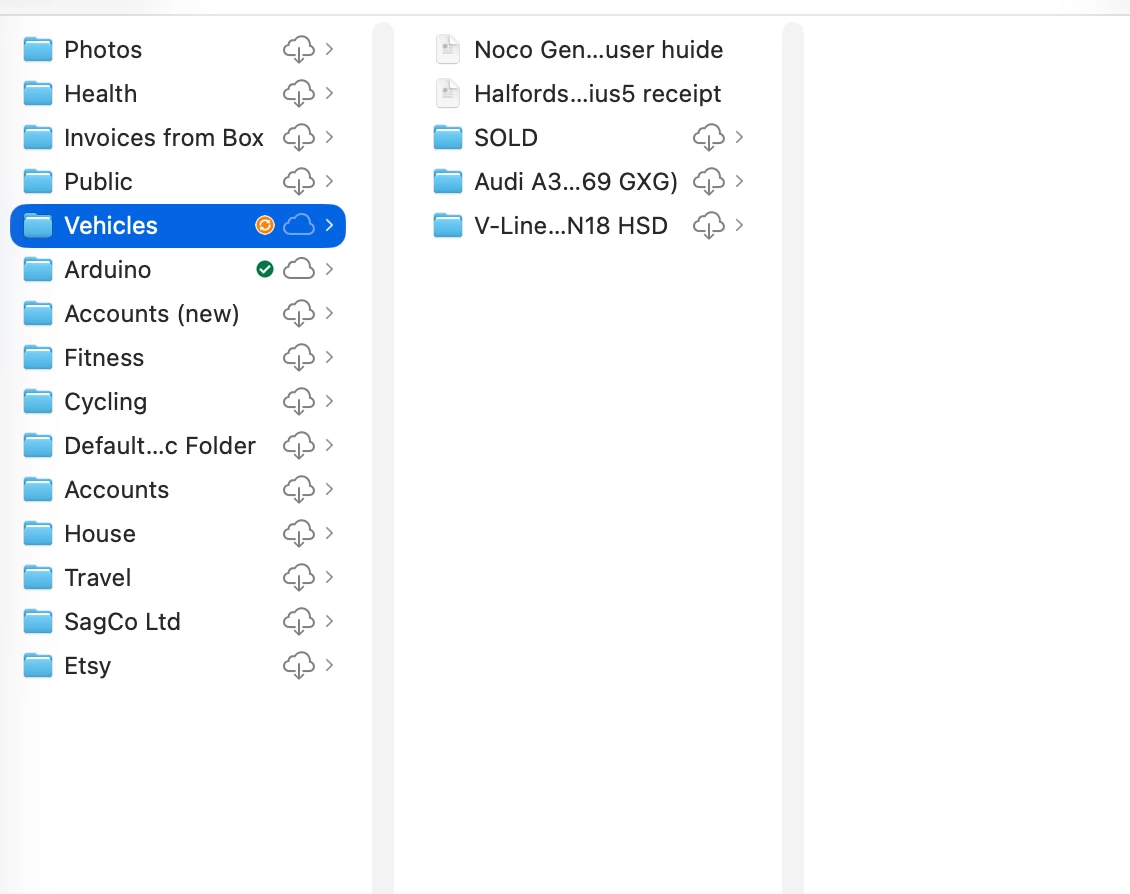
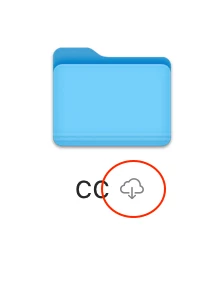
However, it seems Box Drive does not retain locally saved files. When I download files locally by clicking the cloud icon with a downward arrow, they do download successfully. But when I restart my Mac, the files are gone and I have to download them again (by clicking on the cloud icon with a downward arrow again). I am running macOS Sonoma 14.

Could you please fix this issue urgently? Or is this the expected behavior? If this is expected behavior, then Box does not work for me anymore and I will need to move to another provider.


2 replies

  • New Member
  • June 12, 2026

Same.

WTF is the point of this ‘update’?

I use Box as a backup/source I can access from anywhere/device but ‘as well as’ having local copies of the files.

If it’s now a ‘cloud first’ service where you can download ‘temporary’ copies of files… that’s not what I need and not a service I’ll continue paying for.


  • New Member
  • June 12, 2026

Ah… I many have solved it with a bit of Googling…

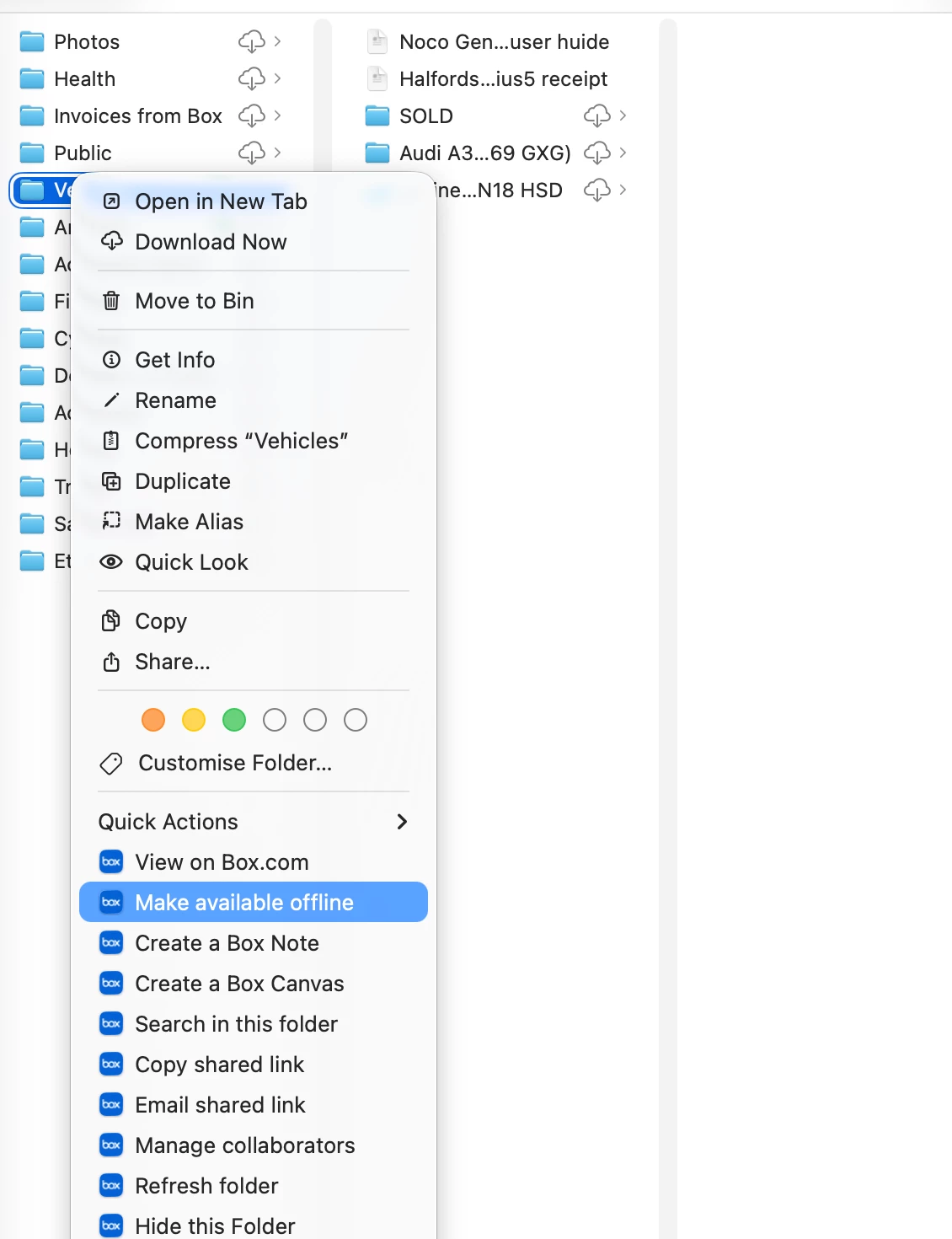
Right-click a folder in the Box location in Finder & click “Make available offline”


It’ll start downloading the files all the way down the sub-folders… while that’s in progress you see an orange icon next to them & when they’re done it goes green:


Hope this helps!