
Question

box does not work on mac OS golden gate 27.0.1
  • September 29, 2026
  • 3 replies
  • 63 views
  • Translate All

box does not work on mac OS golden gate 27.0.1

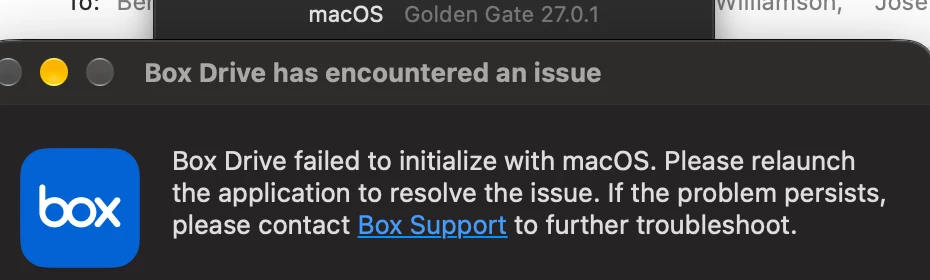
Box Drive has encountered an issue

Box Drive failed to initialize with macOS. Please relaunch the application to resolve the issue. If the problem persists, please contact Box Support to further troubleshoot.

3 replies

Rona Box
  • Community Manager
  • October 1, 2026

Hi ​@user998822, 

Welcome to Box Community, and we will help resolve your Box Drive error! 

Please reset your Box Drive application manually: 

  1. Quit Box Drive if it is running.
  2. Download and open the Box Reset Tool zip file.
  3. Open the Box Reset Tool from the Downloads folder.
  4. Click Reset.
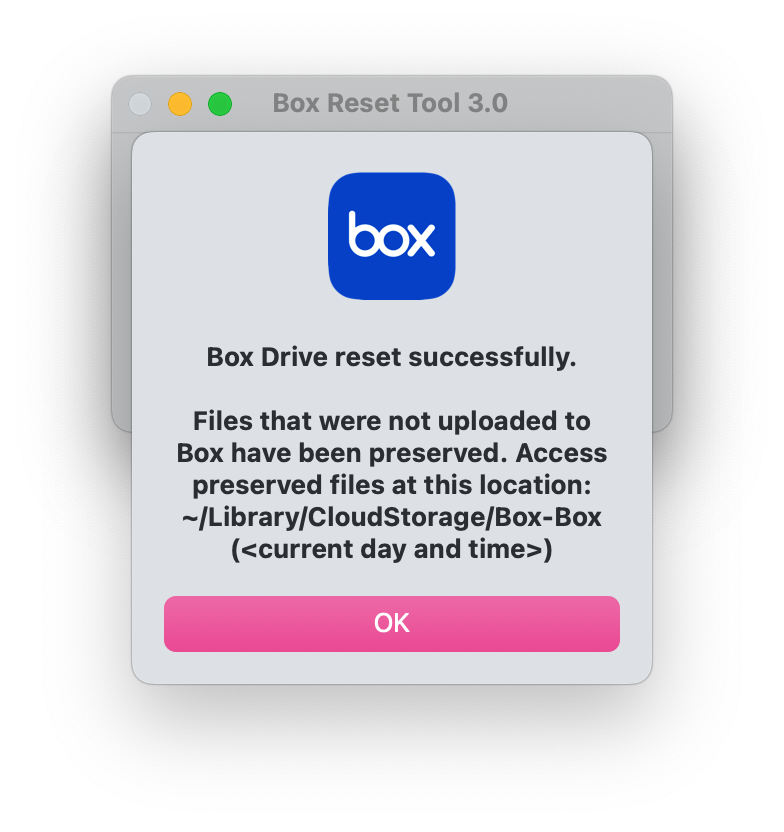
    • You should see a prompt stating “Box Drive reset successfully”.

    MacOS_Box Drive_Reset Successful.png

  5. Open Box from your application folder and log back in.

The Box Reset Tool will write logs of actions performed to your Desktop folder under “Box-ResetTool-logs_(<currentday>)”.


If the error persists, you can proceed and uninstall your Box Drive app. 

  1. Quit Box Drive if it is running.
  2. Download and open the Box Reset Tool zip file.
  3. Open the Box Reset Tool from the Downloads folder.
  4. Select Uninstall and then Continue when prompted to confirm the uninstallation.
  5. Enter your credentials to continue with uninstalling Box if prompted.
  6. Select OK to close out the tool.

The Box Reset Tool will write logs of actions performed to your Desktop folder under “Box-ResetTool-logs_(<current day>)”.

If there are any issues with the above process, follow these alternative steps to reset Box Drive.

  1. Quit Box Drive.
  2. Open a Terminal window and run the appropriate command based on your macOS version and Box Drive version:
    macOS 14.x with any version of Box Drive:
    fileproviderctl domain remove -A com.box.desktop.boxfileprovider; defaults delete com.box.desktop; rm -rf ~/Library/Application\ Support/Box/Box
    macOS 15.x with Box Drive 2.40 and newer:
    /Applications/Box.app/Contents/MacOS/boxfileproviderctl domain remove Box; defaults delete com.box.desktop; rm -rf ~/Library/Application\ Support/Box/Box
    This command will:
    • Archive all files that are not synced (not uploaded to Box) from ~/Library/CloudStorage/Box-Box and move it to a new folder at ~/Library/CloudStorage/Box-Box (<current day and time>)
    • Exclude from the above archive files that are “up-to-date” or synced on Box
    • Re-create the parent hierarchy of the archived files
  3. While still in the Terminal window, now run the uninstaller script:
    • Type the following and press Enter:
      /Library/Application\ Support/Box/uninstall_box_drive

You do not see your password as you enter it. Just press ENTER when you have finished typing it in.


Restart your machine and reinstall Box Drive. 


Hope it works! Let us know how it goes. 

Translate

Tried all of the above  

all I get is “Box Drive has failed to update to version 2.55.132.”


Translate

The above is on a new MacBookAir M5 having loaded it from a Time Machine backup from a MacBook Pro M1 Max


Translate