Solved

Box.com Folder Access Issue

  • May 7, 2026
  • 18 replies
  • 159 views

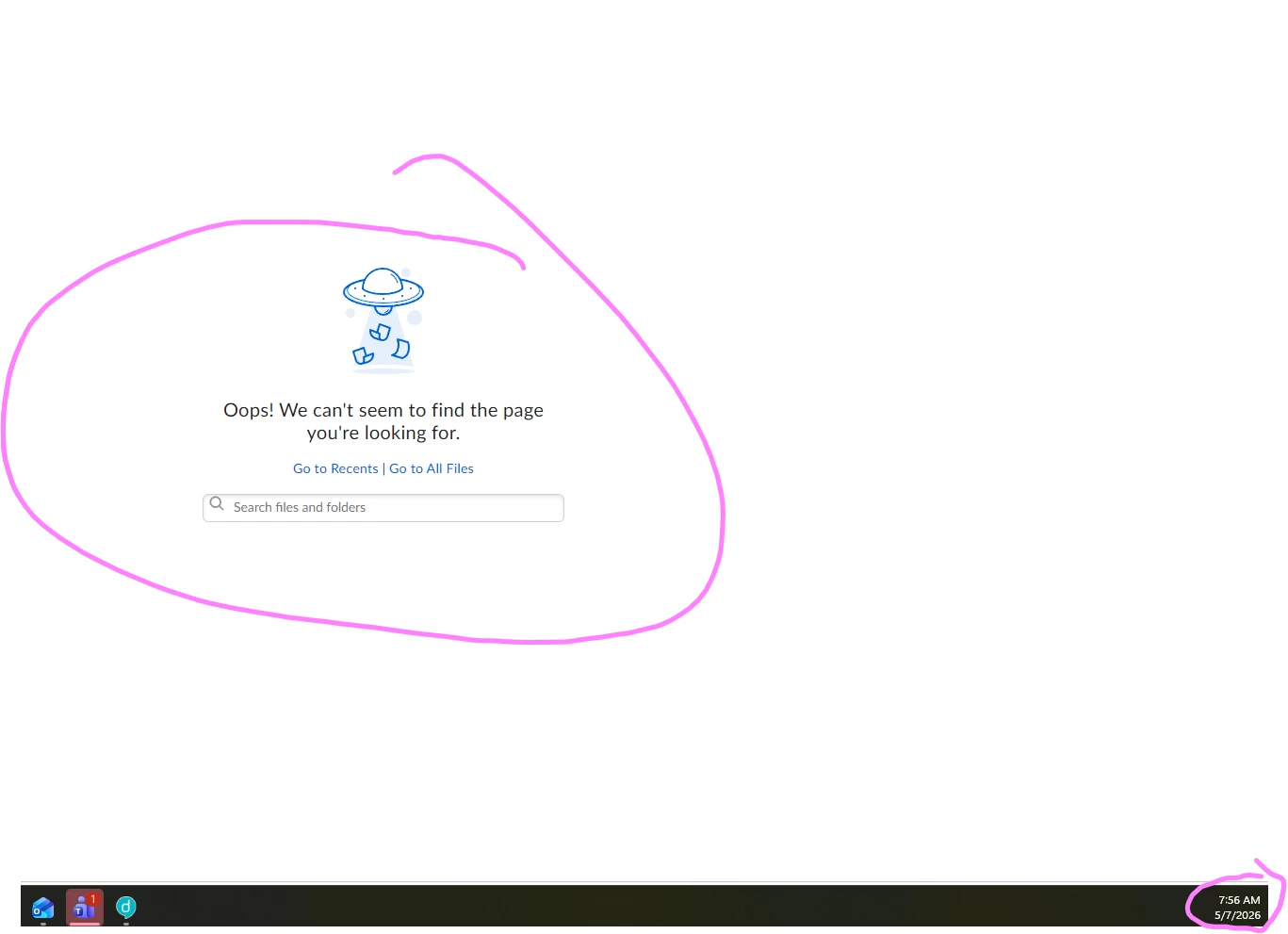
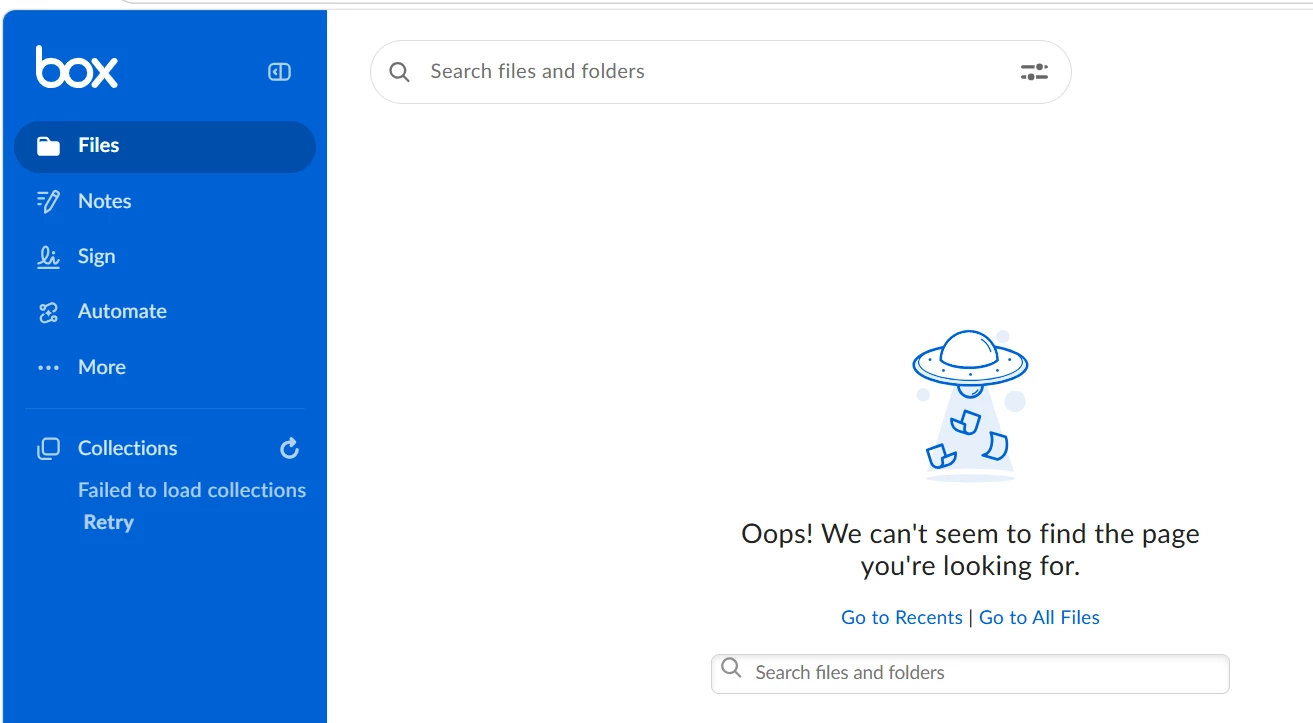
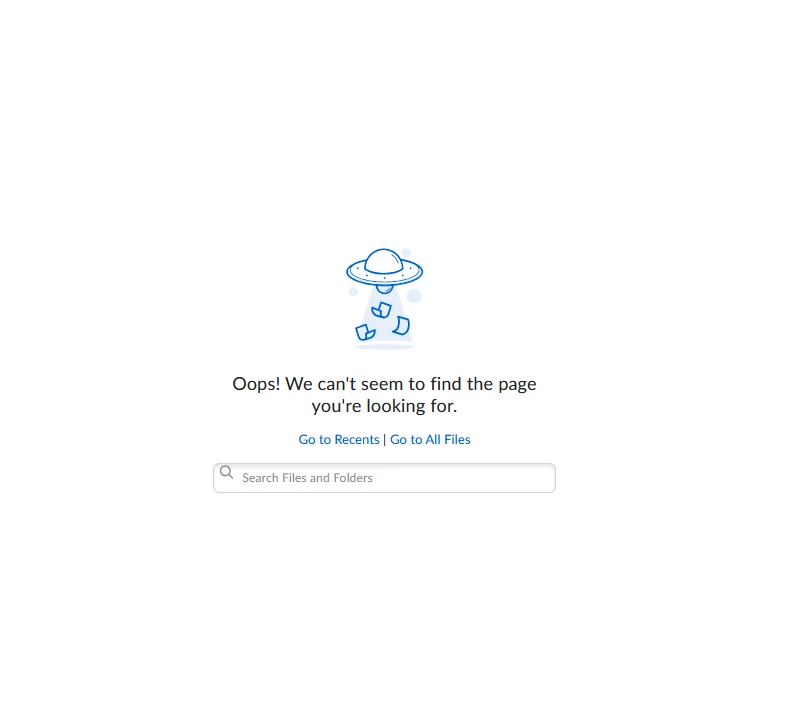
We are currently unable to access our folders in Box.com today. When opening Box, the page loads but displays the message: “Oops! We can’t seem to find the page you’re looking for.”

The issue appears to affect folder access, and the Collections section also shows “Failed to load Collections.” We are unable to proceed with accessing the required files and folders for our work.

Kindly check if there is an ongoing Box.com service issue or account/folder access problem. it was working earlier about 7:30pm EST. but now when im validating through the shared link, im getting this error. 
Best answer by Jey Bueno Box

👋 Hi everyone, we apologize for any inconvenience this may have caused, and we appreciate your patience while we worked to resolve the issue.


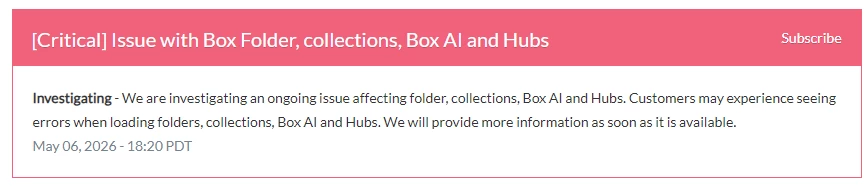
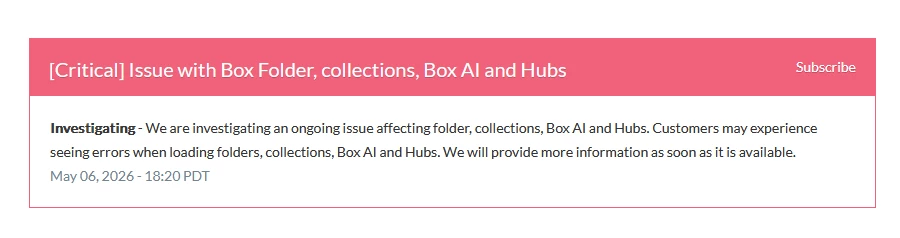
Our engineering team was made aware of the issue with Box Folder, collections, Box AI and Hubs and began investigating it right away. We also appreciate the updates shared here, especially from ​@hoangnl and ​@dathq regarding the status of the issue. 🙌


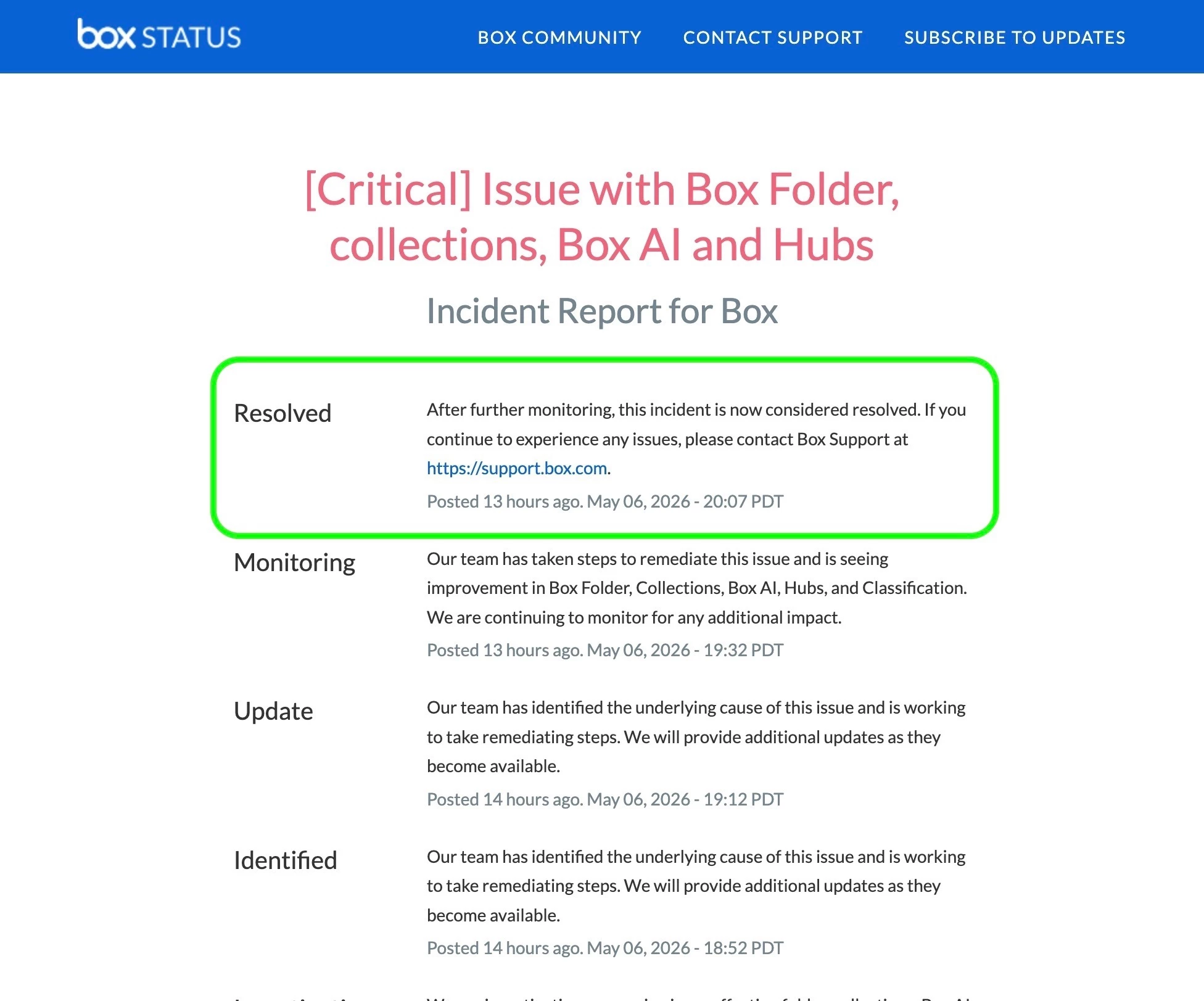
✅ I’d like to confirm that the issue has now been resolved, as reflected on Box Status: https://status.box.com/incidents/6wq3xnxtnflt


If you continue to see the same error when accessing files, please submit a ticket to Product Support so the team can investigate further.


Thank you again for your patience and understanding.

18 replies

  • Participating Frequently
  • May 7, 2026

We are also experiencing the same problem, it is currently 7:50 AM GMT+7.


  • New Member
  • May 7, 2026

We are currently unable to access our folders in Box.com today. When opening Box, the page loads but displays the message: “Oops! We can’t seem to find the page you’re looking for.”

The issue appears to affect folder access, and the Collections section also shows “Failed to load Collections.” We are unable to proceed with accessing the required files and folders for our work.

Kindly check if there is an ongoing Box.com service issue or account/folder access problem. it was working earlier about 7:30pm EST. but now when im validating through the shared link, im getting this error. 
We are experiencing the same issue here is Australia too!


  • New Member
  • May 7, 2026

We are experiencing the same issue here is Vietnam too.


update: But luckily, Box Driver is still working.

update 2: In Vietnam, we are now able to use the Box web service again.


  • New Member
  • May 7, 2026

Same issue here in Utah, USA. I can see folders, but cannot access any subfolders or files. Only the Oops! message.


Same issue here in Manila, Philippines. I can see folders, but cannot access any subfolders or files. 
It has this error message.


  • New Member
  • May 7, 2026

We are having Box loading issues for our folders this morning. I cant see any outages online under Box Status. 


Is anyone else having problems? 


Thank you 


  • Participating Frequently
  • May 7, 2026

Yes, we too.


  • New Member
  • May 7, 2026

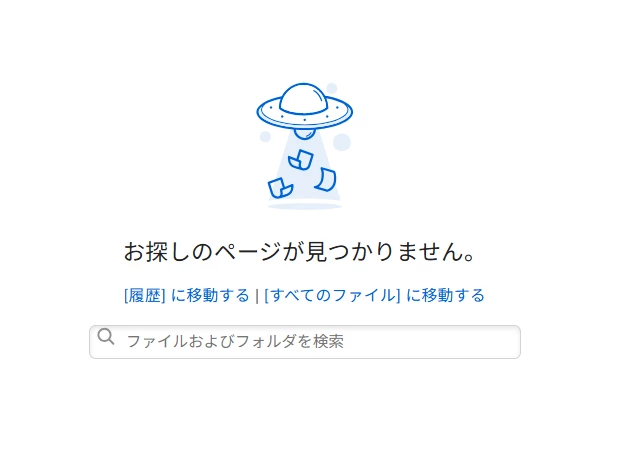
BoxWebの利用でBoxへのリンクをクリックすると「お探しのページが見つかりません。」となってしまう。他のリンクでもすべて「お探しのページが見つかりません。」となってしまう。左側のメニューでお気に入り登録がでるところに「コレクションの読み込みに失敗しました」と表示されてお気に入り登録が出てこない


  • New Member
  • May 7, 2026

Just logged in today and cannot access any files other than “Recent” files.   The error comes up ..Oops! We can't seem to find the page you're looking for…..    I tried clearing cache and also tried using Safari and Chrome browsers.  Same issue on both.  I also tried on my MacBook Pro and my iPad - same issue.


Any solution??


  • New Member
  • May 7, 2026

I can no longer open any of the folders that I was previously able to access. I’m looking for a solution because, as shown in the attached image, an error message appears whenever I try to select a folder, preventing me from proceeding. I have already tried restarting my computer, but the problem persists.


  • New Member
  • May 7, 2026

All of my files are not showing up in my BOX account.   They have disappears and there is an “OOPS” error message.   


  • New Participant
  • May 7, 2026

Hi,

Failed to load files and my Collections, please assist.
I run these basic troubleshooting steps does not work: Clear browsers catch and cookie and restart my PC.

Thank you


  • New Member
  • May 7, 2026

Check status at here: Box Status

But Box Driver still working


  • Participating Frequently
  • May 7, 2026


  • New Member
  • May 7, 2026

It is 2026, the concept that a company would offer a product and have ZERO customer service is unacceptable.   I see several people have posted the same issue I did.  But there is NO WAY to determine if anyone at BOX is seeing these messages about a fatal flaw with their product.    There should be a way to at least do a real-time chat or BOX should make a very visible post that they are aware of the issue and are working on it.   Just making a random post on a community tab means nothing.   Very disappointing.


  • New Member
  • May 7, 2026

BOX is now working properly again. I submitted an URGENT report request. Not sure if that helped. For now, the problem seems resolved.


  • Participating Frequently
  • May 7, 2026

In Vietnam, we have been able to use Box web's services.


Jey Bueno Box
  • Community Manager
  • Answer
  • May 7, 2026

👋 Hi everyone, we apologize for any inconvenience this may have caused, and we appreciate your patience while we worked to resolve the issue.


Our engineering team was made aware of the issue with Box Folder, collections, Box AI and Hubs and began investigating it right away. We also appreciate the updates shared here, especially from ​@hoangnl and ​@dathq regarding the status of the issue. 🙌


✅ I’d like to confirm that the issue has now been resolved, as reflected on Box Status: https://status.box.com/incidents/6wq3xnxtnflt


If you continue to see the same error when accessing files, please submit a ticket to Product Support so the team can investigate further.


Thank you again for your patience and understanding.