


Thanks to
You can find the recording here and summary below.
Resources
Slide deck: https://cloud.box.com/s/bubpp82m5ouhzmsaqlt0wwoesgs78p35
Box AI Principles: https://www.box.com/legal/boxaiprinciples
Main Topics
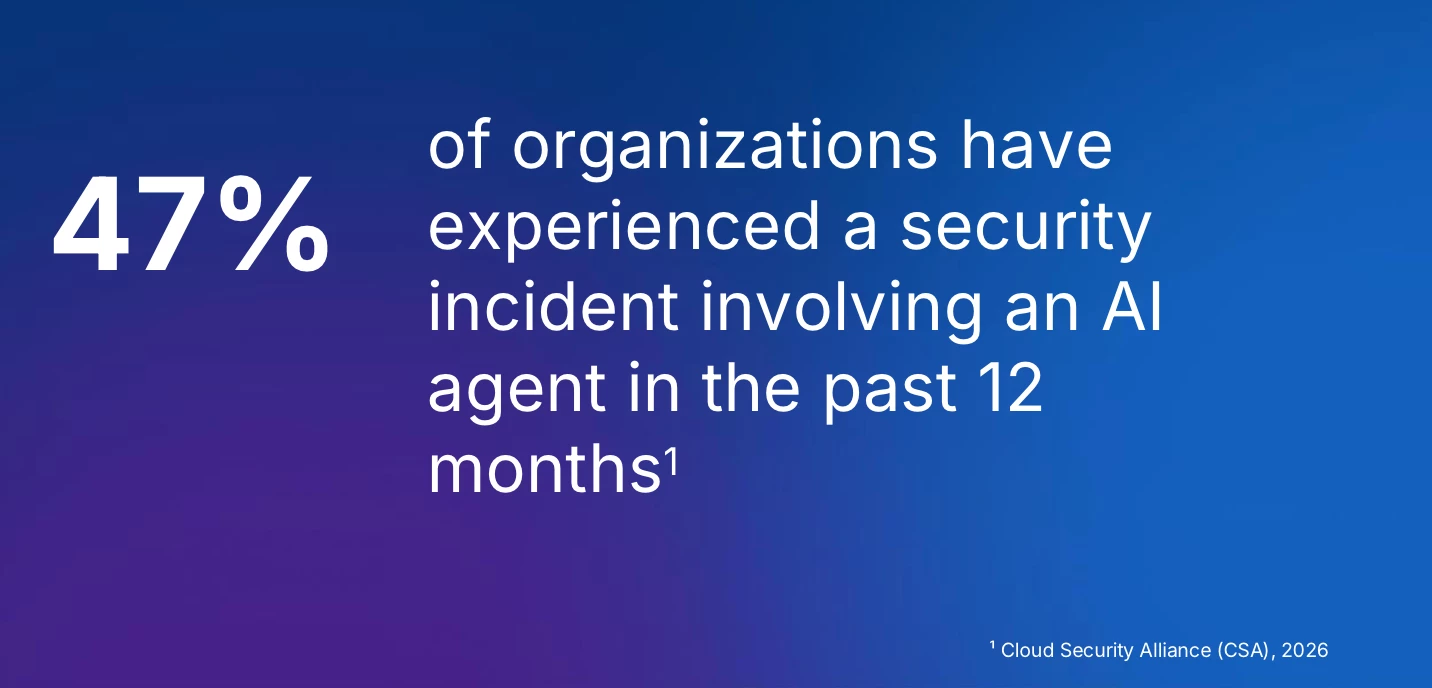
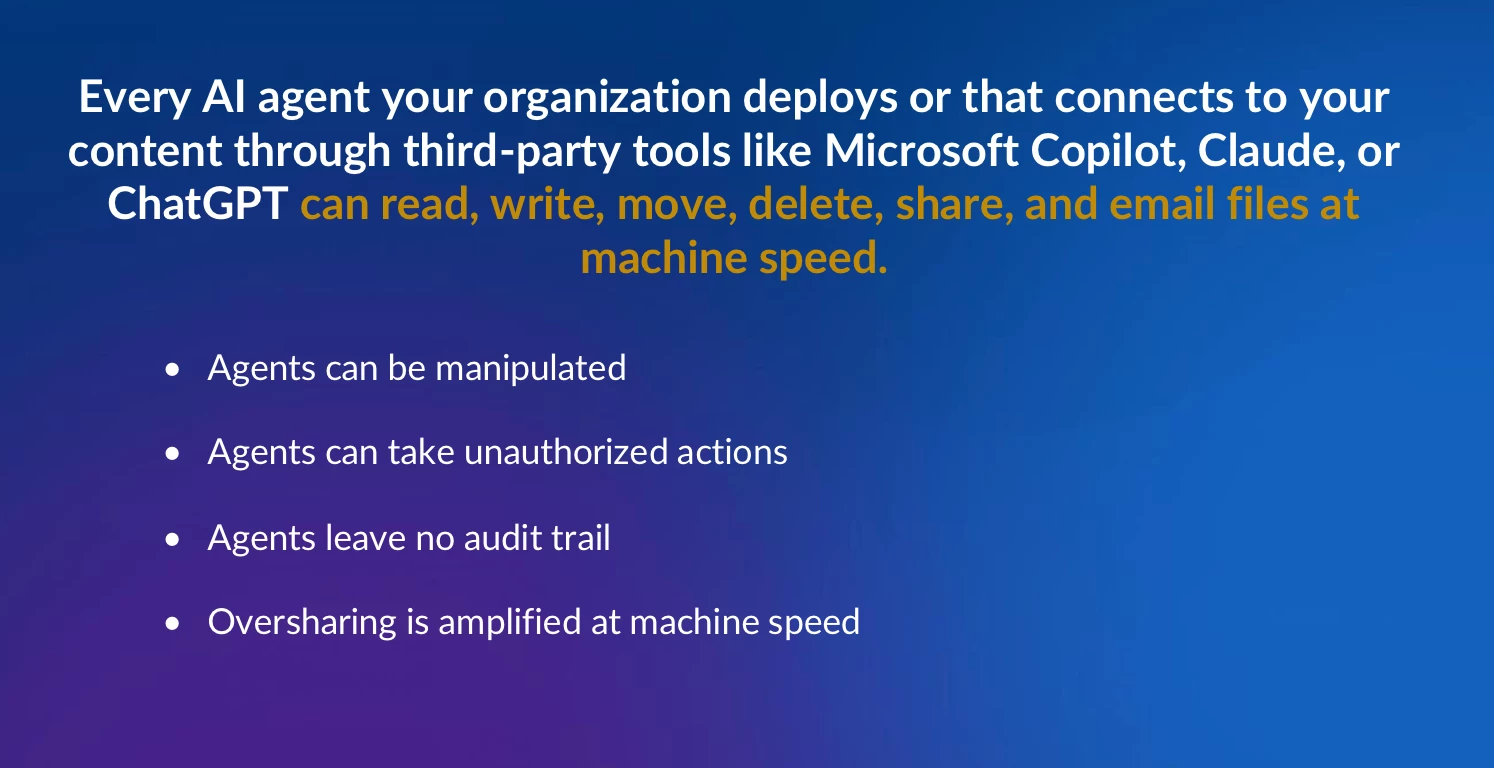
1. The Rise of AI and Associated Risks:
2. Box's Content-Layer Security for AI:
-
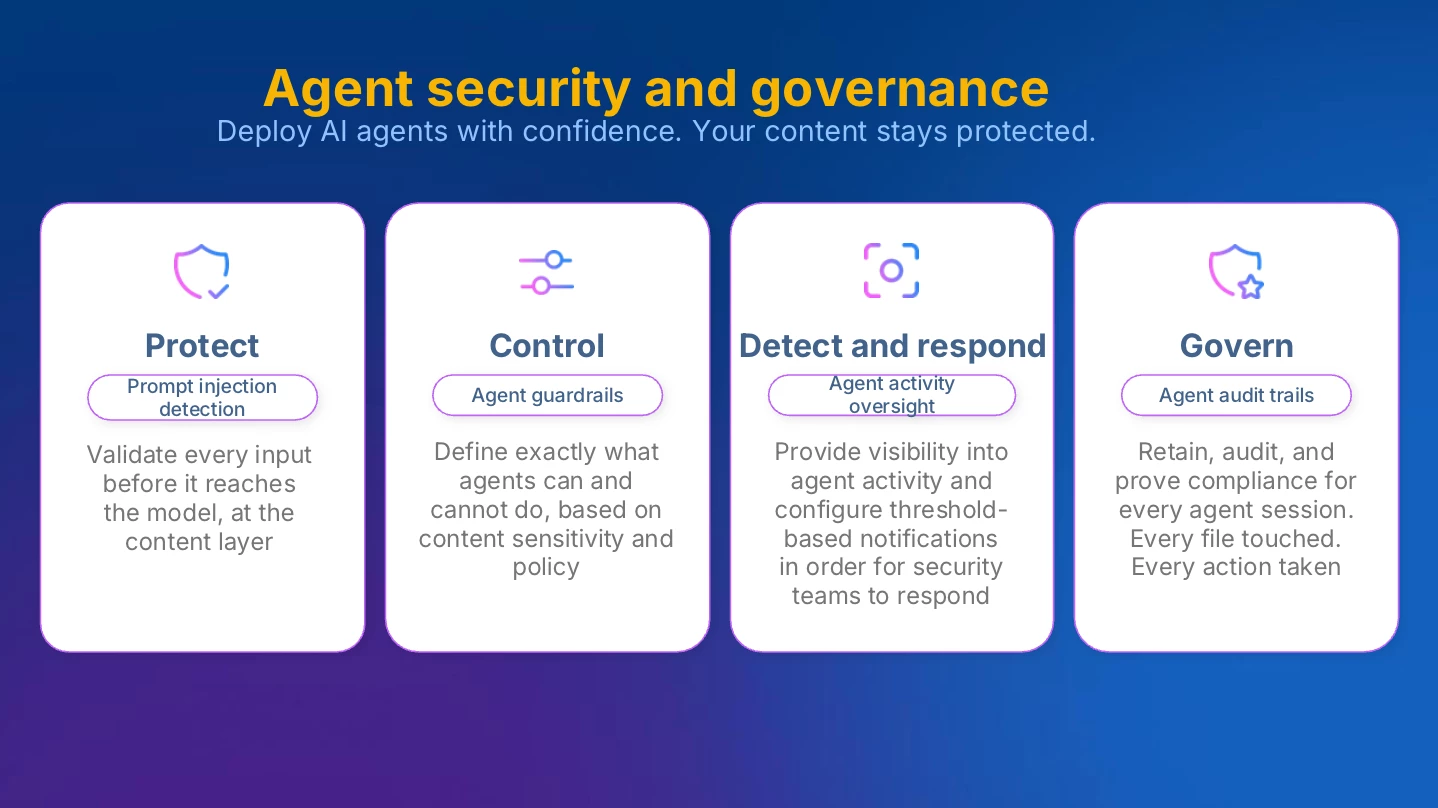
Protect: Safeguarding content from AI-related threats.
-
Control: Ensuring agents perform only their intended functions.
-
Detect: Identifying and responding to unauthorized or anomalous agent behavior.
-
Govern: Providing comprehensive audit trails and compliance capabilities for all agent activities.
3. Roadmap of Security and Governance Capabilities:
-
Prompt Injection Detection: A system to scan user prompts and document chunks for malicious instructions before they reach the large language model (LLM), blocking potential attacks.
-
Agent Guardrails: Deterministic, rule-based systems for both native Box AI agents and third-party agents using the MCP (Main Content Platform) server. Admins will be able to define strict operational boundaries, such as restricting an agent to uploading files only to a specific folder or preventing it from adding external collaborators.
-
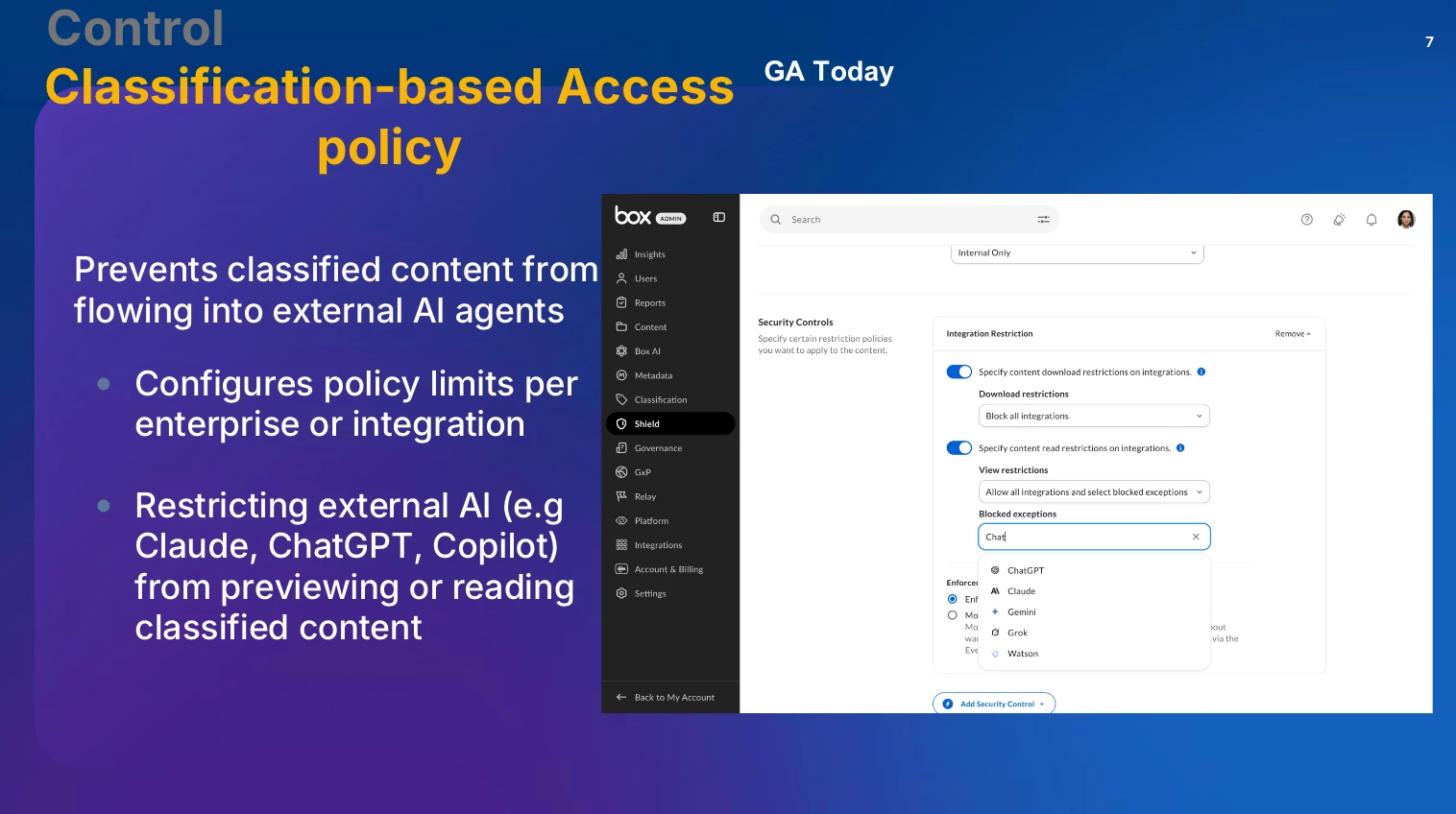
Classification-Based Access Policies: A recently released feature for Box Shield customers that allows organizations to block specific AI integrations (e.g., ChatGPT, Claude) from reading files that have certain security classifications, such as 'Confidential'.
-
Agent Activity Oversight: Part of Box Shield, this feature will introduce threshold-based alerting for agent activities. For example, an admin can be notified if an agent downloads an unusually large volume of data.
-
Agent Audit Trails: Comprehensive logging of every agent action, providing full context on which agent, acting on behalf of which user, accessed which files. These audit trails will be subject to retention policies and legal holds, just like any other content in Box.
Live Demo
Q&A Session
The presenters answered several questions from the audience:
-
Protecting Custom Agent IP: A user asked how to protect the proprietary instructions and knowledge files used to build a powerful custom agent.
@Aikokrishna Box explained that Box's current design is strictly permissions-aware to prevent privilege escalation, but acknowledged this was valuable feedback for the team to consider for future enhancements. -
AI Pilots and Governance Principles: In response to a question about running small-scale AI pilots,
@Aikokrishna Box demonstrated how admins can enable specific Box AI capabilities for select users and groups directly from the admin console. The team also reiterated Box's core AI principles, such as never training on customer data and maintaining full visibility. -
See Box AI Principles: https://www.box.com/legal/boxaiprinciples
-
Troubleshooting and MCP Connections: A user reported an issue with a classification policy not working as expected.
@Aikokrishna Box advised contacting the support team for assistance. She also clarified that for security reasons, native Box AI agents cannot currently connect to external MCP servers, but Box Automate can be used to create workflows that leverage agent outputs for external integrations.
Call to action
We encourage customers to explore the new classification-based controls and to watch for the upcoming features on the roadmap. Questions or feedback? Please comment in the replies!