


Thanks to
Main Topics
1. Microsoft Copilot Integrations
Box has been working closely with Microsoft to embed its content cloud within the Copilot experience.
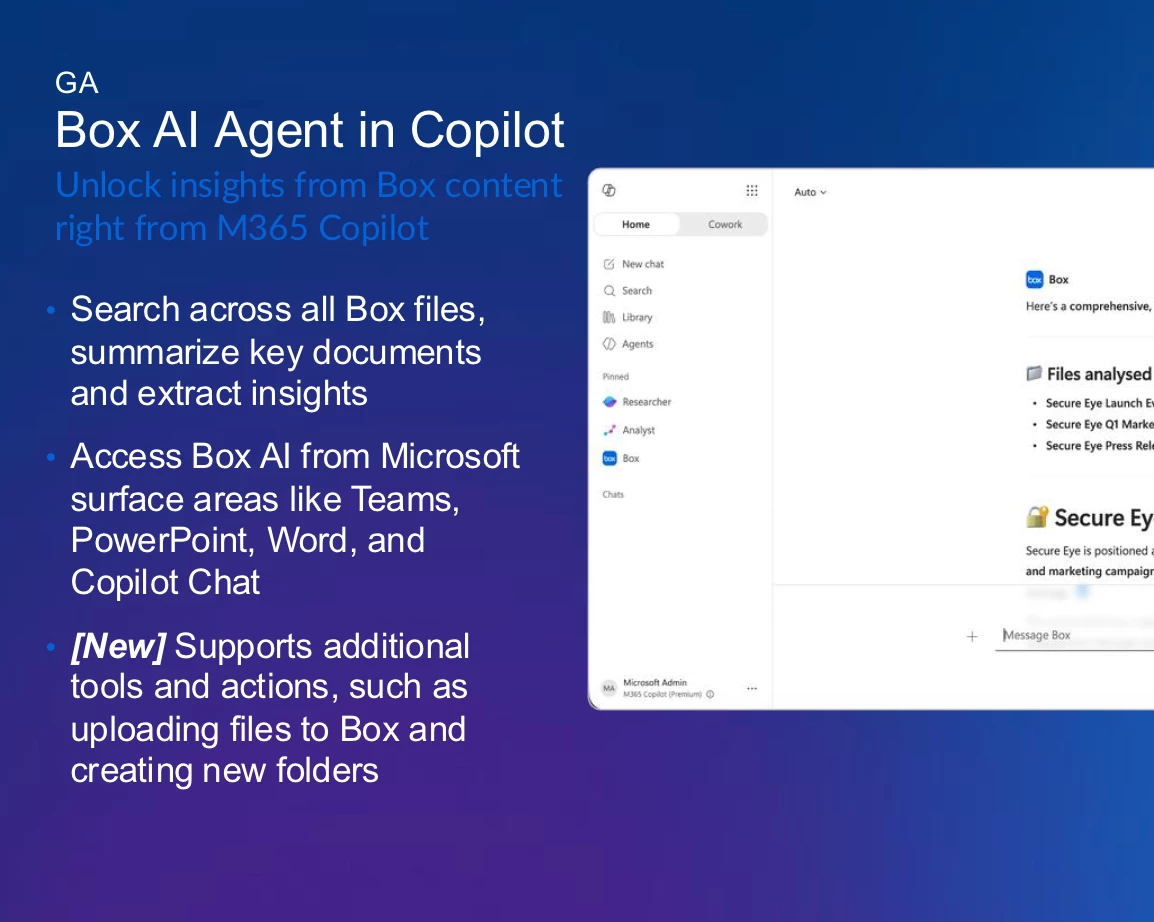
- Box.ai Agent in Copilot: This Box-built agent allows users to search and summarize content directly from their Box account within various Copilot interfaces, including Copilot chat, Teams, and Office apps. A recent enhancement added the ability to upload files and create new folders in Box directly from the agent.
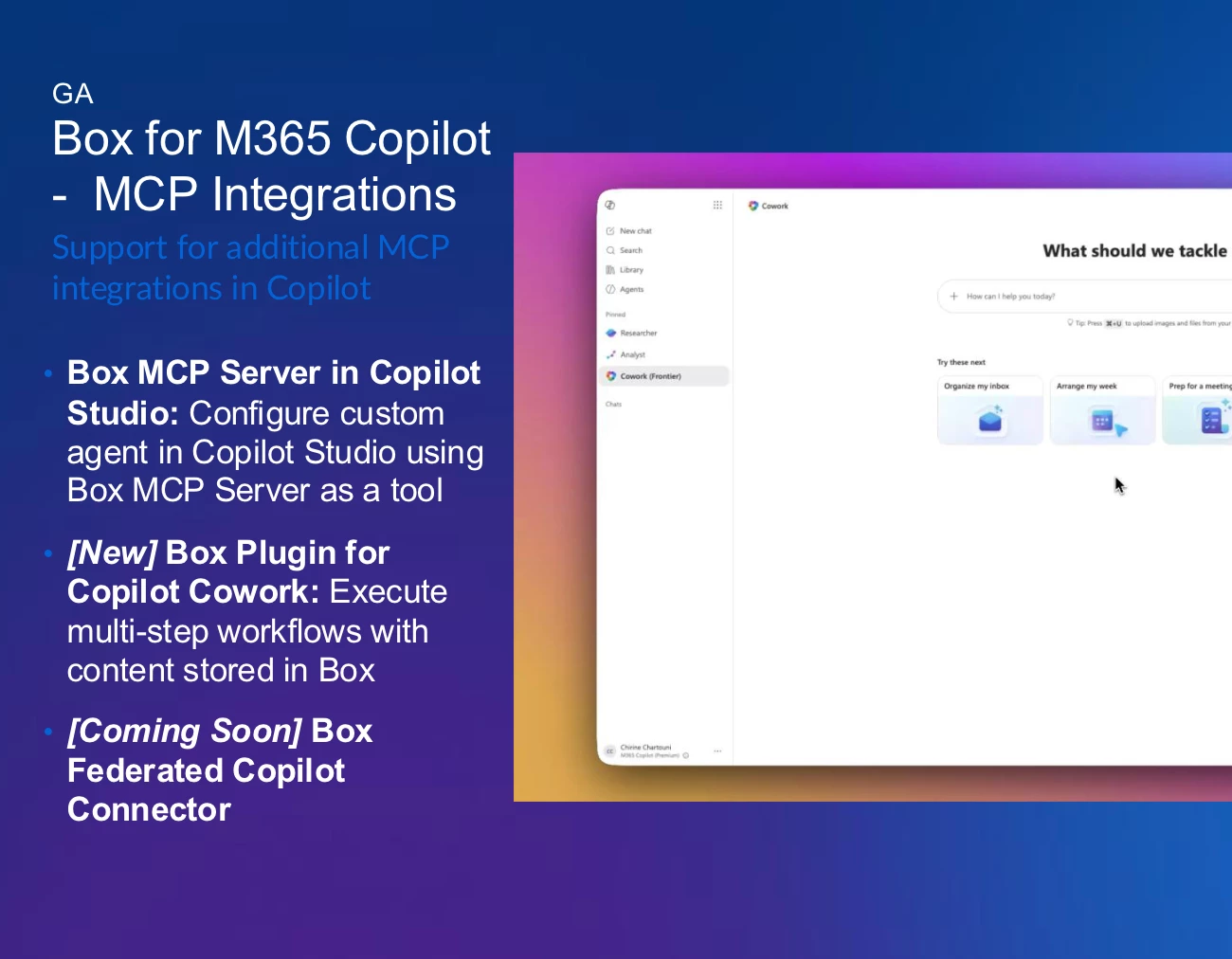
- MCP Integrations: Box is leveraging its Microsoft Cloud Partner Program (MCP) server to extend its reach. This included availability in Copilot Studio for building custom agents and a new plugin for Copilot Co-work, which enabled users to perform complex tasks (e.g., summarizing emails and calendar events) and save the output directly to Box.
-
- Upcoming Federated Copilot Connector: A significant future enhancement was announced. This federated connector allows users to access Box content within the main Copilot chat interface without needing to explicitly select the Box agent. This enables seamless, federated search across multiple content repositories like Microsoft and Box simultaneously.
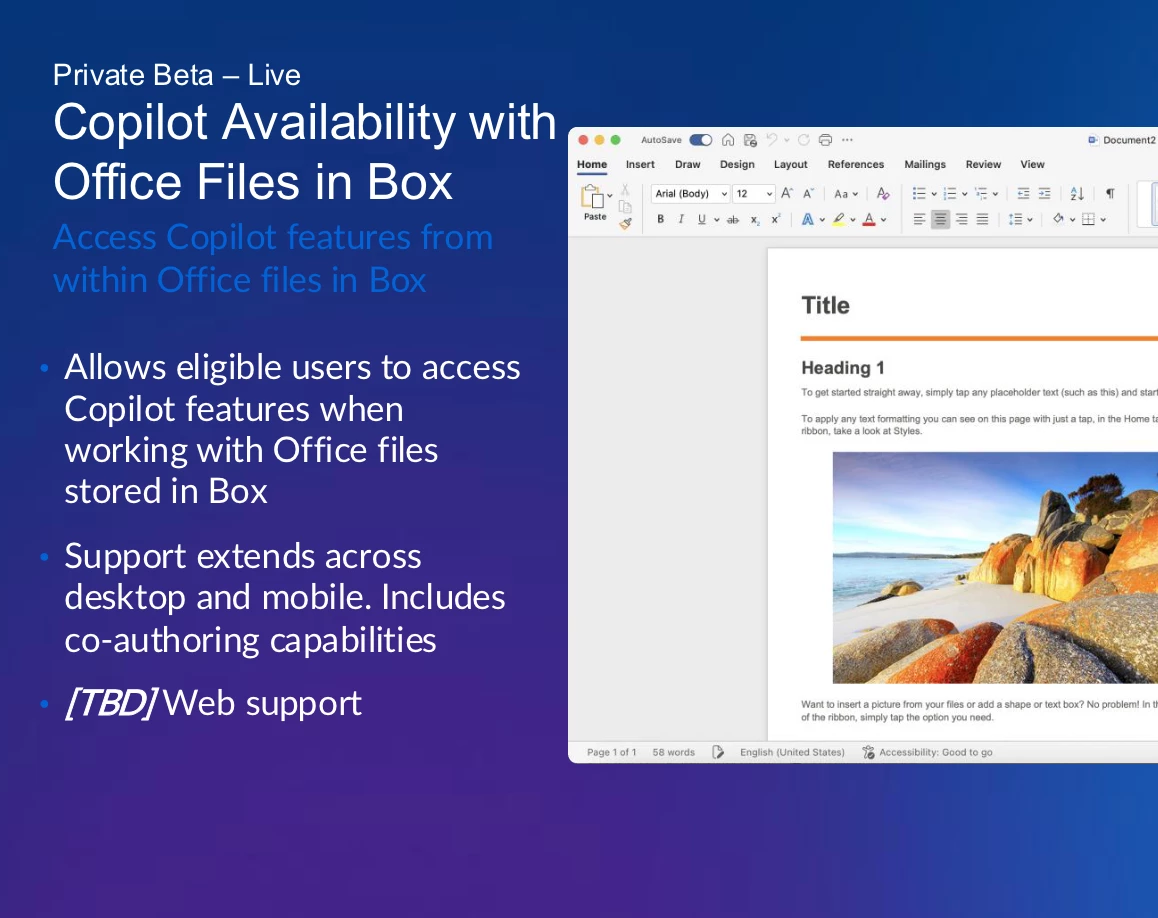
- Copilot in Office Apps (Beta): A new beta program is live, enabling Copilot functionality within Microsoft Office desktop and mobile applications (Word, Excel, PowerPoint) for files stored in Box.

2. Microsoft 365 Co-authoring Updates
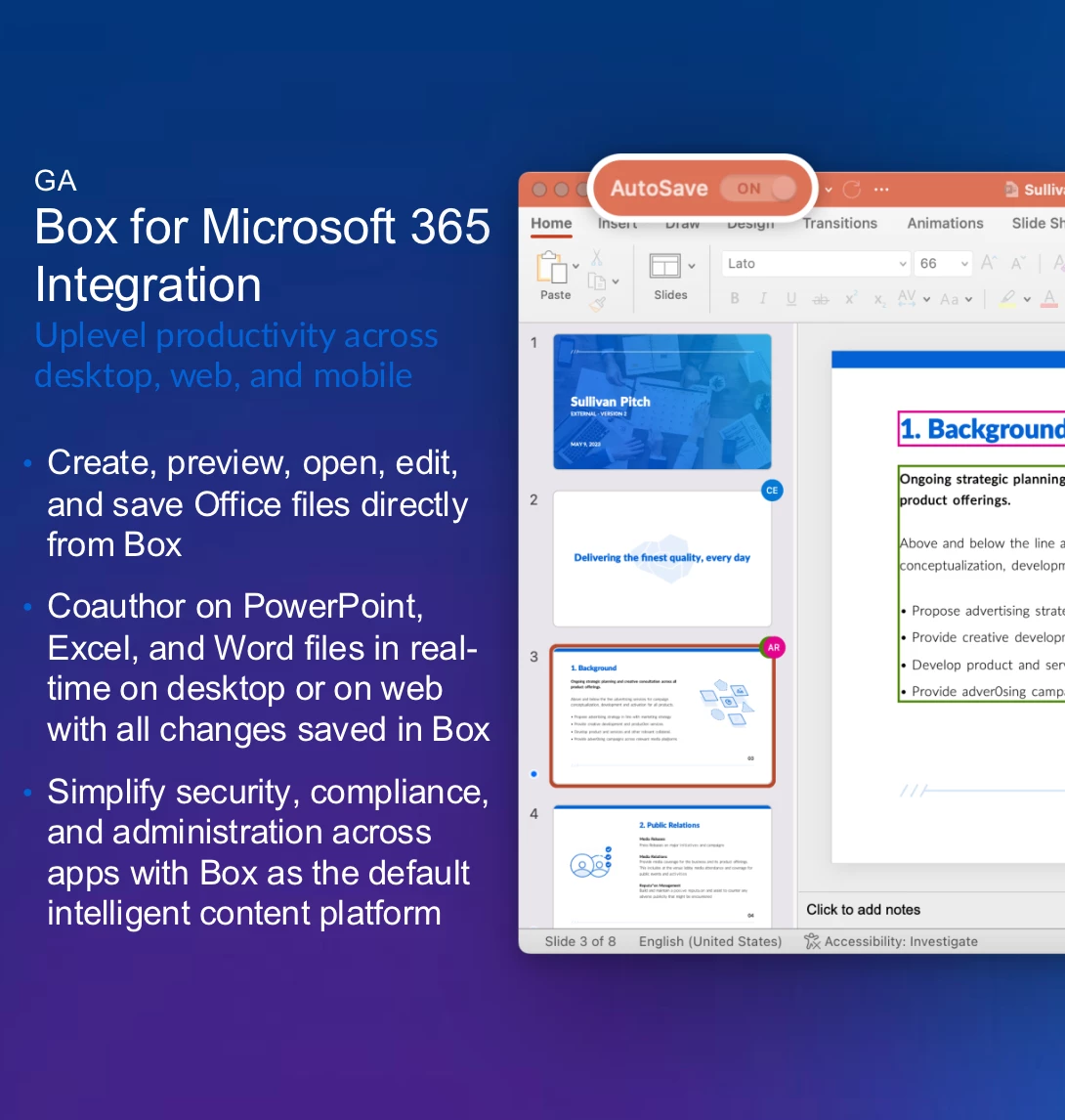
Significant improvements have been made to the real-time co-authoring experience for Office files stored in Box.
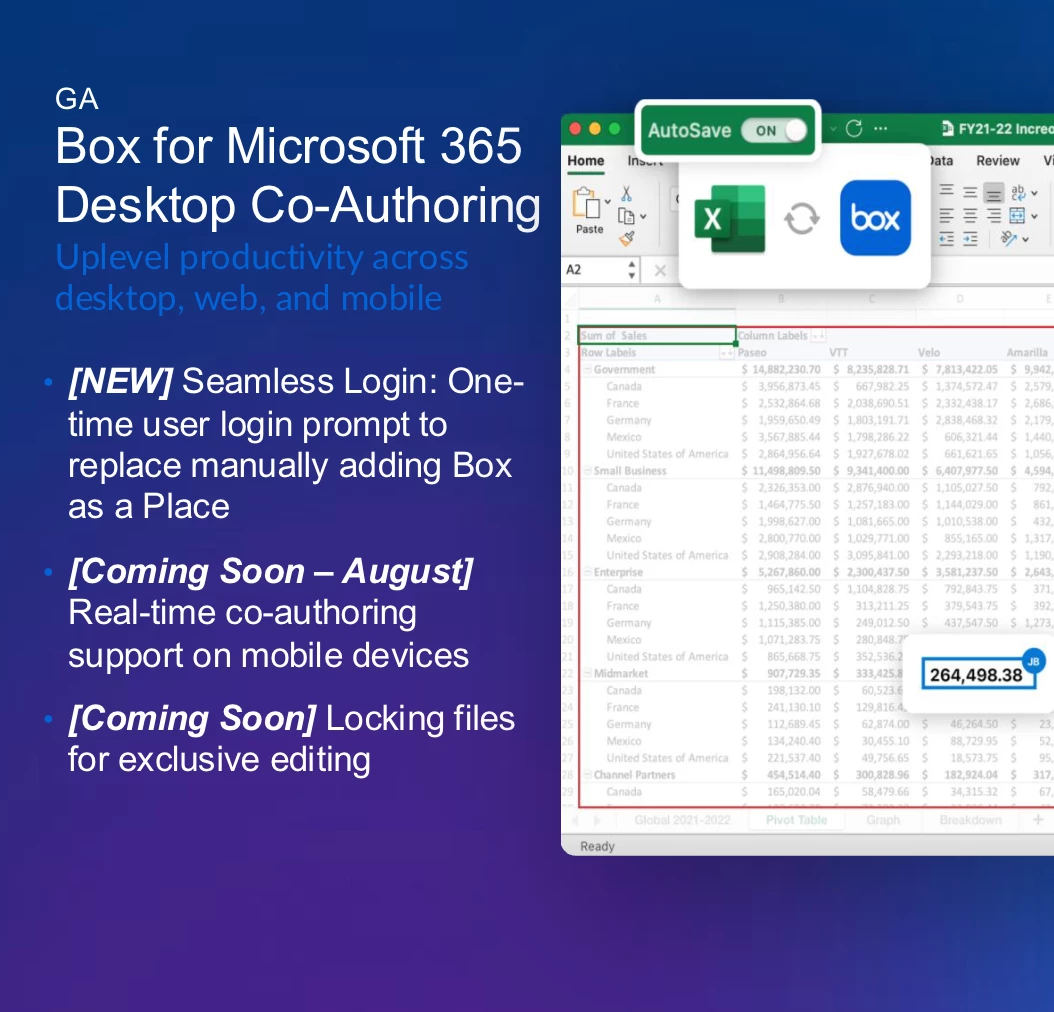
- Seamless Login: To address a major user friction point, Box has implemented a seamless login feature. Instead of manually adding Box as a storage location, users receive a simple, one-time login prompt the first time they opened a file for co-authoring from their desktop.
- Roadmap and Upcoming Features:
@Chirine Box shared the future roadmap, which includes:- Mobile Support: Co-authoring soon be available on mobile devices.
- File Locking: The ability to lock files for exclusive editing in development.
- @mentions: Acknowledged as a top priority for both Box and Microsoft, this highly requested feature is being designed, though it is a complex effort with a longer timeline.
Key Insights & Q&A
The interactive Q&A session provided valuable insights into customer needs and concerns.
- MIP Sensitivity Labels: A known issue where Microsoft Information Protection labels conflicted with co-authoring for files in Box was discussed.
@Chirine Box explained the technical complexities and confirmed there is no immediate fix, but a joint messaging document from Box and Microsoft will be released to provide clarity. - Box for Microsoft Teams: The existence of the Box for Teams integration, which allows Box to act as the content layer, was confirmed. Future plans include adding support for private and shared channels.
- Commenting Workflows: In response to a question about confusion between in-app comments and Box comments, it was clarified that these were separate systems with no current plans for synchronization.
- Connectivity Issues: For users with poor internet, if a connection is lost during a co-authoring session, the file becomes a local copy, and changes have to be saved as a new file to avoid conflicts.
Please share questions on Box and Microsoft integrations in the replies!