Tutorial

Recording and Summary: Hear the latest on Box AI for Mobile

  • May 5, 2026
  • 3 replies
  • 190 views

thomasdeely Box
Forum|alt.badge.img

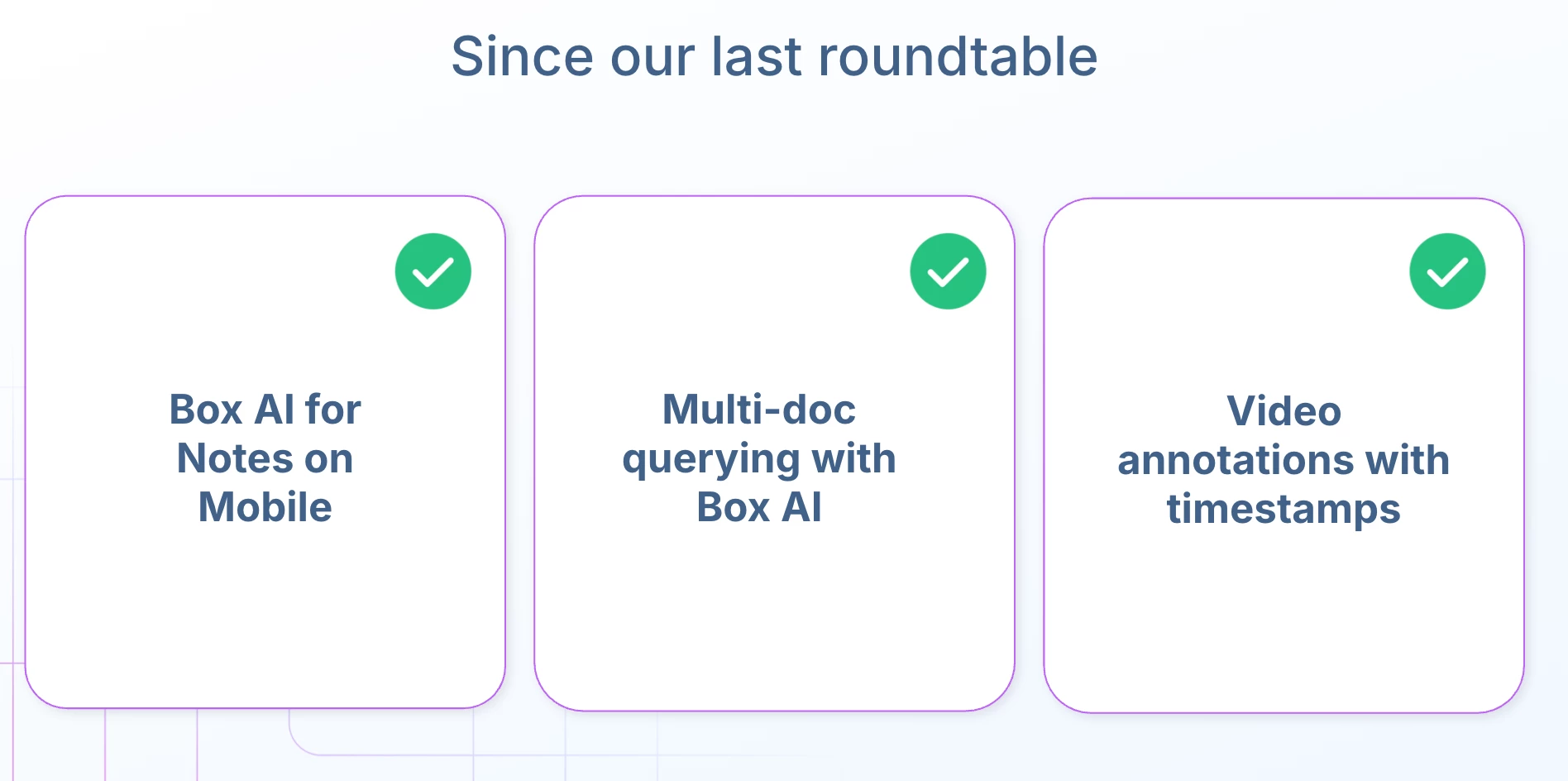
Thanks ​@Jakub Piech PM Mobile and ​@msyu Box for today’s overview and demo of Box for Mobile and thanks to our guests for joining in the Q&A. 


Please see below for highlights and recording.
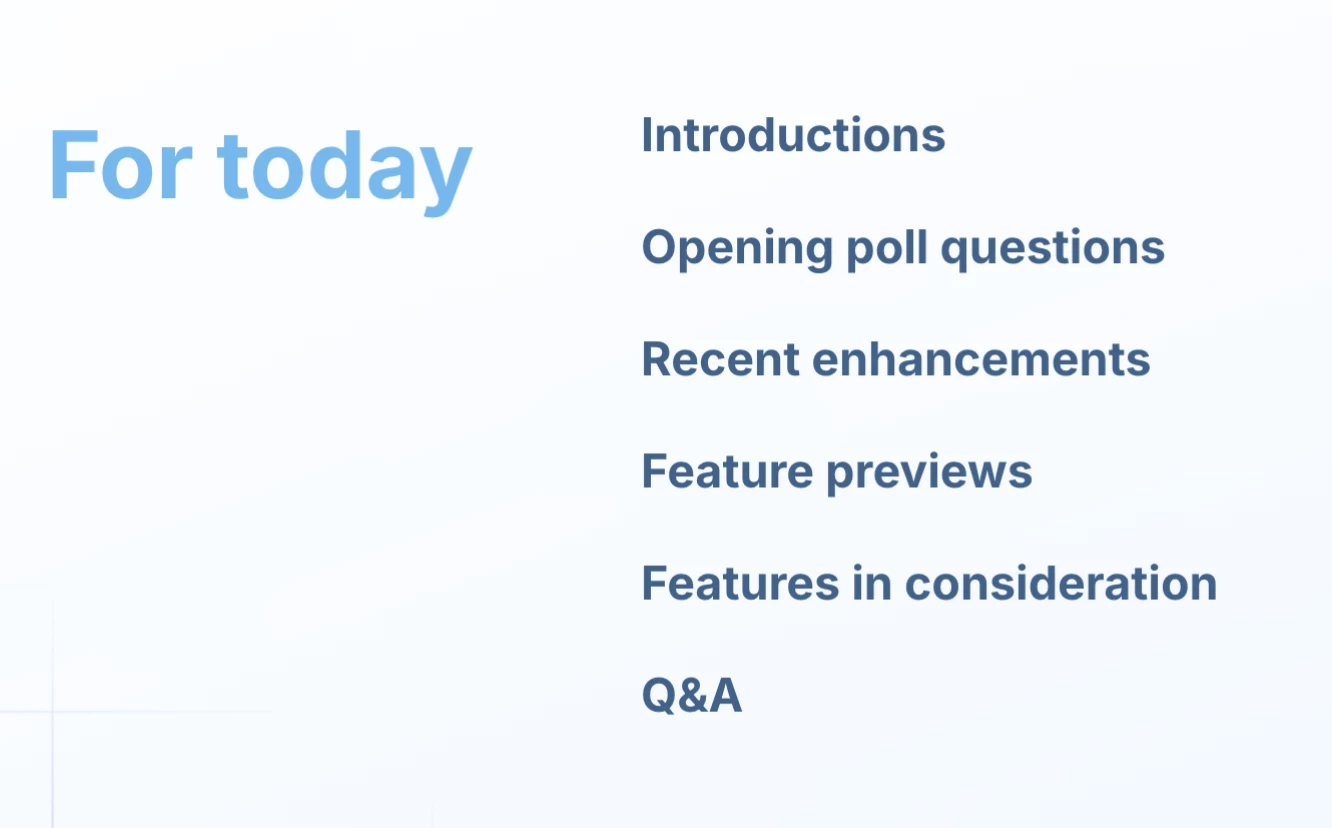


Which is your favorite feature, or are there other features you would like please comment in the replies! 

3 replies

Jakub Piech PM Mobile

Hi Everyone!

FAQ based on our customer roundtable.

Question

Answer

With the navigation enhancements, is there an option perhaps to be able to jump straight into Box Notes? The Browse, Collections, and Inbox links are handy. My "Box life" is mostly spent in Notes, collaborating with my teams rather than accessing documents. 

We are working on an improved Notes experience that will make it easier to see recent Notes, favorite Notes, and Notes overall. This is expected on Android and iOS soon

Is there a voice to text or dictation coming soon? We discussed this in our 1 on 1 already

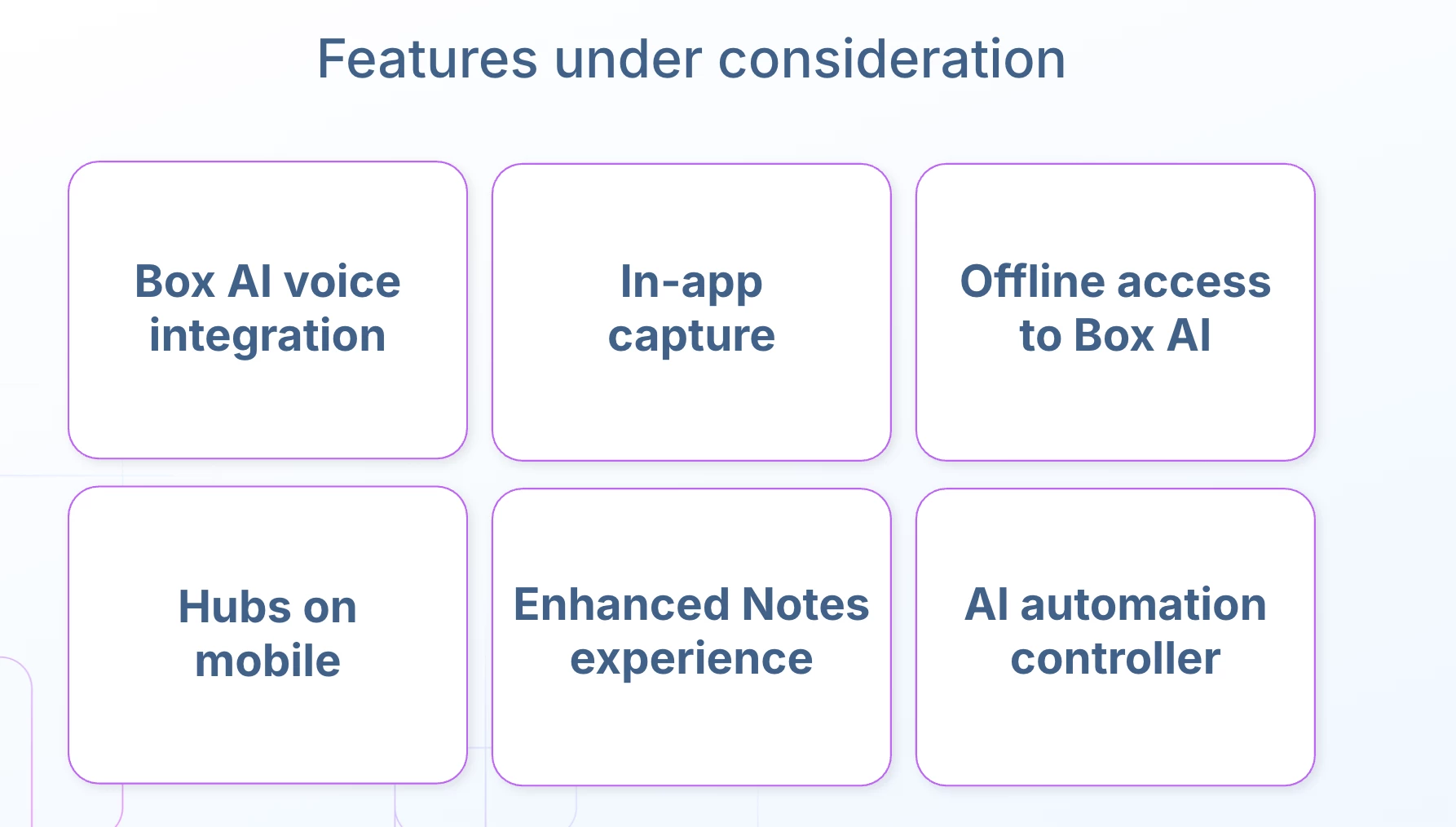
It is on our roadmap, but it will take a bit longer. We are actively exploring it, but we cannot commit to delivery this quarter.

Is this shown version available for end users yet?

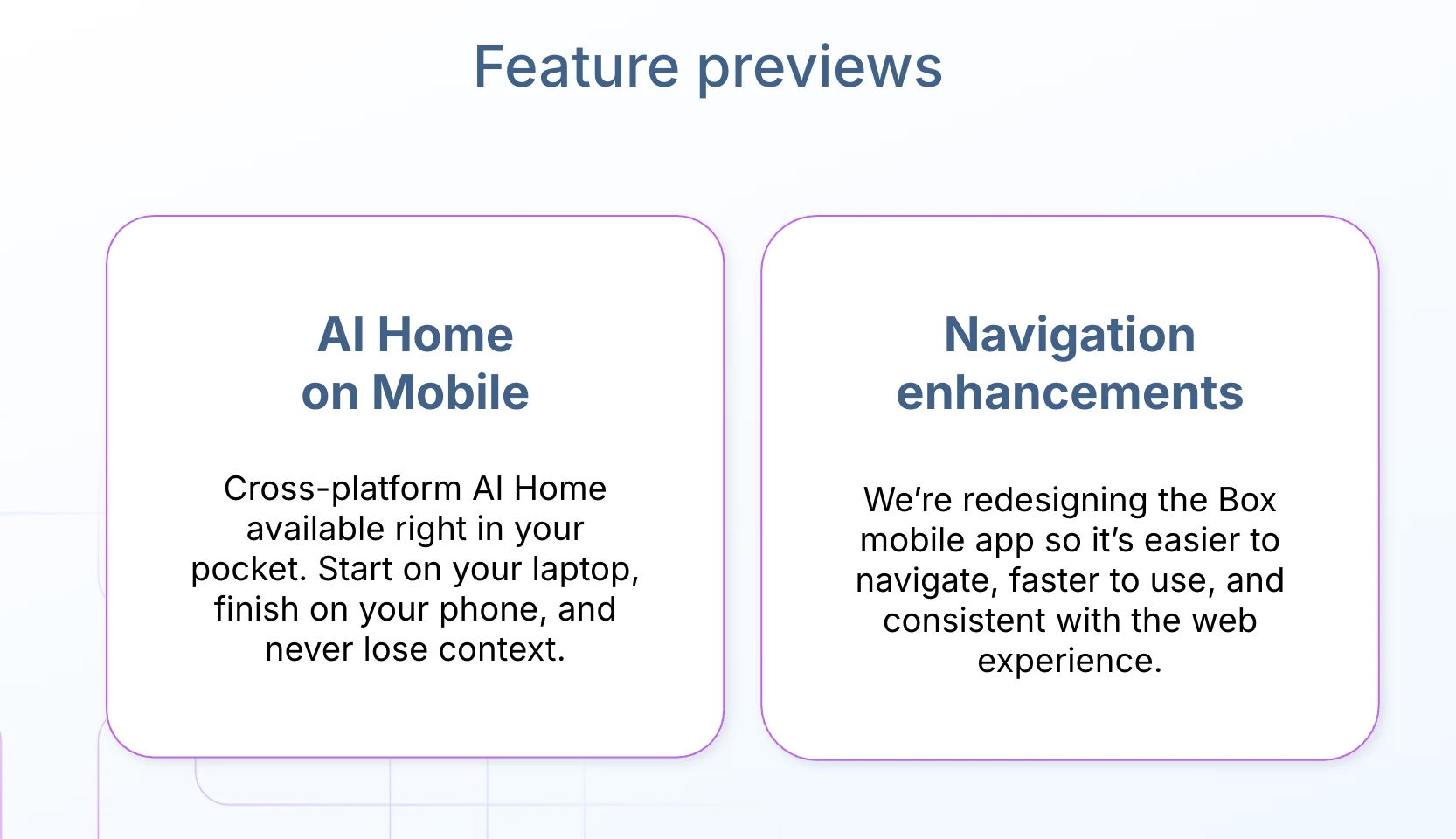
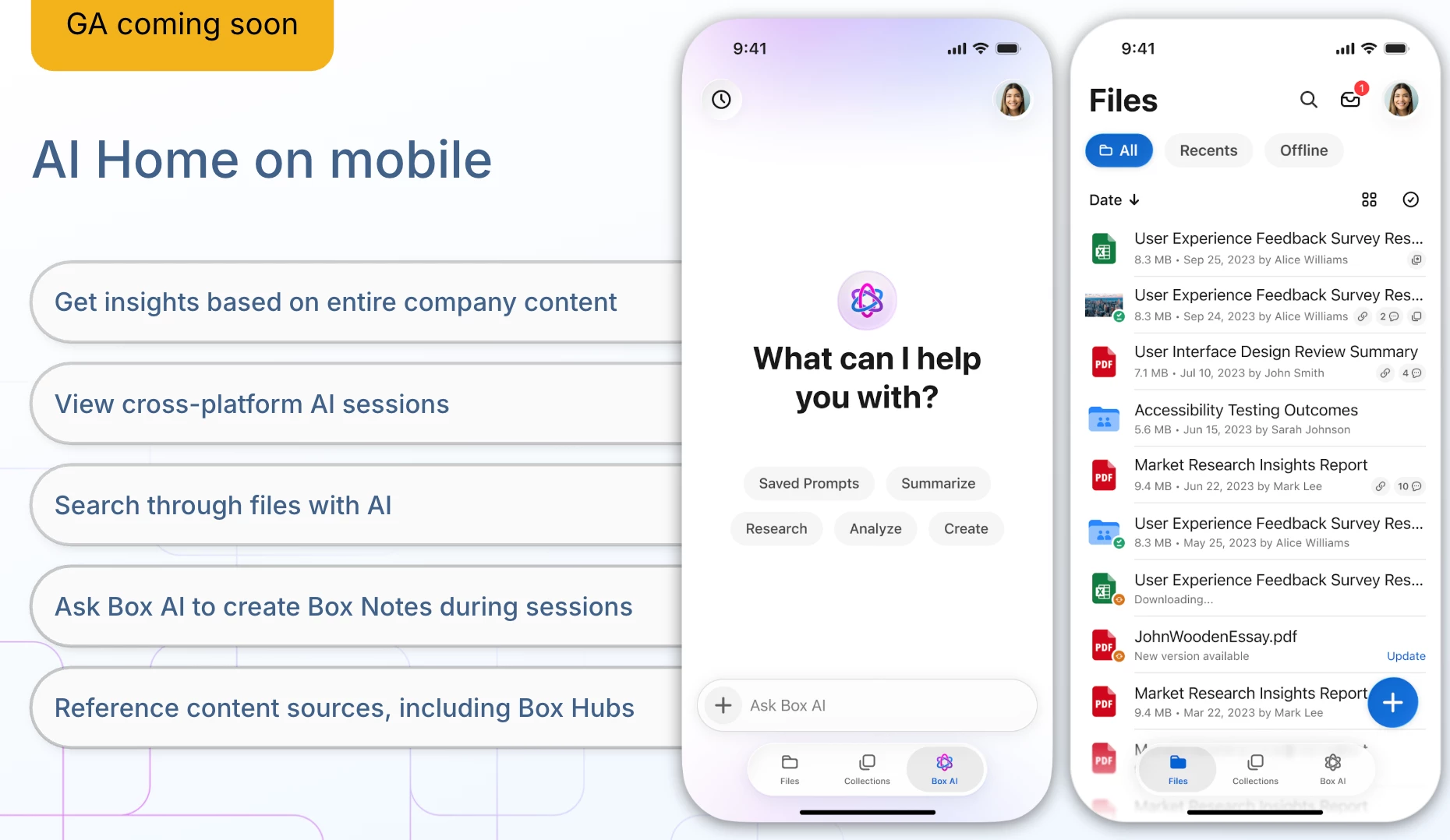
General availability is coming soon for all Enterprise customers with Box AI and AI Home enabled.

Do you all ever have public betas for these, via TestFlight (iOS)? 

Our beta process depends on the specific product and platform. For iOS and Android, we evaluate beta programs on a case-by-case basis. In some cases, access may be provided to selected customers, but it would typically be a private beta rather than a public TestFlight beta.

You may have covered this but is there a way to access notes on mobile without having them as a favorite


there is no separate access point like on web

to just click and see all notes

You can access Notes on mobile by searching for them, viewing recently used files, or browsing. In addition, we are working on an improved Notes experience that will make it easier to see recent Notes, favorite Notes, and Notes overall. This is expected on Android and iOS soon.

Pre submitted question: "How are Box Mobile and Box AI handling secure access, data classification, and policy enforcement on mobile devices without adding friction for end users, especially in regulated environments?"

Box AI is permission-aware by design. Our retrieval system enforces the same access controls that govern all Box content, so users can only surface information they already have permission to access. These permissions work consistently across web and mobile.


In addition, Box does not train on customer data, helping organizations use AI capabilities securely without adding extra friction for end users.

Does the app allow for viewing of metadata and dashboard list/app lists?


it would benefit automate/workflows

Metadata viewing is not currently available in the app, but it is something we are working on as part of our in-app capture improvements this quarter. Support for dashboard lists, app lists, and broader workflow automation on mobile is not currently available, though it is under consideration.


Some capture-related processes can feed into Box Automation, such as taking a picture and having it processed through an automation workflow. However, creating a full automation pipeline from scratch on mobile is not currently possible.

Pre submitted question: "How do I ensure my custom agents are available on Box Mobile? Right now several are not showing on mobile but are showing on the web."

In general, custom models and custom agents should automatically be available on mobile. If the agents were created as part of the newer AI Home experience, they should become available soon with the general availability of AI Home. If they belong to an older model family and still do not appear on mobile, that likely requires investigation and support from our team.


Submit a ticket here.

Pre Submitted: "To see what Box AI looks and feels like on a mobile device.  Will it allow me to use it like other LLM apps?"

Yes, Box AI on mobile can be used in a similar way to other LLM apps, with the added benefit of secure access to Box content. With AI Home, users can ask questions, work with Box sources, and get secure answers in a way that is well suited for enterprise use cases.

Pre submitted: "When to chose MDM vs MAM app versions."

Standard Box app is best for BYOD/personal devices, or if your organization works a lot with contractors, and mixed-device environments where you want app-level data protection without device enrollment.


Box for EMM would be best for corporate-owned, in highly regulated industries requiring full device control, strict compliance, and Zero Trust architectures.


Note: On Box Android, a single app combines both EMM and Standard functionality.


khanim
  • Box Employee
  • May 15, 2026

Great to see these updates live!! 


  • Box Employee
  • May 16, 2026

Thank you all for joining, can’t wait for the next quarterly update!