


Thanks
Recording
Summary
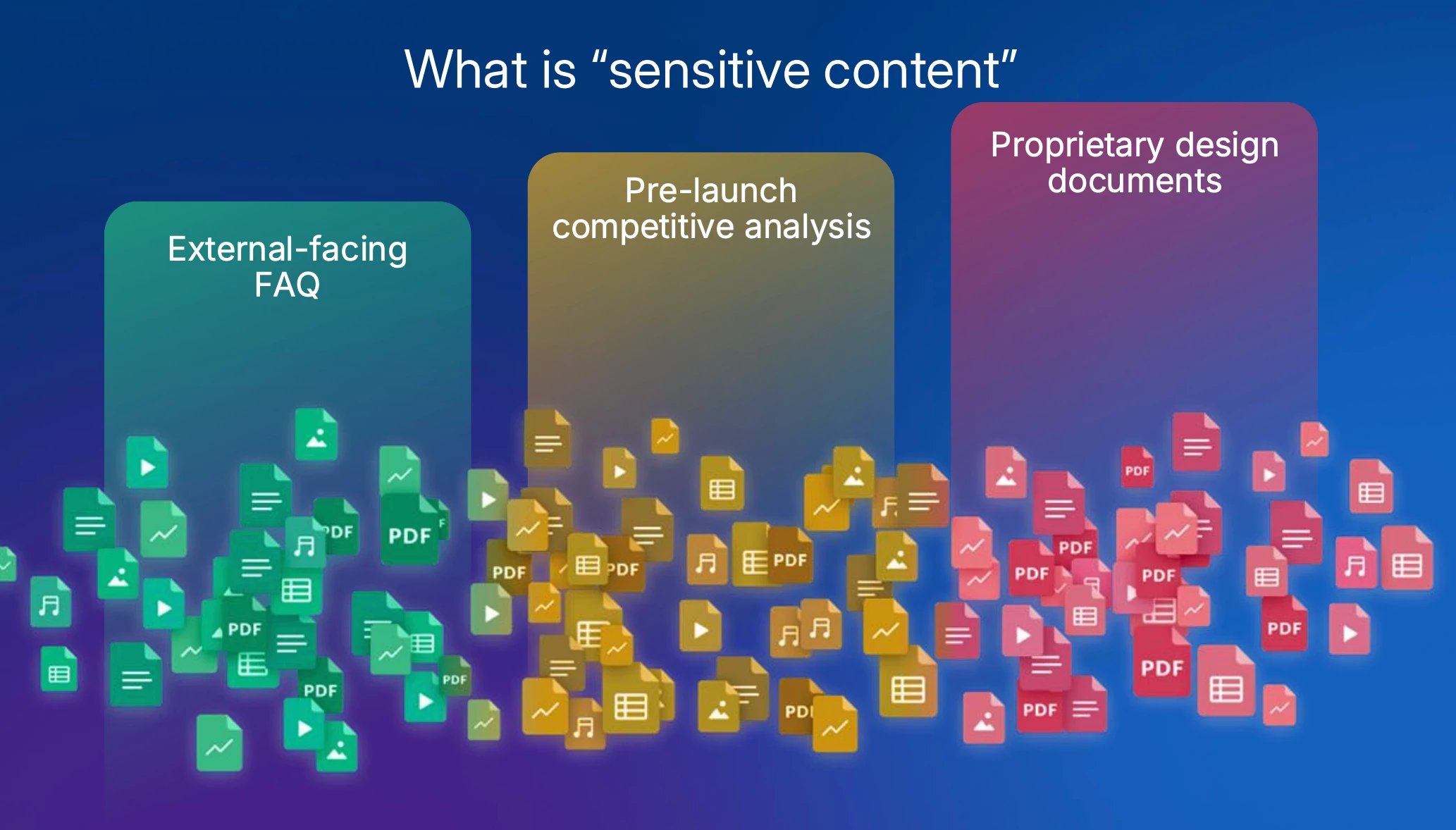
The Importance of Defining Sensitive Content:
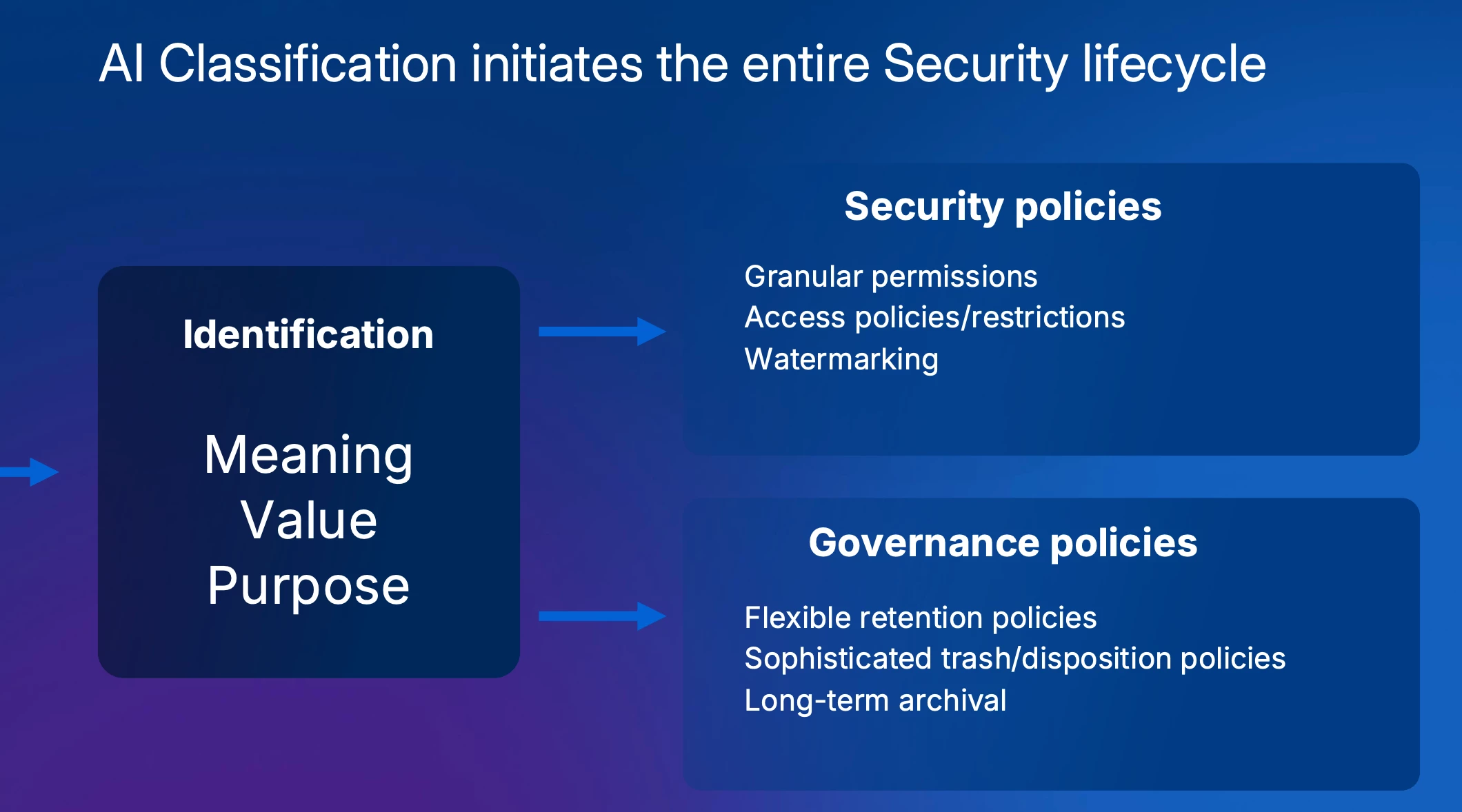
Ben introduces the 'MVP' concept: understanding the Meaning, Value, and Purpose of a document. This foundational knowledge is crucial for determining the appropriate level of security, from public FAQs to proprietary design documents, and applying the correct access controls, watermarking, and governance policies.
Ben explains the typical classification schema (e.g., Public, Internal, Confidential, Restricted) and emphasizes that once content is correctly labeled, the entire security lifecycle, including permissions, watermarking, and governance policies like retention can be automated.
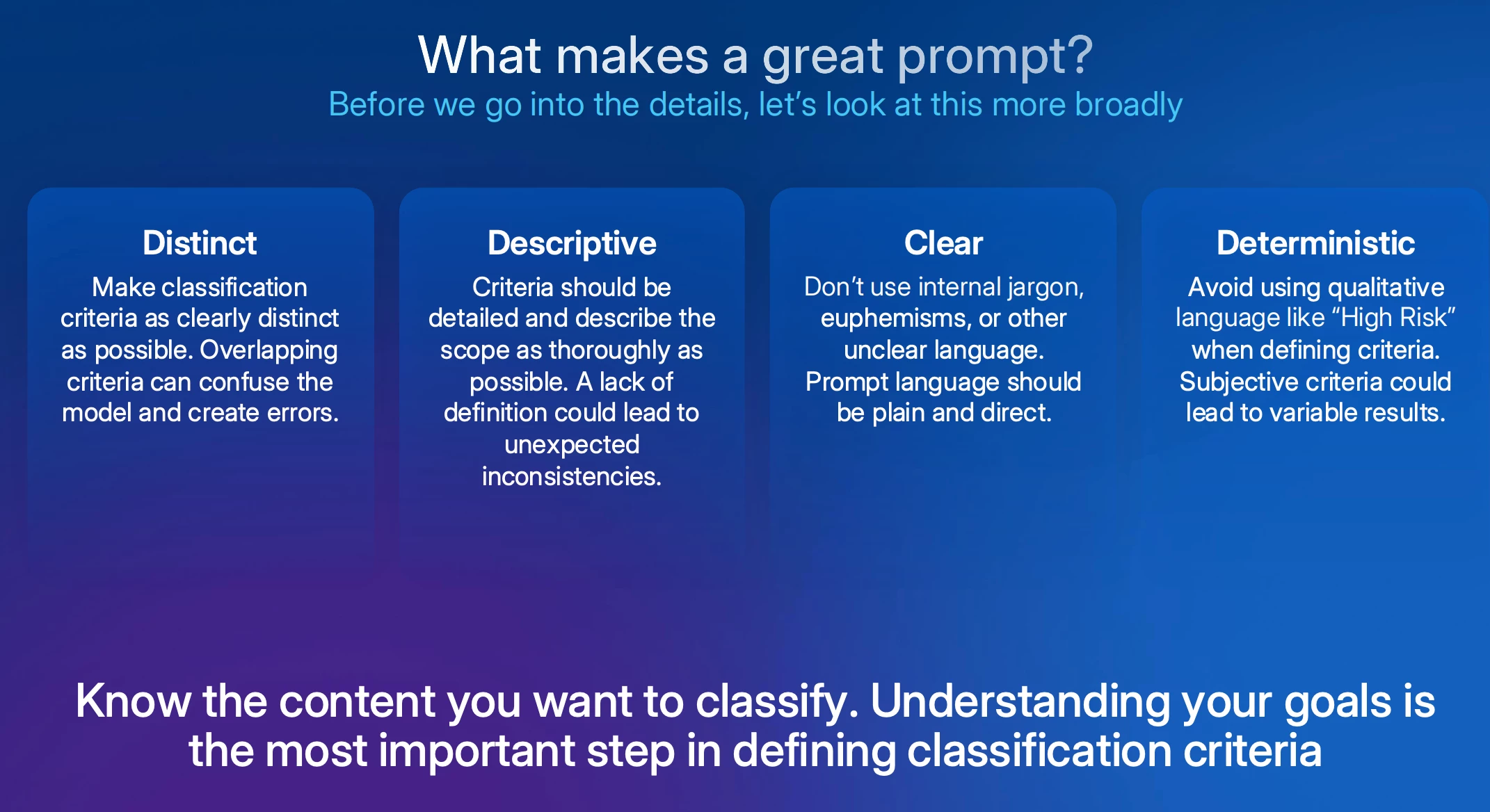
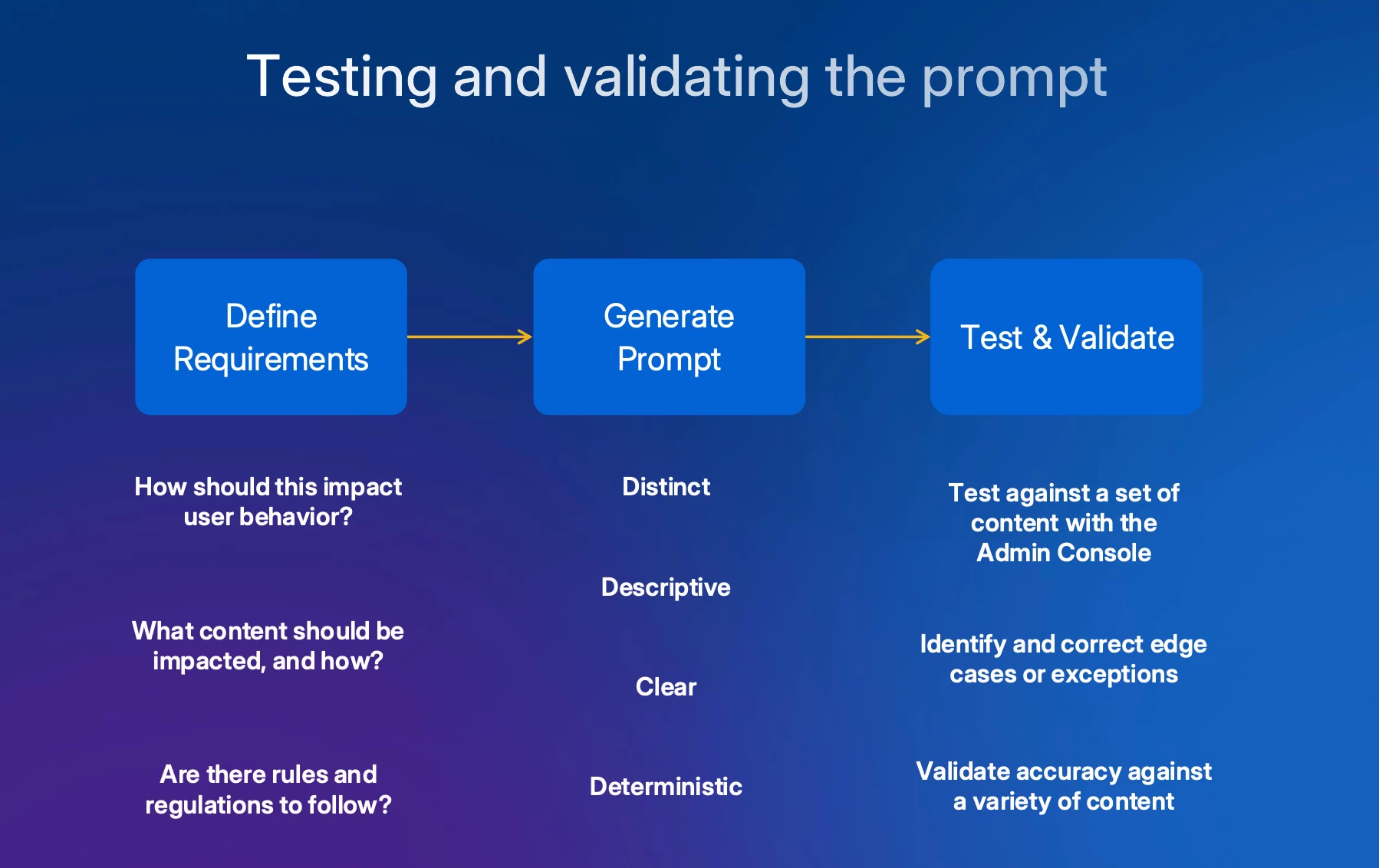
Crafting an Effective Prompt: Ben introduces the four core principles for writing successful AI prompts:
- they must be distinct (no overlap between definitions),
- descriptive (specific about what to look for),
- clear (avoiding jargon or metaphors),
- and deterministic (providing specific cues where possible).
Ben stresses that a deep understanding of one's own content is the most critical element for writing effective prompts.
The Prompt Design Process & Live Demo:
1) Define security requirements,
2) Generate the prompt, and
3) Test and validate.
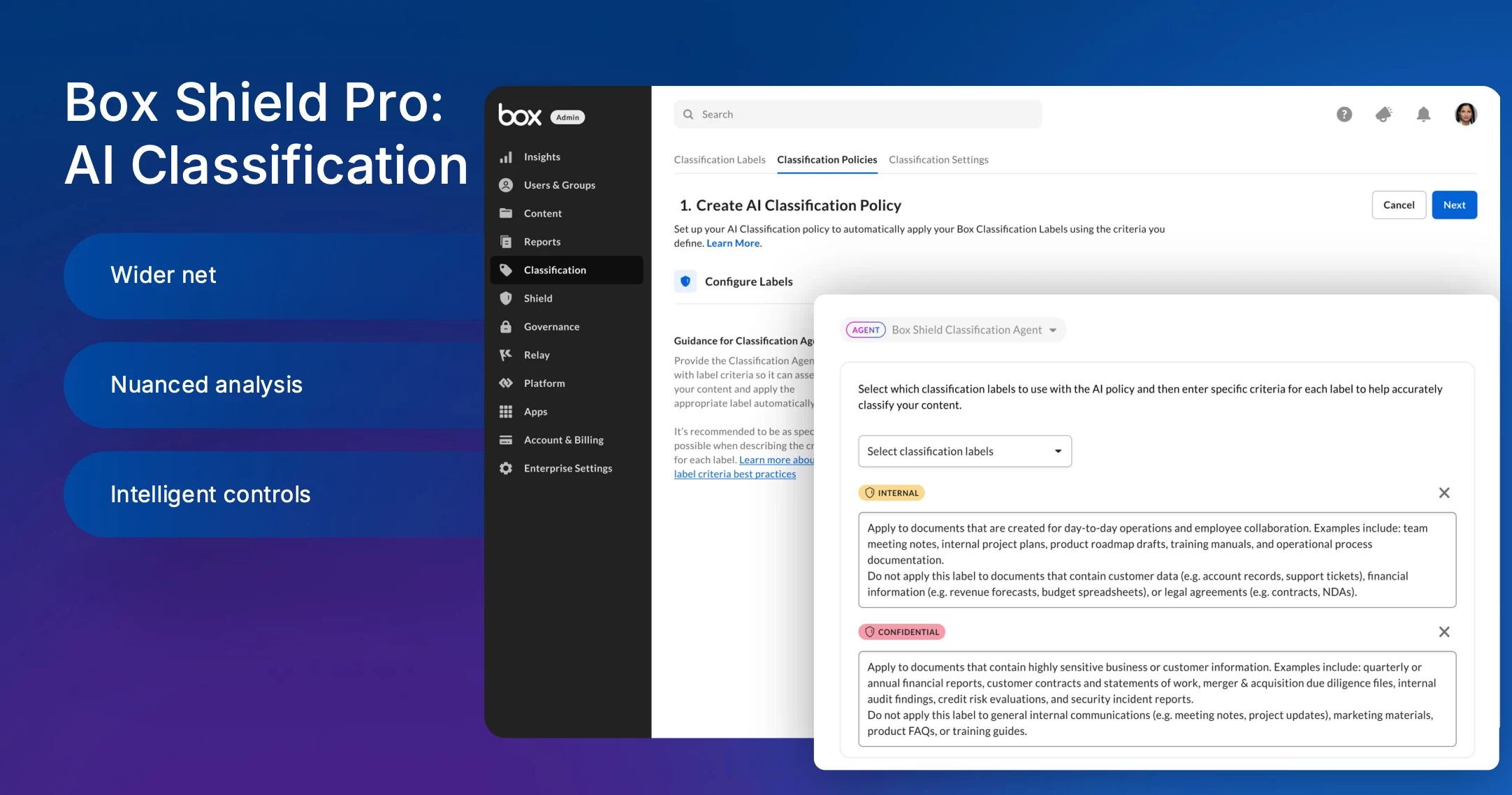
Aiko provides a demo of the Box Shield Pro AI classification feature. She walks through the admin console, showing how to:
- Configure classification labels (e.g., Restricted, Confidential, Internal Only, Public).
- Create an AI classification policy, inputting descriptive prompts for each label.
- Prioritize labels to handle cases where a file might match multiple criteria.
- Show the AI in action by uploading files, including a JPEG image of a passport. The system correctly applies the 'Restricted' label and provides a clear rationale, demonstrating its ability to analyze image content beyond simple text extraction (OCR).
5. Prompt Generation with Box.ai
Aiko demonstrates how to leverage an LLM like Box.ai to accelerate prompt creation. By providing Box.ai with an existing data classification policy document and instructions, it can generate a structured set of prompts that serve as a strong starting point for the testing and iteration phase.
Q&A Session
The presenters address several key audience questions:
- Classifying Existing Content: Aiko confirms that a feature to scan and classify existing content is in active development and will be rolled out starting with an engagement through Box Consulting, with a self-serve option planned for the future.
- Model Feedback Loop: In response to a question about training the model on misclassifications, Aiko explains that Box does not train on customer data for privacy reasons. However, they are exploring features like admin-driven approval workflows to help refine policies based on user feedback.
- Traditional vs. AI Classification: The team clarifies that while traditional (regex/keyword) classification is useful for highly specific patterns, AI is far superior at understanding nuance and context, which significantly reduces false positives and allows for the classification of a much broader range of unstructured content that was previously impossible to automate.
Slides
Slide deck here
Do you have questions on prompt writing or example best practices? Please share in the replies!
