Thanks
Agenda:
- Introductions
- Overview of Box Notes
- Recent enhancements w/ demo
- Future plans
- Customer Q&A
Full recording, scroll down for a recap
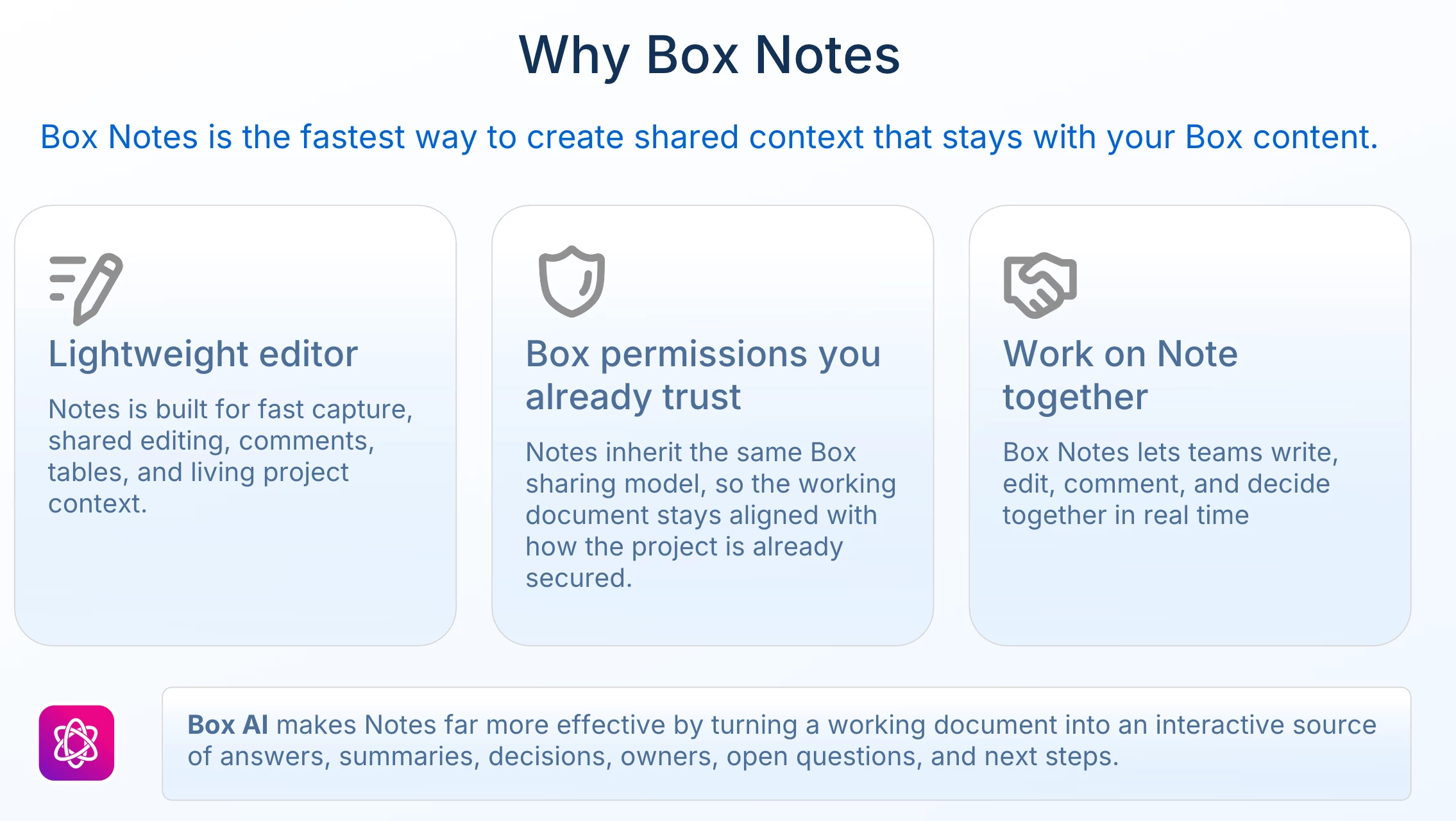
Why Box Notes?
Popular Use Cases
Three primary use cases are highlighted:
-
Meeting Notes: The most common use for daily work, tracking tasks, and documenting discussions.
-
Project Tracker: Leveraging enhanced table functionalities, users can create multi-column trackers to manage projects, filter data, and collaborate with colleagues in a single, comprehensive document.
-
Notes from the Field: Significant improvements to the mobile experience on the Box app allow users to easily and quickly create, edit, and access notes from any device, making it ideal for fieldwork.
Leveraging Box AI with Notes
-
Meeting Summaries: AI can analyze meeting transcripts or notes to generate key insights, next steps, and action plans.
-
Leadership Updates: Users can maintain a running log of weekly activities and use AI to instantly generate a concise summary email for managers or leadership.
-
First Draft Creation: When starting with a blank note, pre-built AI prompts for meeting agendas, project plans, and more can generate a structured first draft instantly.
Recent Enhancements & Live Demo
-
Advanced Tables: Tables now support filtering, sorting, cell merging, background colors, drag-and-drop columns, and fixed headers.
-
Image Editing: Images can be resized freely and zoomed in or out directly within the note.
-
Threaded Comments: Collaboration is improved with threaded replies, the ability to edit or resolve comments, and an option to copy a direct link to a specific comment.
-
AI Workflow Integration: Conversations started with the inline AI tool are now automatically saved and continued in the AI sidebar, preventing loss of progress. All chat history is accessible through the AI Center.
Future Roadmap
Olya outlines potential future developments (subject to change):
-
Ability to edit a note's content directly via AI commands from the sidebar.
-
Updated note navigation, possibly with a folder tree structure.
-
Exporting notes as PDF or Markdown files.
-
A more visible and easier way to see and change a note's save location.
-
Continued enhancements to mobile functionality, including dark mode and full feature parity with the web version.
Q&A Session - watch the recording for the full discussion
The product team addressed numerous questions from the audience, including requests for account-wide dark mode, the ability to classify notes, more integrations with Box Drive, and converting notes into forms. The team acknowledged the feedback, confirming that many suggestions like improved Box Drive integration and PDF export are on the roadmap.
Use cases or feature requests for Box Notes? Please share in the replies!