


Hi everyone! Welcome to a new series from the Box Education team. Each post walks you through a specific Box feature or workflow with enough detail to actually put it to use.
We're starting with something that applies to every Box AI feature you'll ever use: how to write a better prompt.
Why prompting matters
Box AI can summarize documents, draft content, and answer questions about your files. But what you get back depends almost entirely on how you ask. A vague prompt gets a vague answer. A specific, well-structured prompt gets something you can actually use.
The good news: better prompting is a learnable skill. Once you know the basics, you'll notice the difference immediately.
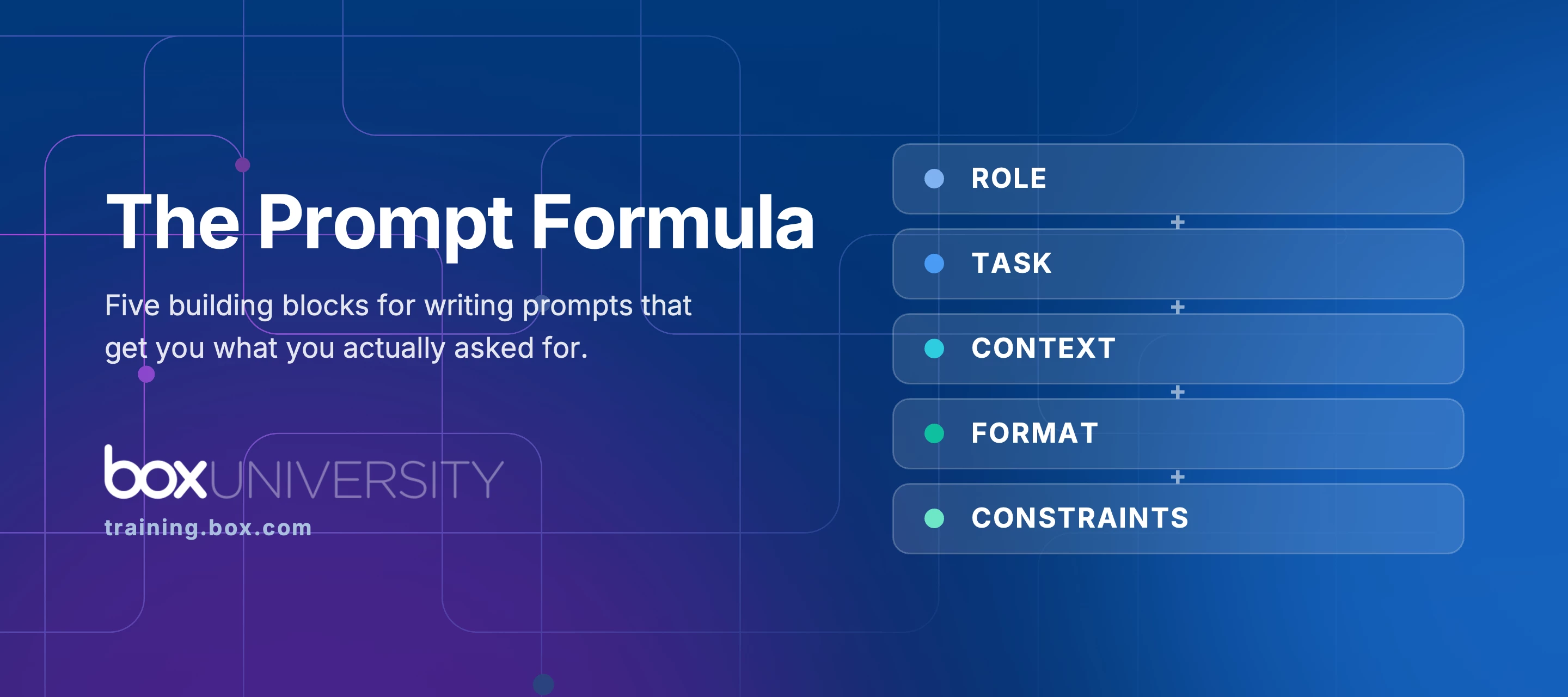
The five building blocks of a good prompt
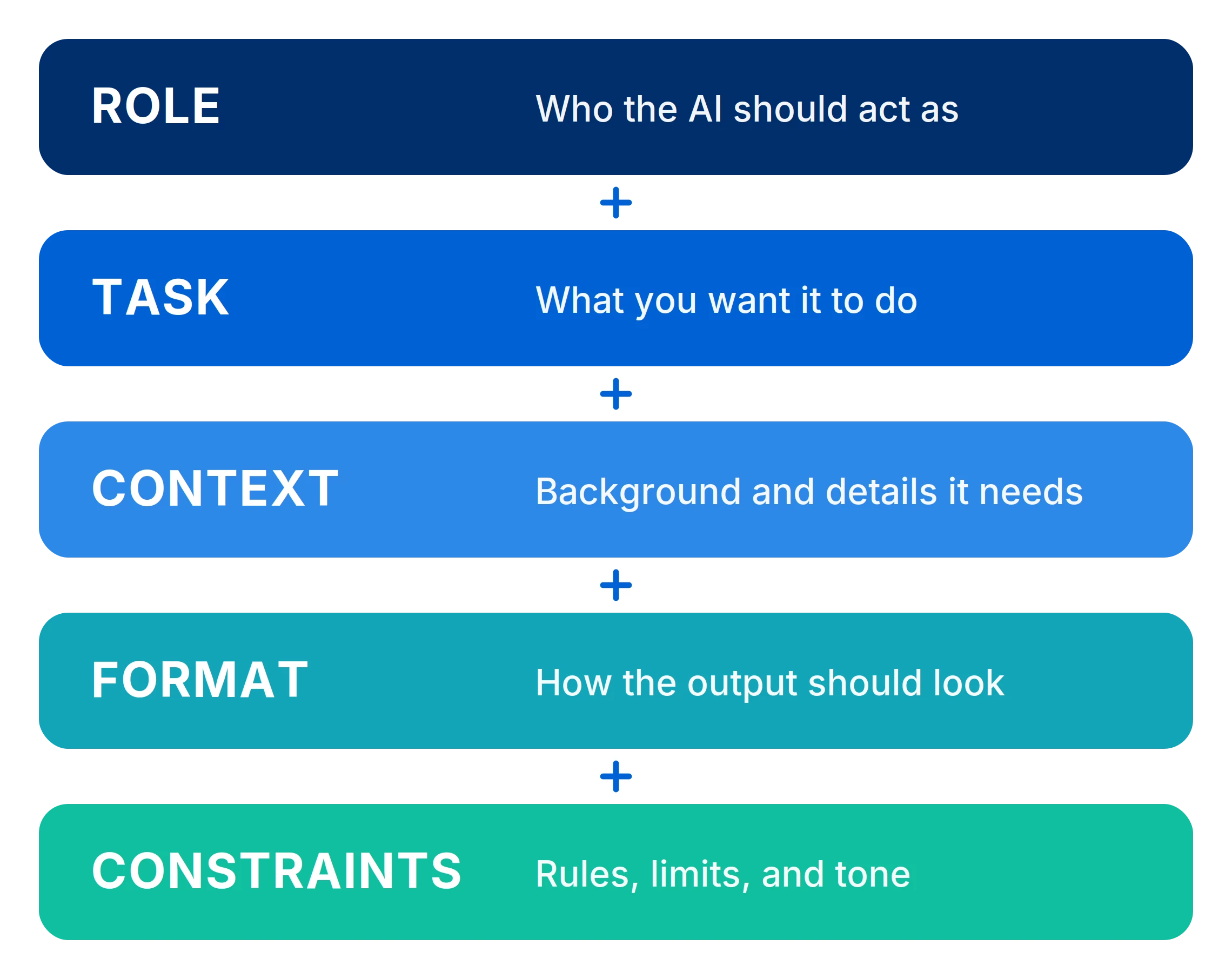
Every effective prompt includes some combination of these five elements:
-
Role — Tell Box AI what perspective to take. Example: "You are a compliance officer reviewing an internal policy."
-
Task — Be clear about what you want it to do. Example: "Summarize," "Extract key points," "Draft a follow-up email."
-
Context — Give it the background it needs. Example: "This is a quarterly sales report for the North American region."
-
Format — Specify how you want the output. Example: "Return your answer in a three-column table with risks, owners, and next steps."
-
Constraints — Add limits or style rules. Example: "Keep the summary under 150 words and use a professional tone."
You won't always need all five. But using several together almost always improves the result. A simple formula to keep handy:
A few Box AI-specific tips
When working with Box AI for Documents, keep these in mind:
-
Ask about content, not about the file. Box AI reads document text, not metadata. It can't accurately tell you file size, page count, or word count. It also won't follow hyperlinks out of a document.
-
Make each question stand alone. Follow-ups work within a session, but Box AI doesn't carry context between conversations. If you're starting fresh, include the background it needs.
-
Rephrase and try again. If the first answer misses, adjust the question rather than repeating it. Small changes in wording often get you there.
Using Box AI in Hubs? Keep your questions within the scope of the files in that Hub. Box AI will tell you when you've asked about something outside it. And if you manage a Hub: Box AI supports up to 20,000 files, and indexes the first 4 MB of each document. Go past the file limit and Box AI is disabled for that Hub until items are removed.
Want to go deeper?
The free Box University course Mastering Prompts with Generative AI covers all of this with interactive examples and exercises. It takes about 20 minutes and is available to anyone at training.box.com.
And if you want to put your AI knowledge to the test, this course is part of the recommended curriculum for the AI Professional certification. It's free, self-paced, and earns you a shareable LinkedIn certification when you pass.
What prompts have you found work well in Box AI? Drop your favorites in the comments. We'd love to build a go-to resource out of your answers.