I need to get video from a YouTube link to my Box account.

Solved
How do I download a video from YouTube to Box?
Best answer by Jey Bueno Box
👋 Hi,
Currently, we don’t offer a way to migrate video files directly from YouTube to Box. You’ll need to first download the video to your computer and then upload it to Box.
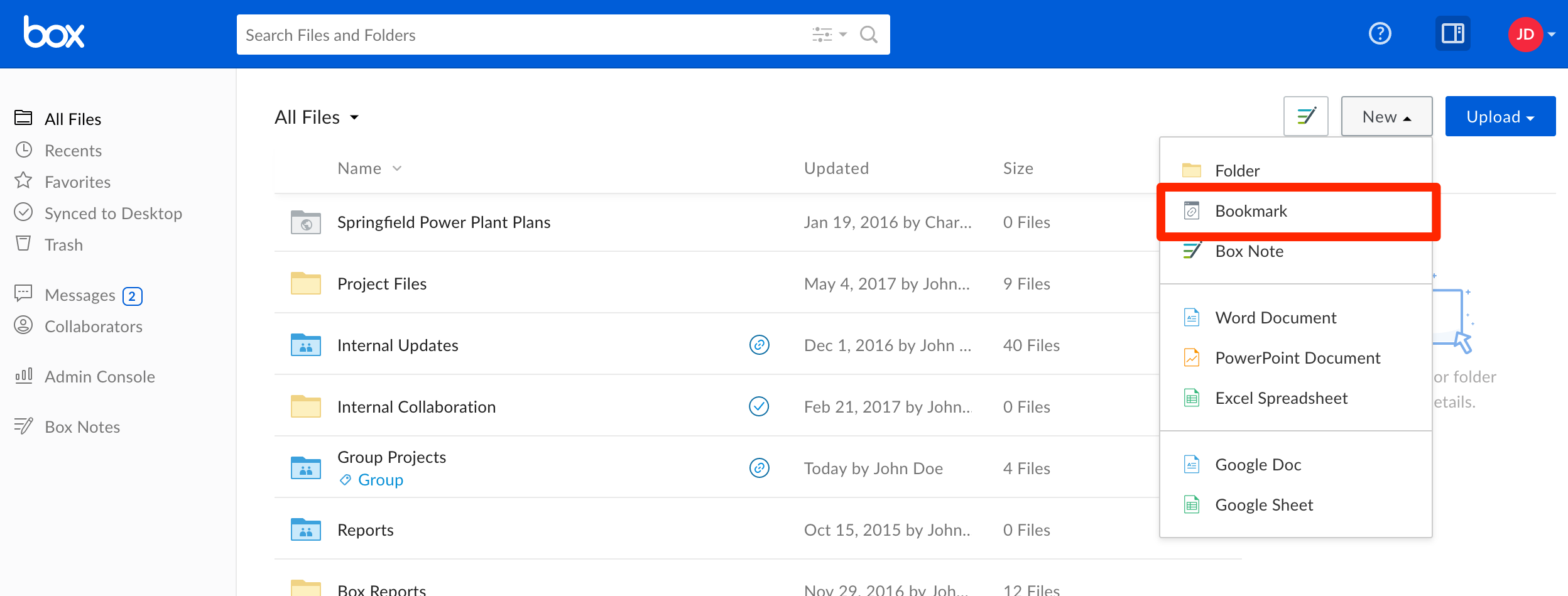
Alternatively, you can use the Box Bookmark feature, which allows you to save a web URL to Box. To do this, you can enter the YouTube video link in the “URL” field and click “Create.” Whenever you click the saved bookmark, you’ll be directed to the YouTube video. For more information, see Creating Bookmarks.
Hope this helps! Have a great day! 🌻


Sign up
Already have an account? Login
Community access is available only with a Box Account.
Sign in with your Box AccountSign in to the Box Community
Community access is available only with a Box Account.
Sign in with your Box AccountEnter your E-mail address. We'll send you an e-mail with instructions to reset your password.