
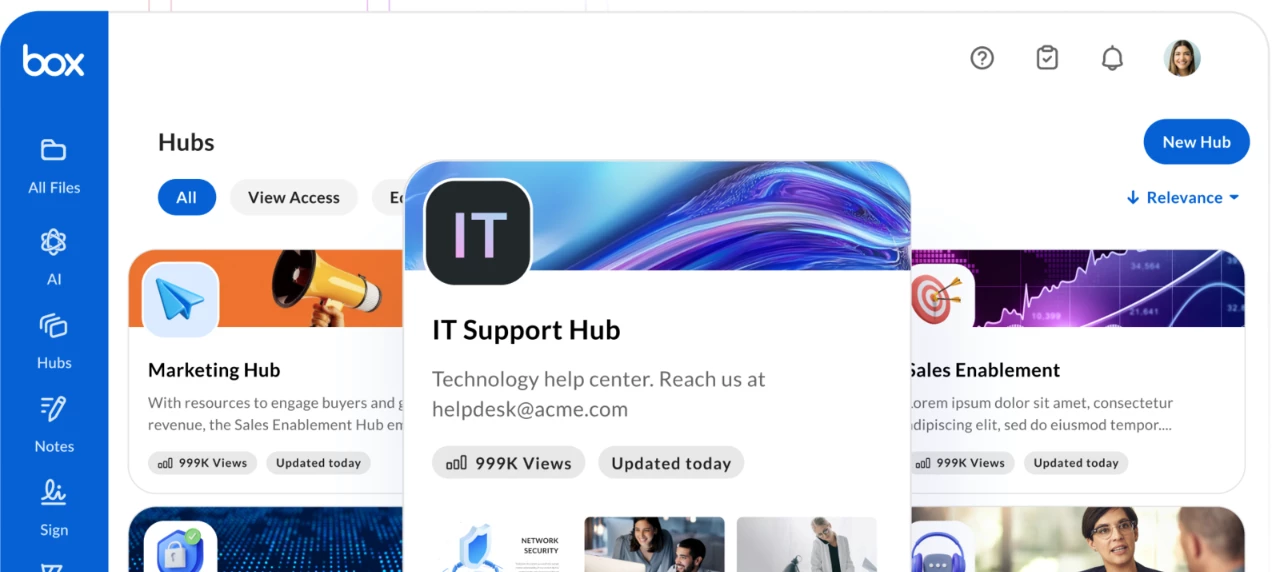


You can now copy an existing Box Hub to quickly recreate its structure, layout, and branding for a new project, team, or use case.
Whether you're building a knowledge base for another team, launching a new project workspace, or standardizing Hub experiences across your organization, copying a Hub makes it faster to get started without rebuilding everything from scratch.
What gets copied
When you copy a Hub, the new Hub includes the original Hub’s:
- Hub name and description
- Pages and page hierarchy
- Logo and background image
- Text blocks (paragraphs, section headers, callouts)
- Embeds (link previews)
- Dividers
This allows you to preserve the structure, layout, and branding of an existing Hub while creating a new version tailored to a different audience or purpose.
What doesn’t get copied
Some elements are intentionally excluded from the copied Hub:
- Collaborators
- Hub settings (copy permissions, collaboration restrictions, shared link settings)
This helps ensure that access and governance settings are reviewed separately for each new Hub.
What happens to files and folders
You can choose whether to include files and folders when copying a Hub. If you do, only content where you have Editor, Co-owner, or Owner access will be copied.
A few important details to keep in mind:
- File and folder blocks remain in the copied Hub even if the underlying files are not copied
- Blocks for files or folders that are not copied will appear empty
- If your admin has enabled the Restrict invites setting, only content owners and co-owners can copy files with the Hub
How to copy a Hub
- Open the Hub you want to copy.
- Click the ellipsis (...) > Make a Copy. The Copy "[Hub name]" Hub dialog opens.
- In the Name Hub field, enter a name for the new Hub.
- To include files and folders in the copy, select the Include files and folders checkbox.
- Select Copy Hub.
Learn more:
Why this matters
Copying a Hub helps teams move faster while keeping experiences consistent. Instead of recreating layouts, pages, and branding from scratch, you can reuse an existing Hub as a starting point and adapt it for new teams, projects, or use cases.
That means less manual setup, more consistency, and a faster path to publishing useful content in Box.
How would you use the new Hub copy feature in your team or organization?