Solved

Box Developers page can't save any configuration

  • June 16, 2026
  • 31 replies
  • 1402 views

Show first post

31 replies

  • New Member
  • August 17, 2026

Application:
arjun_test

App ID:
2653311

Authentication:
User Authentication (OAuth 2.0)

Problem:
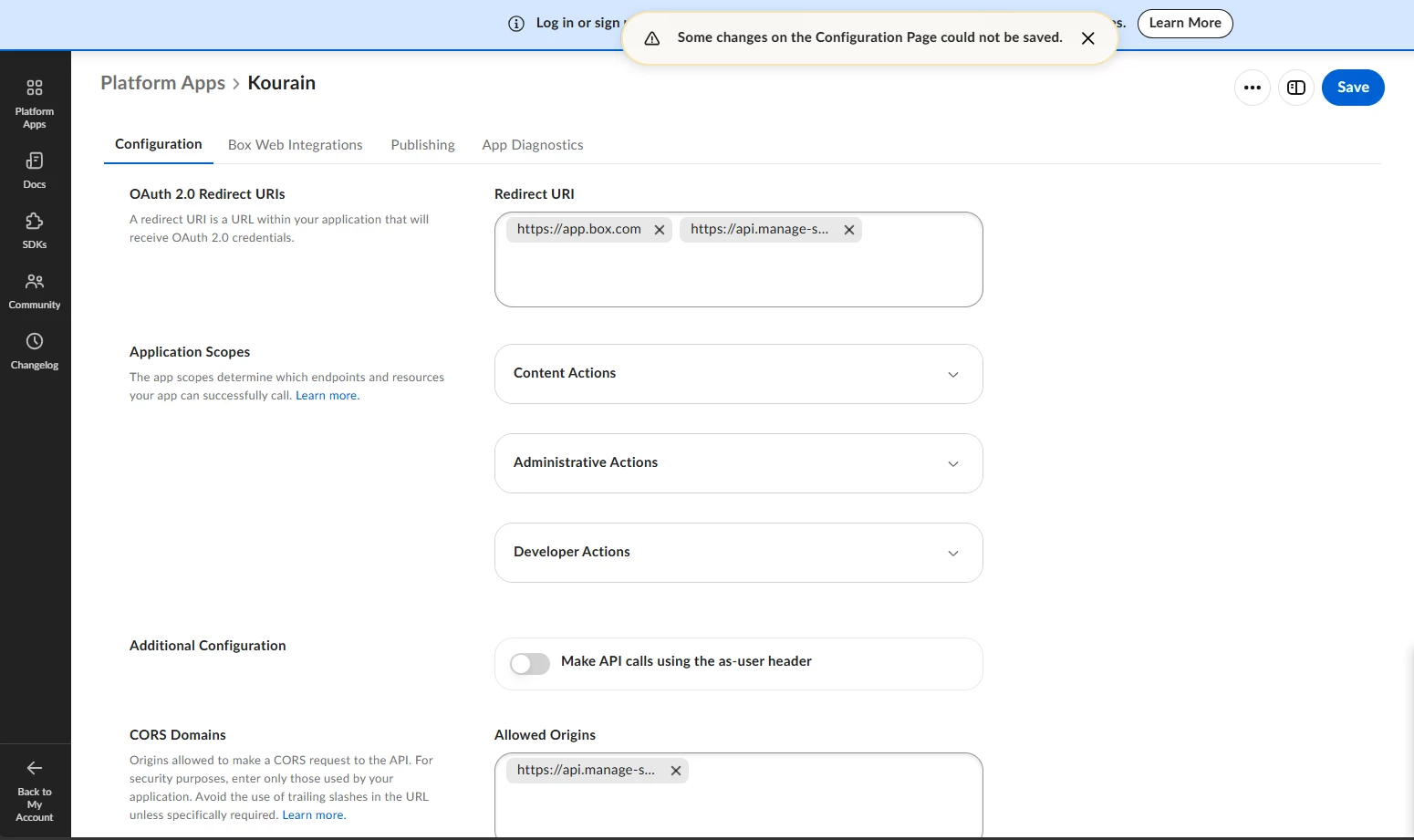
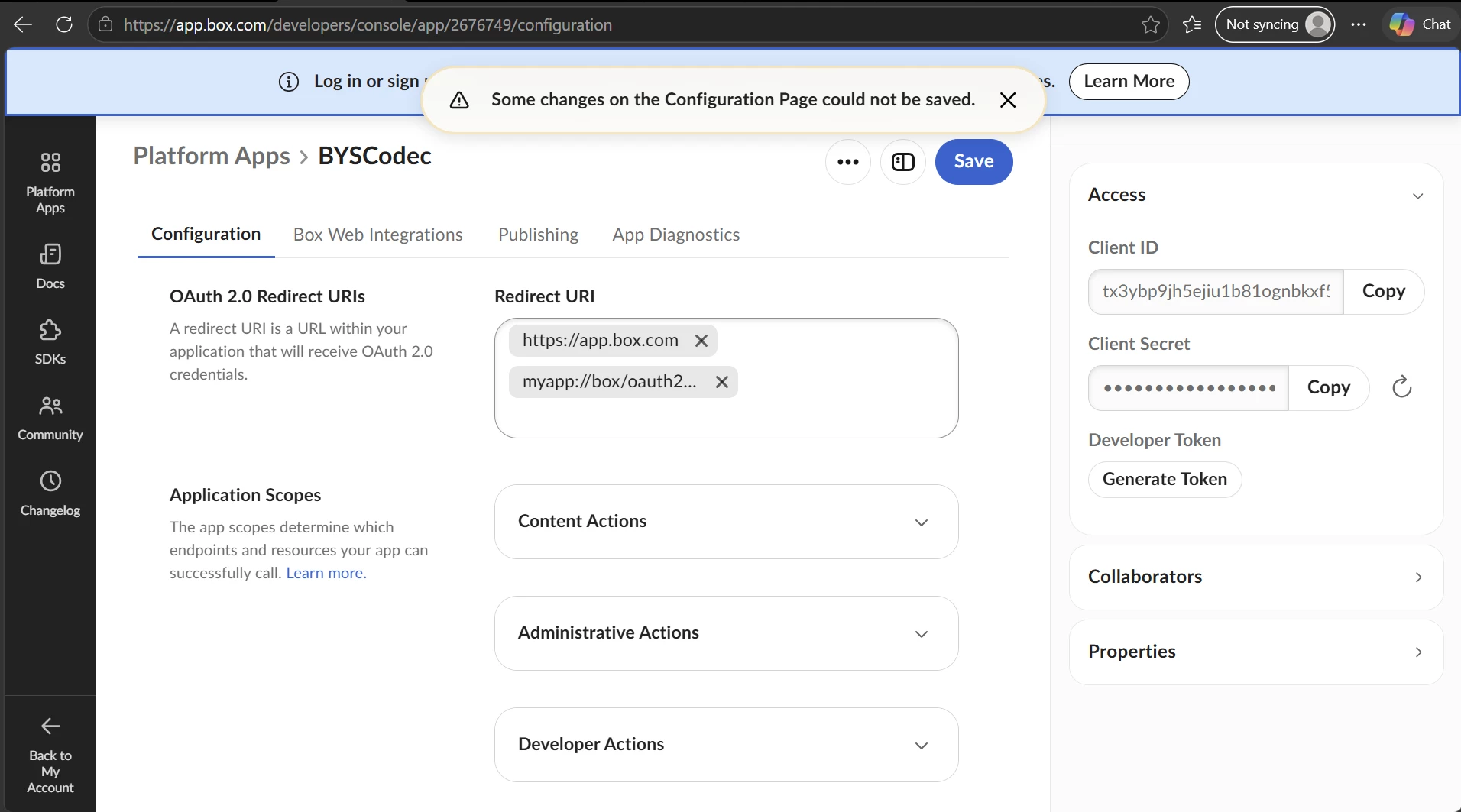
The Configuration page cannot save any changes.
The page displays:
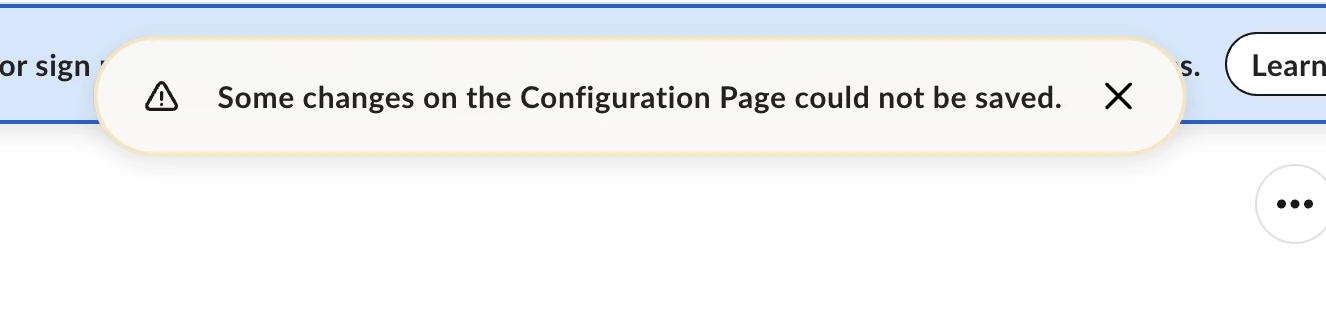
"Some changes on the Configuration Page could not be saved."

Chrome console:
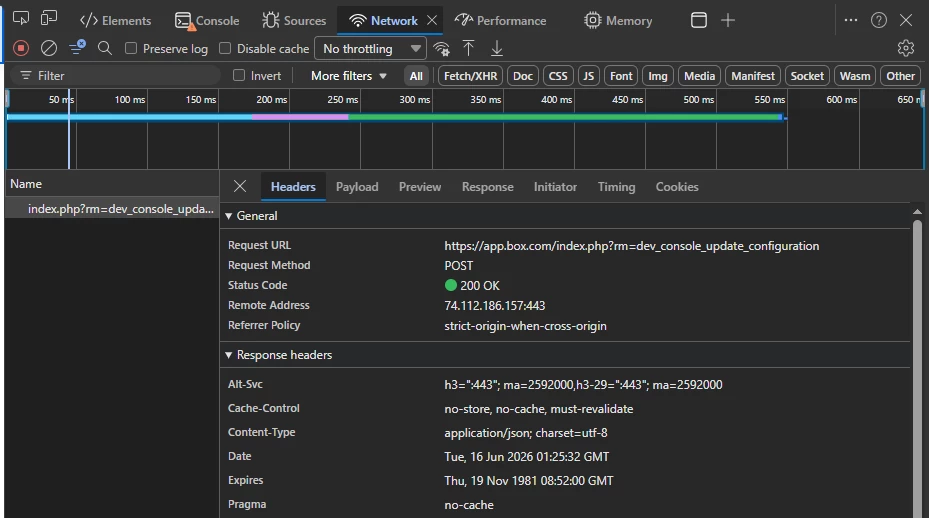
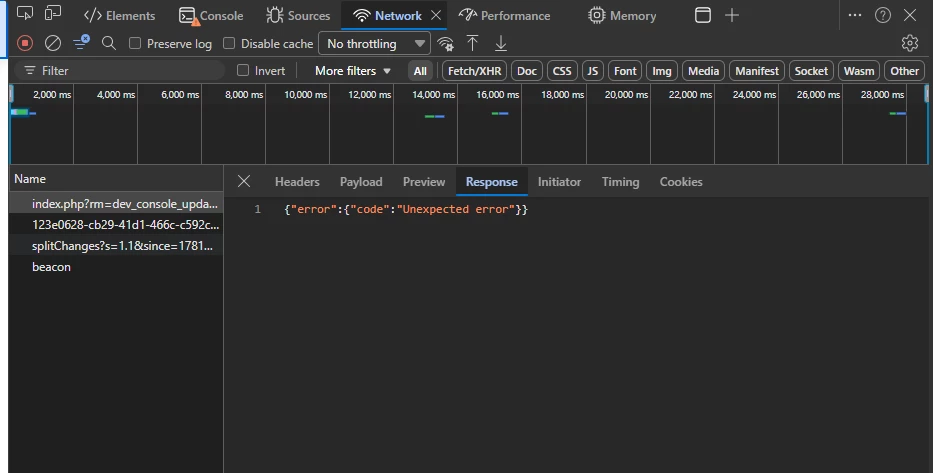
CONFIGURATION_FORM_RECEIVE_ERROR

Required redirect URI:
http://localhost:8069/box_connector/oauth/callback


Jey Bueno Box
Forum|alt.badge.img
  • Community Manager
  • August 17, 2026

@omboxsupport, ​@rfernand, ​@ArnaldoJan, ​@Arjun_vegad -- Thanks for reaching out! I’ve moved your posts to this thread to keep our discussion in one place.


It looks like you are currently using a Free Individual account rather than a Developer account. To access the Developer Console, make configuration changes, and utilize its full functionality, you will need a Developer account. See answer pinned above this thread to learn more.


You can sign up for a free Developer account by following this guide:


Note: An email address can only be linked to one Box account. If you decide to sign up for a Developer account, please make sure to use a different email address than the one associated with your Free Individual account.


Thank you!


  • New Member
  • August 19, 2026

Thank you for the information ​@Jey Bueno Box ! May I also ask what would be the plan for the Dev Console page on individual accounts? I think it’s not usable by the looks of it if we need to have signed up via `developer` only instead of `individual`, would be helpful if there was a clear instruction from the get go as well instead of a placeholder error message.

Additionally, the email address I’ve signed up initially is now unable to signup for a different `developer` account. This means affected users will have to delete the account first or use a wildcard email address or a different address to sign up for new accounts, just an FYI.

Thank you so much!


Jey Bueno Box
Forum|alt.badge.img
  • Community Manager
  • August 20, 2026

 Hi ​@ArnaldoJan, thank you for reaching out and sharing your feedback. Also tagging ​@Kalpesh R Badgujar - we appreciate you for sharing your workarounds. While some concerns were already addressed on previous conversation, we highly suggest to share your ideas/feedback in Box Pulse.


To access full Developer Console capabilities and build custom applications, an account requires developer entitlements (such as a Free Developer Plan, Custom Application account, or an Enterprise Developer Sandbox). Standard Individual/Free accounts do not include these developer entitlements by default.


While you may see a banner directing you to log in or sign up when accessing the Developer Console on individual account, there is currently no product roadmap or planned release timeline to support Developer Console functionality directly within standard Individual/Free tiers without signing up for a dedicated Developer account.


If you encounter an error or unexpected redirect when attempting to sign up from the banner link, it is often due to an active session with your existing Individual account in the same browser. To resolve this, open an Incognito / Private browsing window to access the sign-up flow directly at the developer signup page. (We’ll share this error message to our dev team as well).
 

Box enforces a strict 1:1 relationship between an email address and an active Box account. Because an email cannot be registered to two accounts simultaneously, you cannot use an email currently tied to your Individual account as the primary email for a new Developer account.
 

To free up your email:

  1. Do not delete or deactivate your Individual account: Deactivated free accounts hold the associated email address for a 120-day deletion retention period before releasing it.
  2. Update the email address on your Individual account:
    • Log in to your existing Individual account via Box Web App.
    • Navigate to Account Settings > General > Login and Email Addresses.
    • Link a temporary secondary email address (or alias/wildcard address) and confirm it.
    • Set the secondary email as your Primary Email Address.
    • Remove/release the original email address from the account.
  3. Once removed, your original email address is immediately available to register a standalone Developer account.
    📌 See Login and Email Addresses for more details.


We always welcome suggestions to improve error messaging and account onboarding clarity. We encourage you to share your ideas and vote on feature requests via Box Pulse, our official customer feedback platform.


Thank you!


  • New Member
  • August 27, 2026

Any time we try to update the redirect uris and allowed origins for our production box app we are getting this error.


Is there any way we can work around this issue? This is a critical blocker for some box integration updates we are looking to make.


  • New Member
  • September 3, 2026

The login button of https://developer.box.com/ redirects to https://app.box.com/developers/console .

Opening it in incognito mode and sign-up with the same account that we have in free account causes to appear this message:

There was an error processing your request.

We were unable to process your request. Please double check that all fields are filled out correctly and try again, or visit support.box.com for further assistance.

---

If this feature is limited to paid accounts, can you just put a note in the GUI instead of leaving the API crashing and showing a generic error message?