Solved

Box Developers page can't save any configuration

  • June 16, 2026
  • 9 replies
  • 450 views

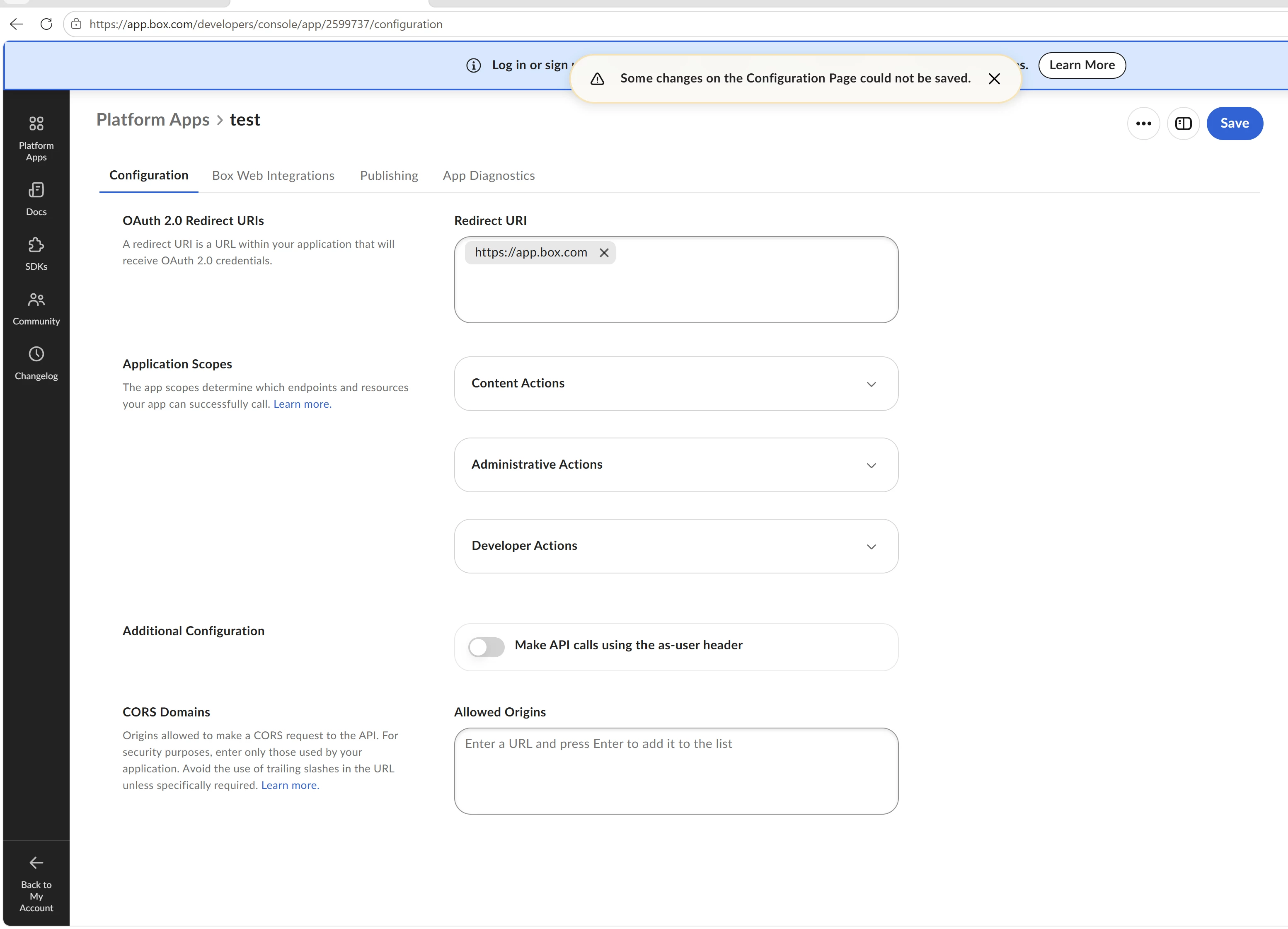
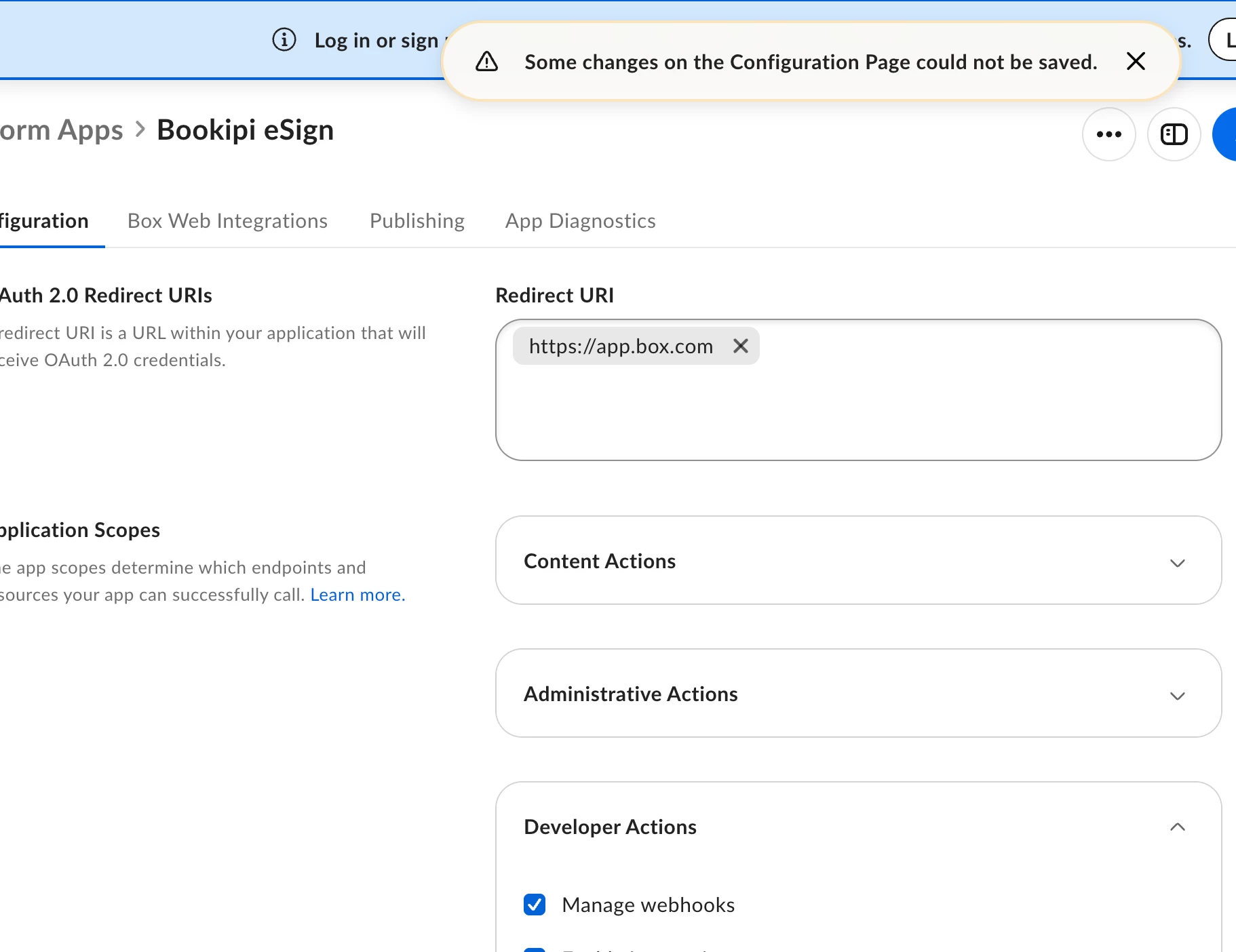
I can’t change redirect urls, all action fail, can’t add, can’t remove, can’t edit
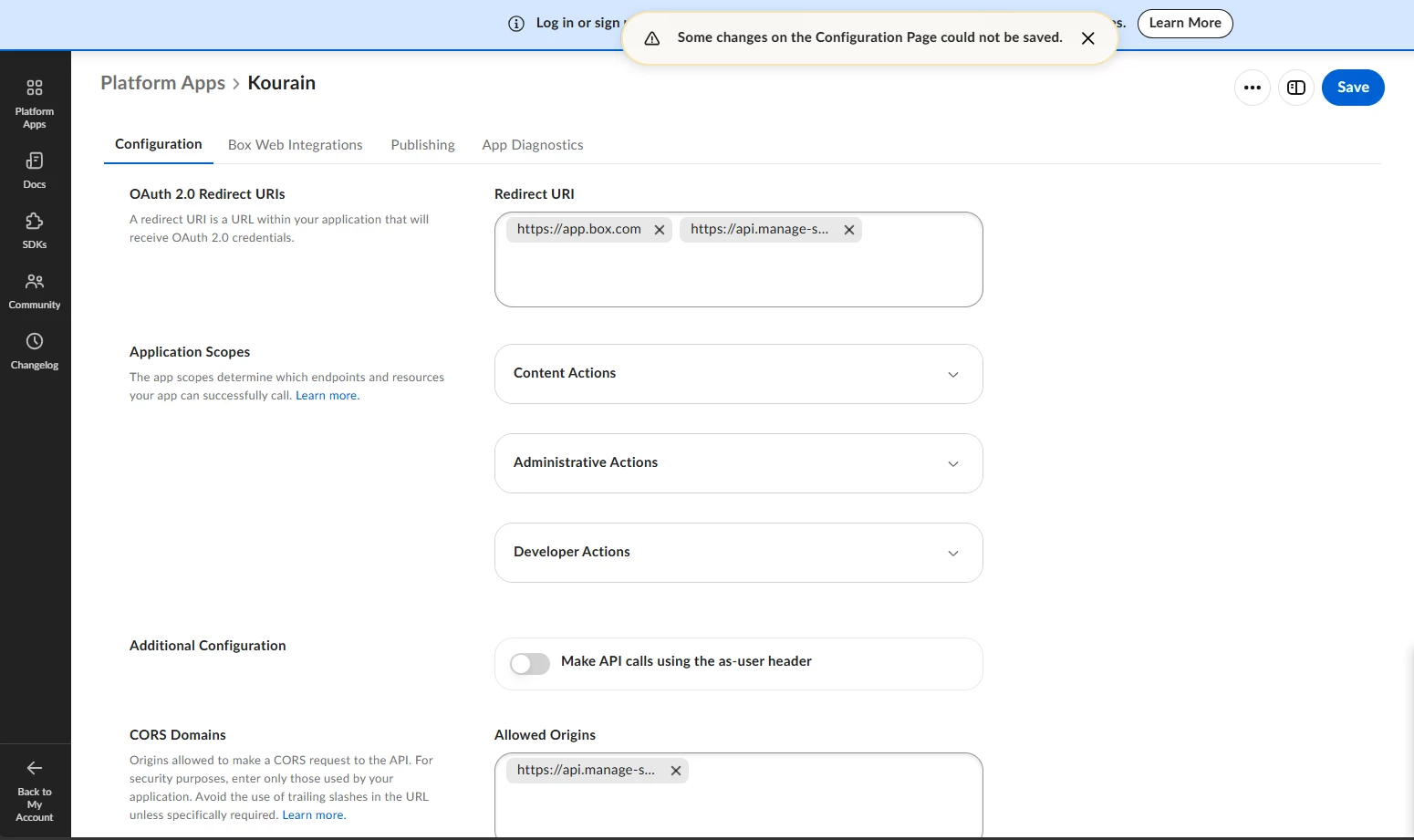
 

​​​Box Developers Console

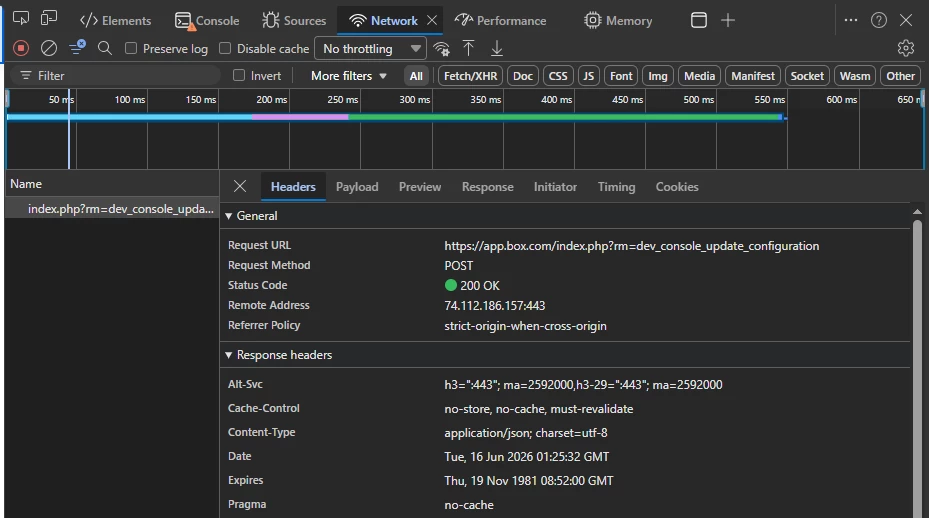
with browser request 

Box cfg Request
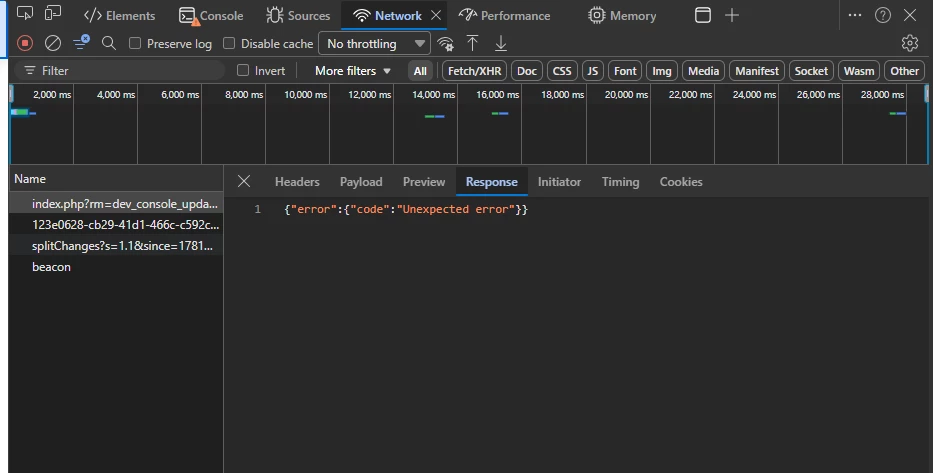
Response Body


Best answer by Vertongen

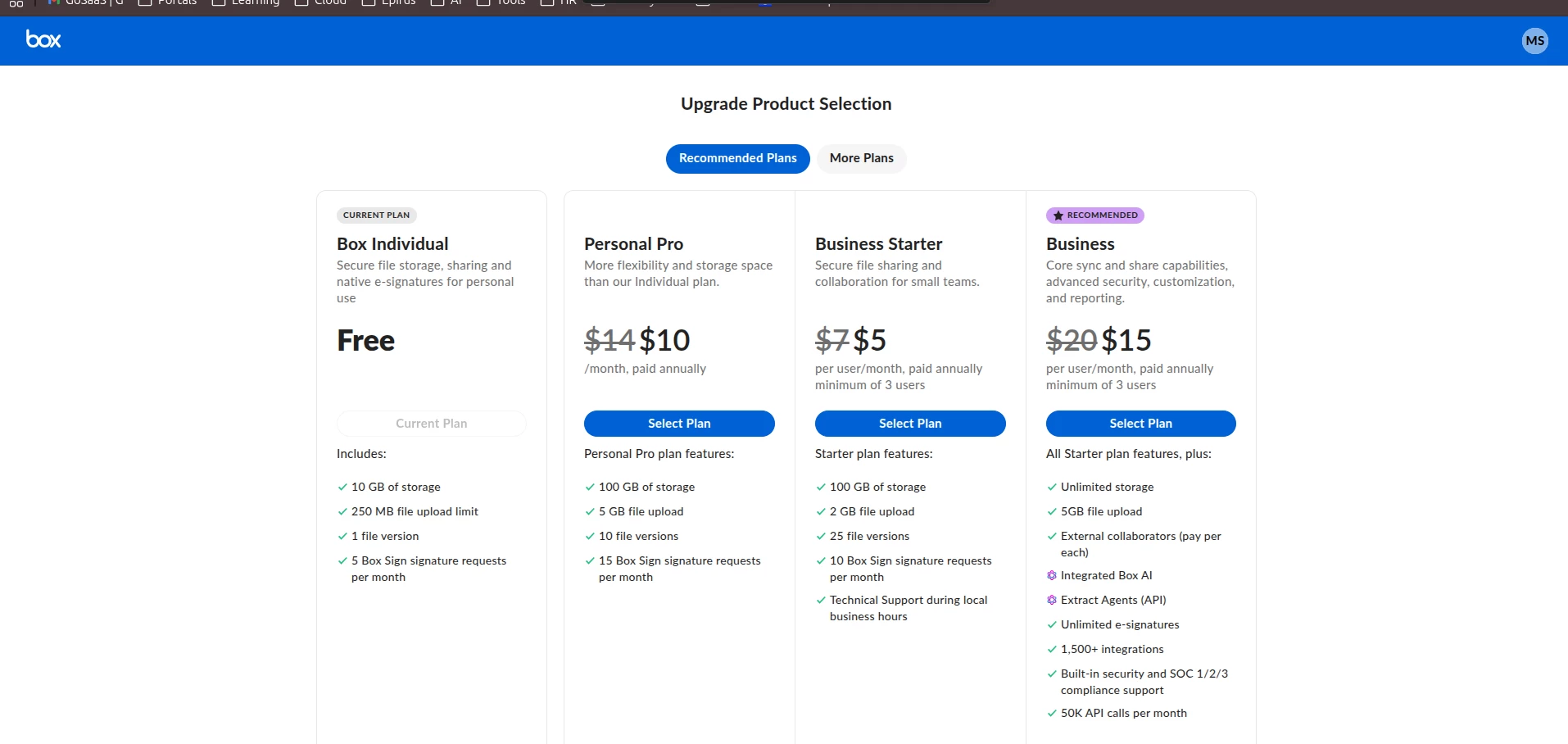
Looks like I found out what was wrong. Apparently a free developer account at Box is not the same as an individual account on Box. You need to sign up specifically at account.box.com/signup/developer to get a proper developer account.

The Box developer console at app.box.com/developers/console behaves differently depending on your account type:

  • Regular Box account → limited console, can't save redirect URIs properly
  • Box developer account → full access to OAuth2 configuration

Are you currently accessing the developer console via:

  • app.box.com/developers/consoleregular account portal
  • developer.box.com — dedicated developer portal

Try going directly to developer.box.com and signing up/logging in there. Then create your app from that portal instead.
A Box developer account is separate from an individual account — it doesn't replace your existing Box account.

9 replies

  • New Member
  • June 18, 2026

Hi Quyen,
I am also facing same error from yesterday
if you get any solution let me know


  • New Member
  • June 18, 2026

I cant add redirect url, edit or remove could any one give solution ASAP 


  • New Member
  • Answer
  • June 19, 2026

Looks like I found out what was wrong. Apparently a free developer account at Box is not the same as an individual account on Box. You need to sign up specifically at account.box.com/signup/developer to get a proper developer account.

The Box developer console at app.box.com/developers/console behaves differently depending on your account type:

  • Regular Box account → limited console, can't save redirect URIs properly
  • Box developer account → full access to OAuth2 configuration

Are you currently accessing the developer console via:

  • app.box.com/developers/consoleregular account portal
  • developer.box.com — dedicated developer portal

Try going directly to developer.box.com and signing up/logging in there. Then create your app from that portal instead.
A Box developer account is separate from an individual account — it doesn't replace your existing Box account.


  • New Member
  • June 19, 2026

Worked ​@Vertongen . Thanks


  • New Member
  • June 30, 2026

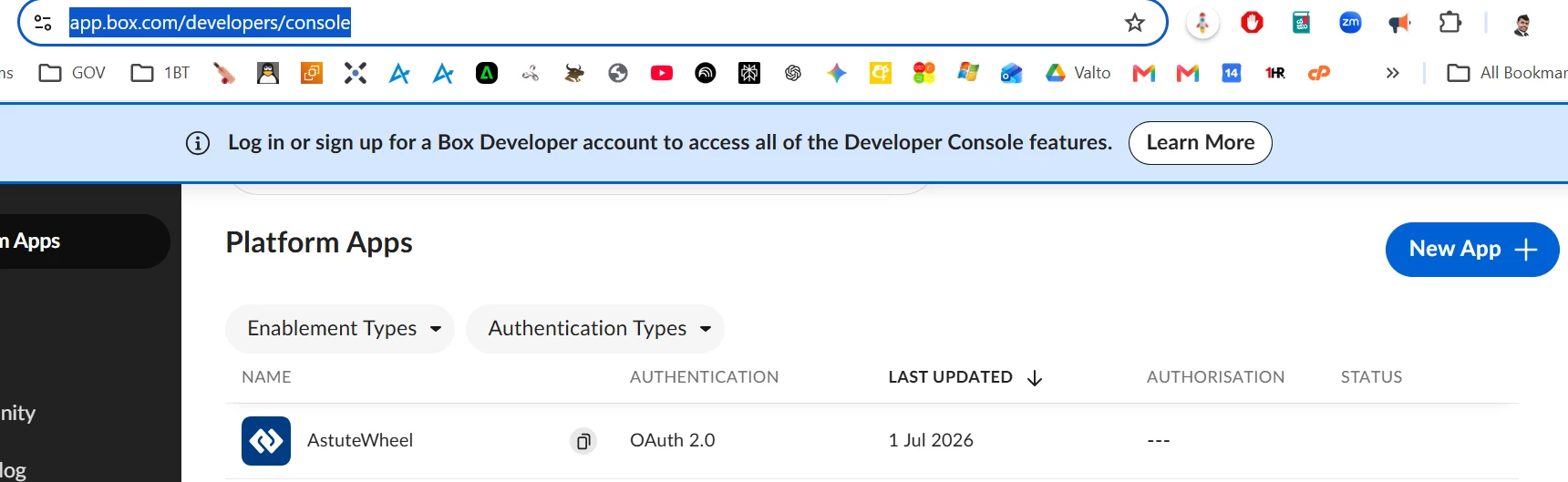
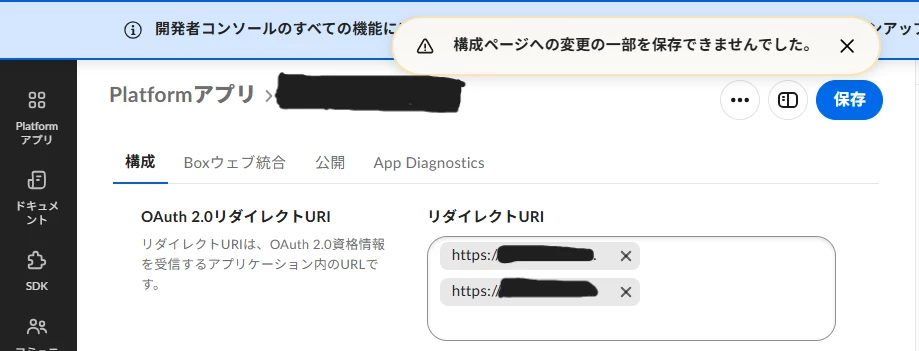
I created an app in the https://app.box.com/developers/console and it's configured to use Oauth 2.0 but when i try to update the redirect URI the UI gives me a generic error no matter what i do. I have tried a dozen different changes to narrow it down from creating new apps, using different browsers, different redirect URI’s, - no luck or hint to why it can’t be saved. There are no changes that i could make as far as i can tell so may not be only related to redirect URI

The error says “Some changes on the Configurations page could not be saved”


  • New Member
  • July 2, 2026

I’m having the same issue


Jey Bueno Box
Forum|alt.badge.img
  • Community Manager
  • July 2, 2026

👋 Hi ​@Moombadave and ​@thauthissa, I’ve moved your post and comment to this relevant thread.


Please check the pinned answer at the top of this thread to help resolve your issue. As a reminder, Free Individual and Free Developer accounts are different account types. To access OAuth2 configurations, you will need to sign up for a new developer account using a different email address that’s not yet associated with any Box account.


Here is a guide to help you get started:​​​​​​​


Thank you!


  • New Member
  • July 4, 2026

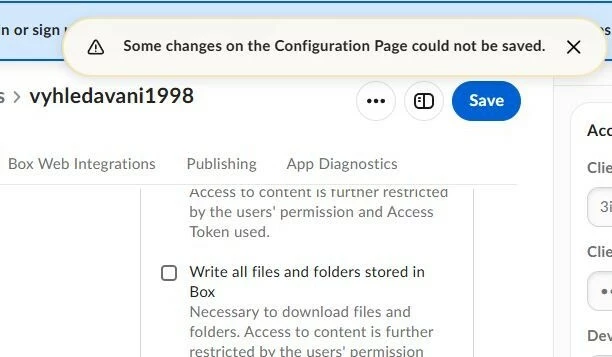
I tried to edit the data on the Configuration Page, but an error message always appeared when trying to save: Some changes on the Configuration Page could not be saved.

Thanks for help


Jey Bueno Box
Forum|alt.badge.img
  • Community Manager
  • July 6, 2026

👋 Hi ​@MichaalS, welcome to the Box Community! I’ve moved your post to this relevant thread.


Please check the pinned answer above this thread to help identify and resolve the issue. Thank you!