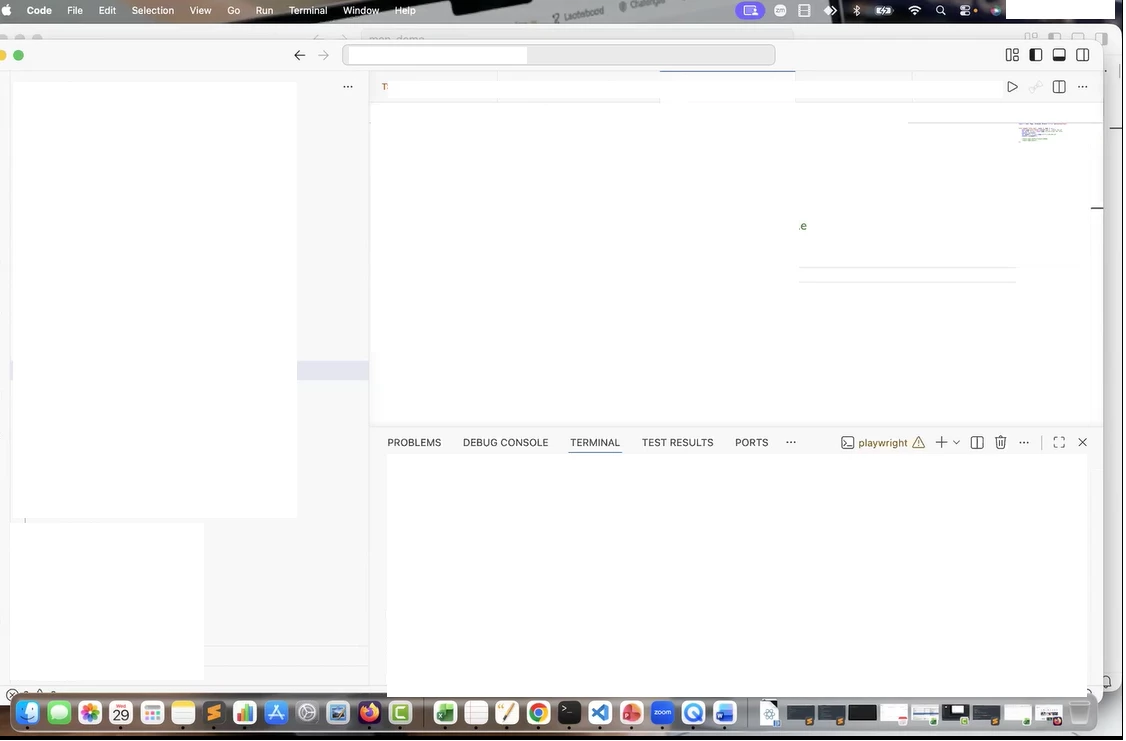
I am a frequent user of Box for viewing recorded training sessions. Since the recent video player update, the "Fit to Screen" / "Aspect Ratio" is not functioning correctly. The video remains letterboxed/small and does not utilize the full browser real estate.
Steps to Reproduce:
-
Open any recorded .mp4 video in Box web preview.
-
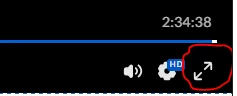
Click "Fit to Screen" (bottom right corner)
-
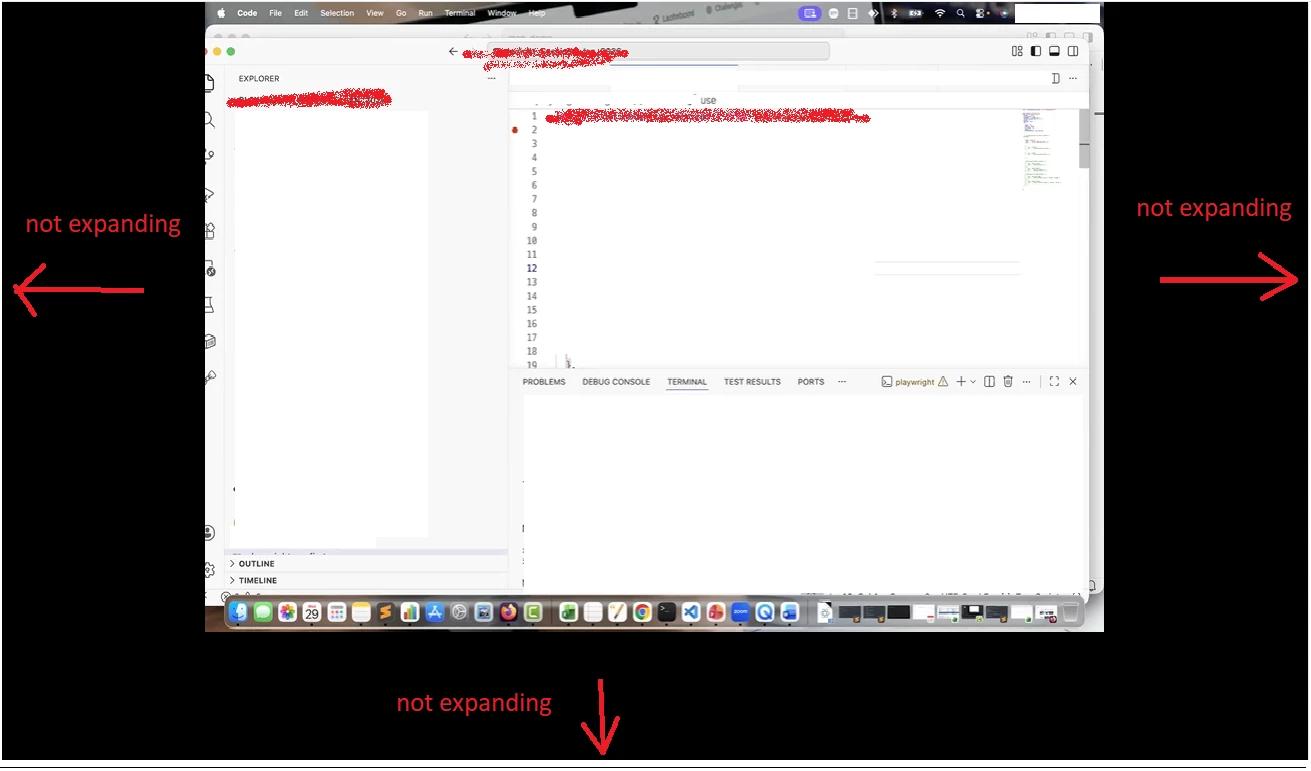
Observe that the video player does not scale to fit the viewport.
Current fit-to-screen Full screen: (Observe that the video player does not scale to fit the viewport)
Expected Result: The video player should intelligently scale to fill the available screen space without cutting off content.
Expected fit-to-screen Full screen :