Hi Box Developer Team,
We are developing a Node.js-based Box connector and are facing an issue while working with HTML files.
We have uploaded an HTML file (for example, myhtml.html) to our Box account. However, we are unable to retrieve its metadata or upload a new version of the file using the Box API.
What we have tried
- Retrieved the File ID from the Box web interface.
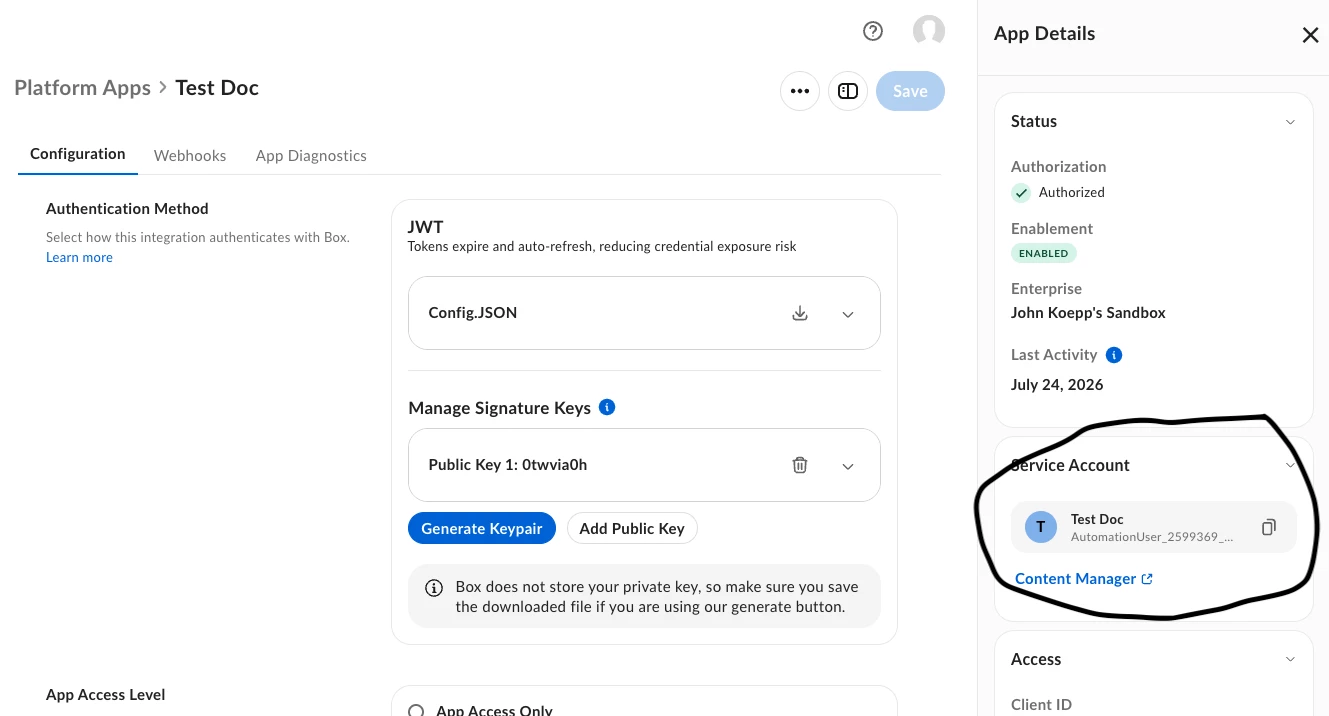
- Generated a valid OAuth 2.0 access token.
- Called the Get File Metadata endpoint using the official Box API.
- Tested the same request using the official Box API Swagger / API Explorer.
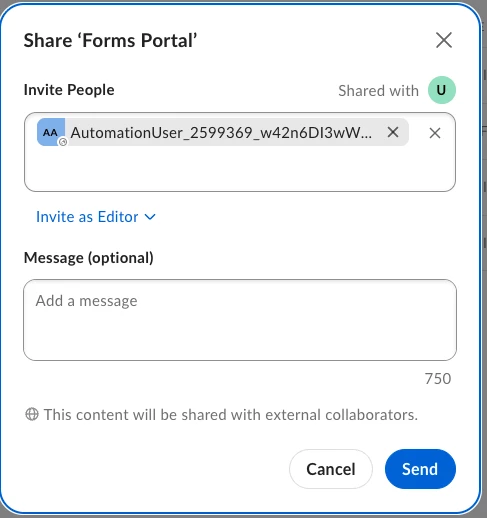
- Verified that the File ID and Access Token belong to the same Box account.
Issue
The API consistently returns:
HTTP 404 Not FoundAs a result, we are unable to:
- Retrieve the metadata of the HTML file.
- Upload a new version of the HTML file.
- Continue implementing our Box connector.
Questions
- Does Box support HTML (
.html) files as regular files for metadata retrieval and version upload? - Are there any limitations or special requirements for HTML files?
- Under what conditions would the File Metadata API return 404 Not Found, even when using a valid File ID and Access Token?
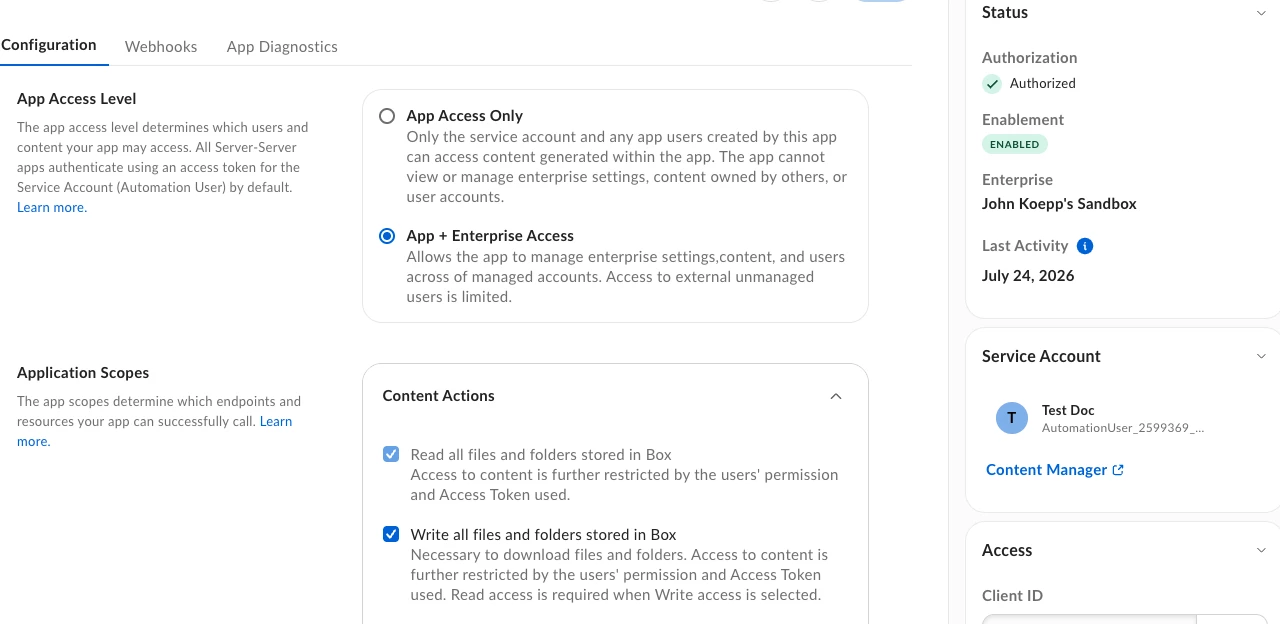
- Is there any additional permission or application configuration required for HTML files?
Any guidance would be greatly appreciated.
Thank you!