Question

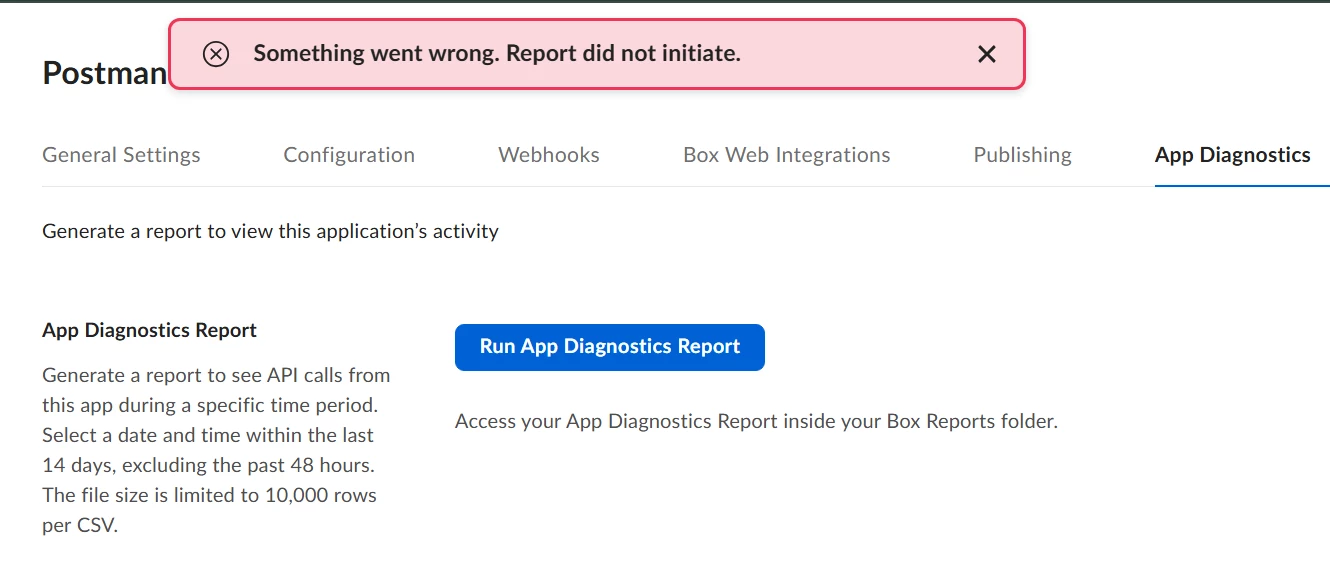
App Diagnostic Report not initiating

  • December 10, 2025
  • 1 reply
  • 18 views

When I click 'Run App Diagnostic Report', it gives me an error saying 'Something went wrong. The report did not initiate.'

 

1 reply

Jey Bueno Box
  • Community Manager
  • December 10, 2025

Hi ​@ImranM, welcome to the Box Community! Thanks for bringing this up.


We have this related article about Error when executing App Diagnostics report.

Root Cause

In the following cases, the user attempting to generate an App Diagnostics report does not have permission to create content, and as a result, the report cannot be generated.

  • In the Admin Console > Enterprise Settings > Content & Sharing tab, the checkbox for "Only admins can create and delete first-level folders, files, and bookmarks" under Content Creation is selected.

  • The Box Reports folder does not exist within the user’s Files.


💡 Resolution

Add an admin or co-admin as a collaborator to the target app, and request that they generate an App Diagnostics report.


If the issue persists, please let us know.