I am adding a user but it gives me an error “invitation available for freemium account holders”. Not sure what to do from there. Any help would be great!

Solved
Adding User error: invitation available for freemium account holders
Best answer by Jey Bueno Box
👋 Hi
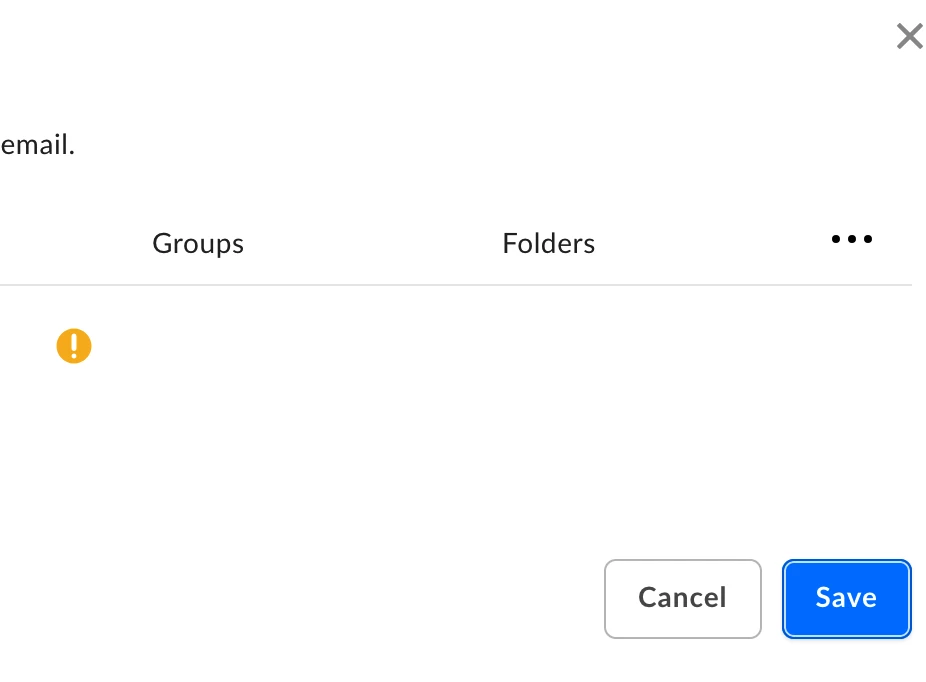
“Invitation available for freemium account holders” means the email you entered already has a personal (freemium) Box account associated with it. Box is warning you that groups/folder assignments and some user settings won’t apply until the person accepts your invite.
What to do next
- Click Save (again if you saw “1 user failed to be added” first). That starts the invitation process and sends an email and an in‑Box notification to the user.
- Once the user accepts the invite, their account will be rolled into your enterprise.
📌 For more information, please refer to this article: “Invitation available for freemium account holders” Message When Adding Managed User
Related community discussion:
If you need further assistance adding a user, please submit a ticket to our Product Support using your admin email and provide the email address of the affected user.
Thank you!


Sign up
Already have an account? Login
Community access is available only with a Box Account.
Sign in with your Box AccountSign in to the Box Community
Community access is available only with a Box Account.
Sign in with your Box AccountEnter your E-mail address. We'll send you an e-mail with instructions to reset your password.