Thanks
Recording
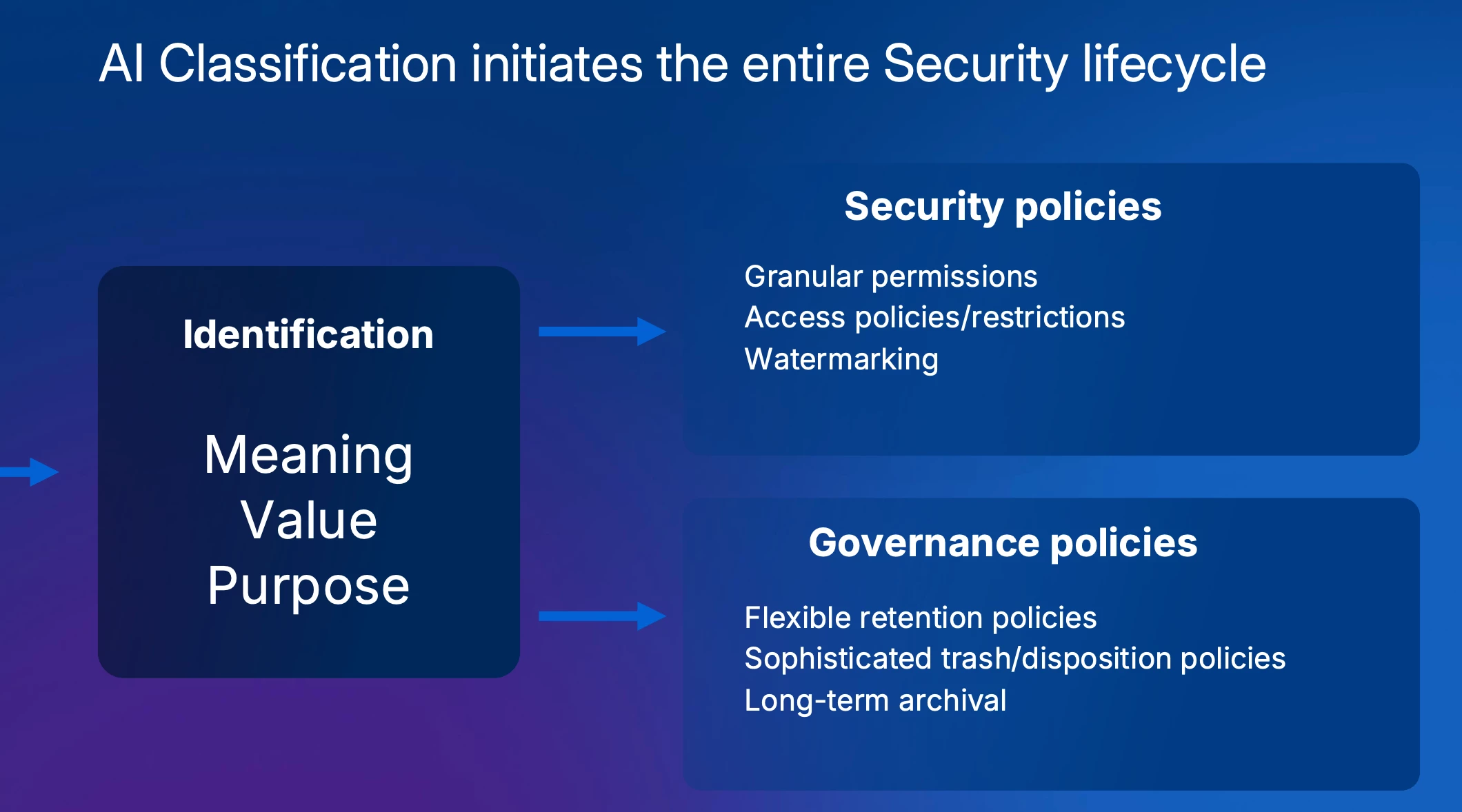
Summary
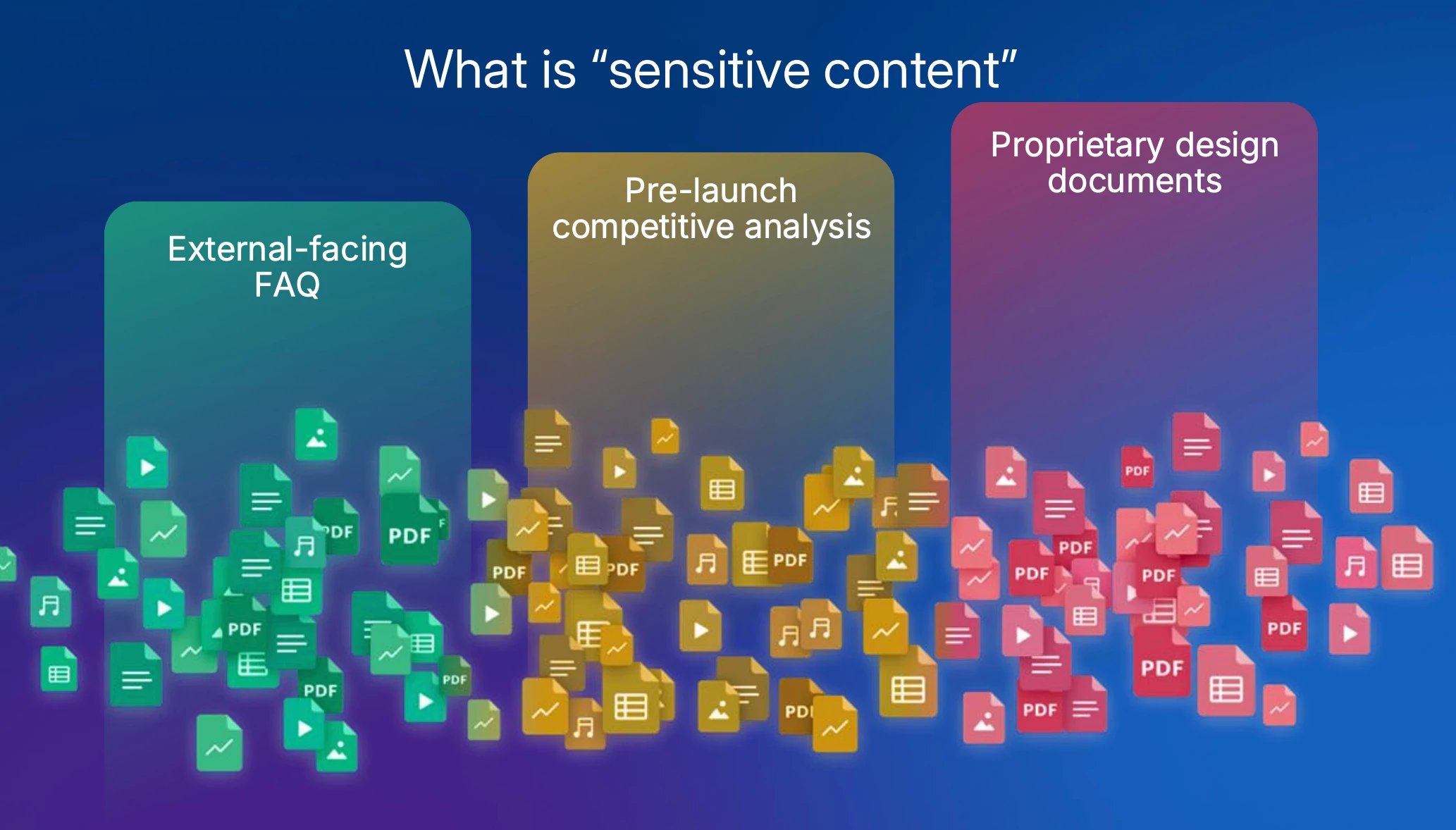
The Importance of Defining Sensitive Content:
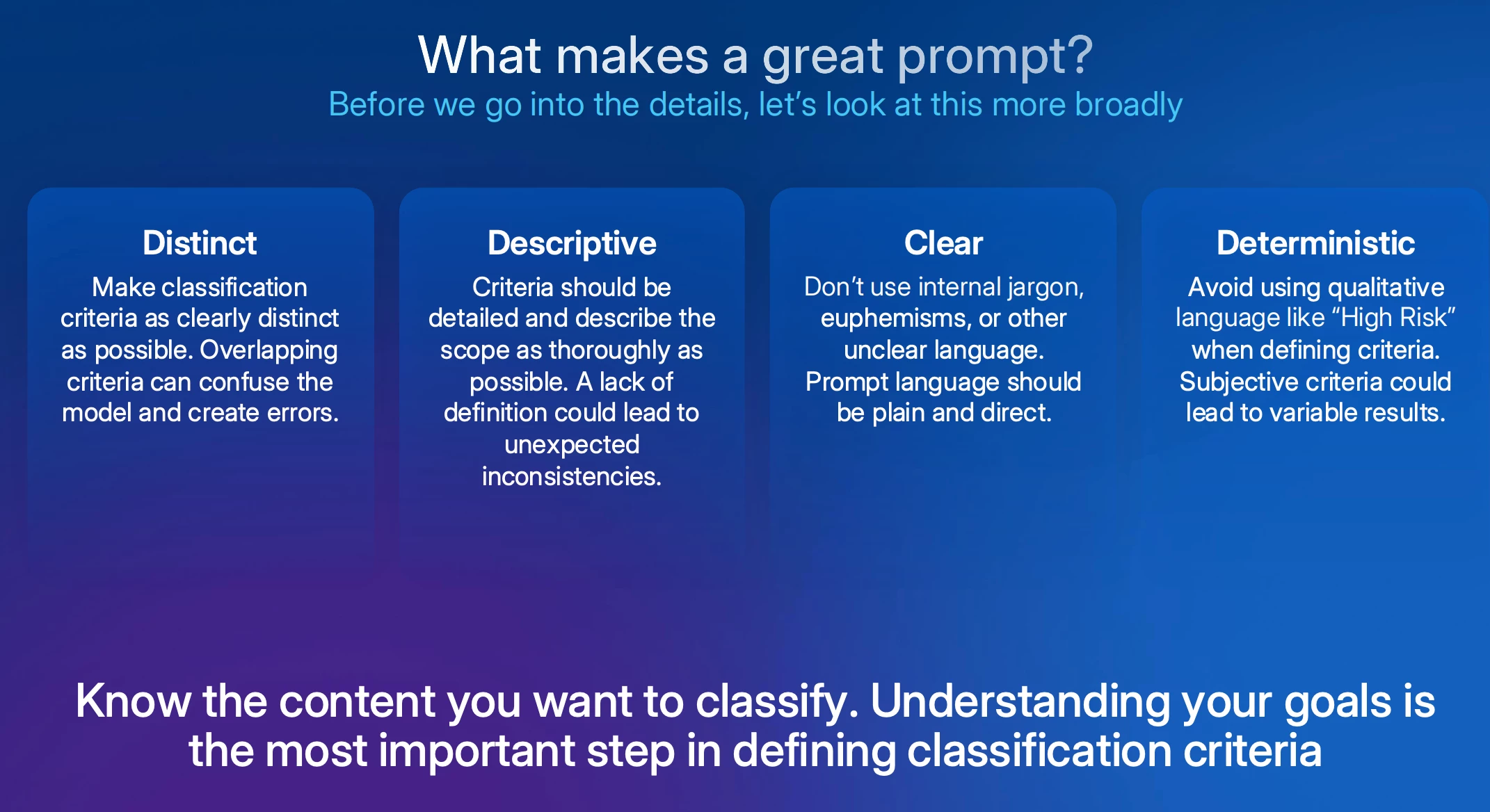
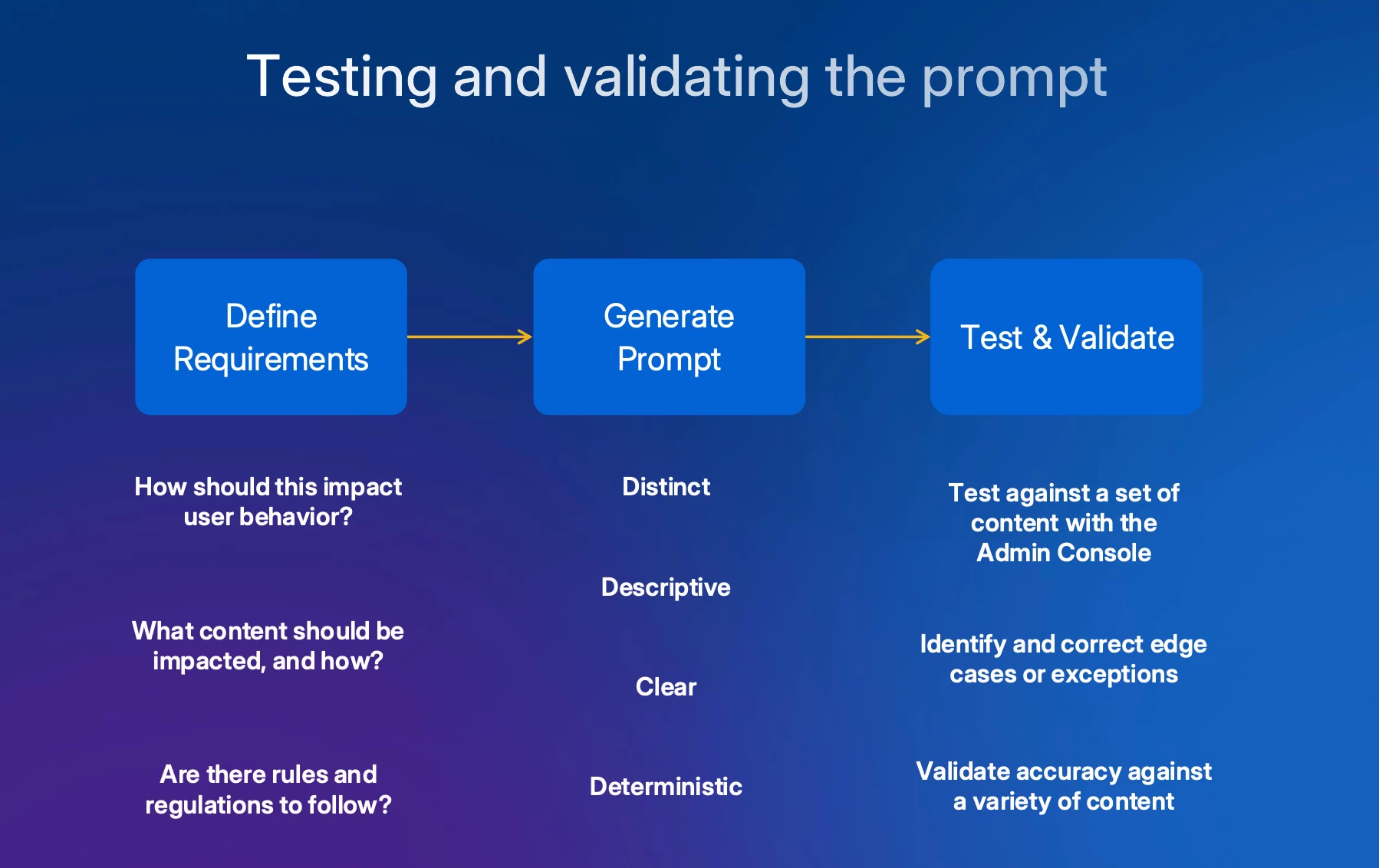
Crafting an Effective Prompt: Ben introduces the four core principles for writing successful AI prompts:
- they must be distinct (no overlap between definitions),
- descriptive (specific about what to look for),
- clear (avoiding jargon or metaphors),
- and deterministic (providing specific cues where possible).
He stresses that a deep understanding of one's own content is the most critical element for writing effective prompts.
The Prompt Design Process & Live Demo:
1) Define security requirements,
2) Generate the prompt, and
3) Test and validate.
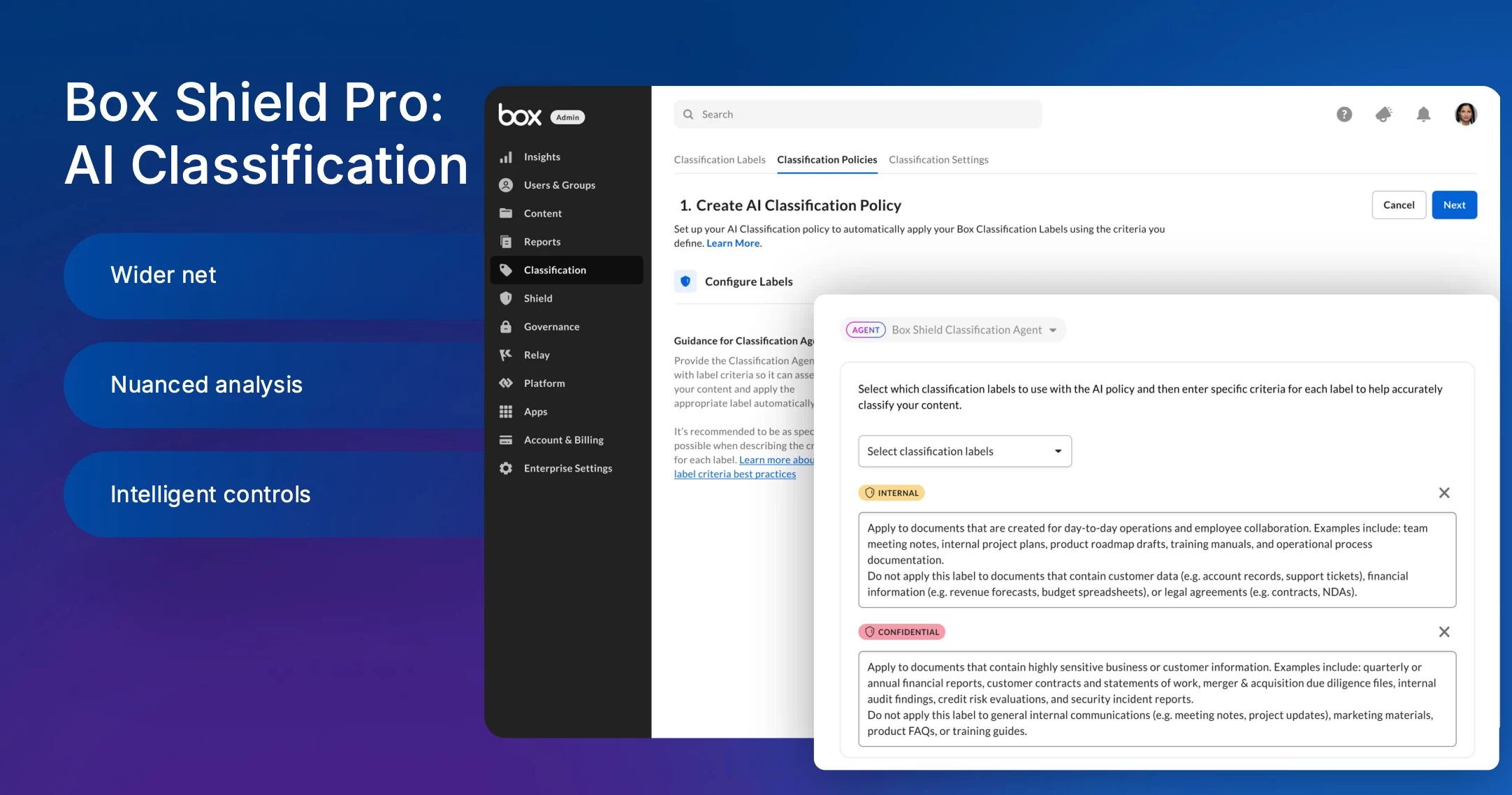
She then provides a live demonstration within the Box admin console. Aiko shows how to configure an AI classification policy and uploads sample files (a press release, a passport image) to showcase the agent's ability to automatically apply the correct labels.
A key feature highlighted is the AI's transparency, as it provides a clear reason for each classification decision. The demo also shows how the AI can analyze images for context (identifying a passport) beyond simple text extraction (OCR). Aiko further demonstrates how to use Box AI itself to refine a company's existing data classification policy into an LLM-friendly prompt, which she then validates using the built-in testing tool.
Key Insights & Q&A
The interactive Q&A session covered several key areas:
-
Retroactive Scanning: For content created before the policy was enabled, Box is introducing a one-time, consumption-based retroactive scanning service through Box Consulting.
-
Controlling AI Exposure: While not available today, upcoming Shield policies will allow admins to block external AI applications from reading classified content and to filter sensitive files from custom-built AI agents.
-
AI Unit Consumption: Standard use of the AI classification agent with Box Shield Pro does not consume AI units.
-
Common Mistakes: The most frequent error is creating prompts with overlapping definitions, often by copying directly from a corporate policy document without refining it for the AI.
-
Traditional vs. AI Classification: Traditional methods (keyword, regex) are effective for highly deterministic data (like credit card numbers), while AI classification excels at understanding the context and nuance of unstructured content to identify sensitivity that lacks specific keywords.
Slides
Slide deck here
Do you have questions on prompt writing or example best practices? Please share in the replies!