
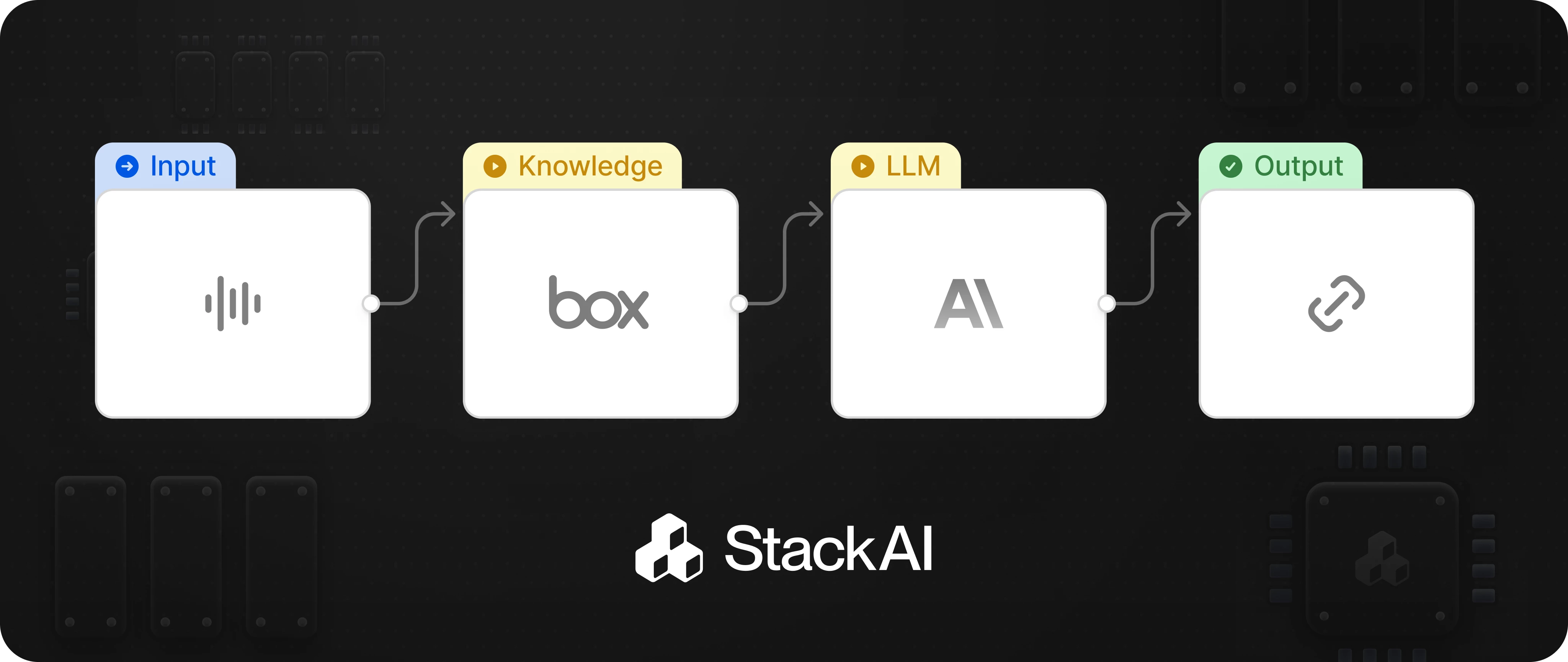

StackAI allows your AI agents to autonomously search, parse, and manage files and folders stored in your Box account.

Typical use cases include:

Searching for files and folders:
Automate the retrieval of files or folders based on name, metadata, or other criteria.
Uploading and downloading files:
Move files into or out of Box as part of a workflow, such as saving generated reports or retrieving documents for processing.
Managing file metadata:
Update, read, or use file metadata for organizing and automating document management.
Sharing and permissions:
Automate sharing files or folders with specific users or groups, or adjust permissions as part of a workflow.
File operations:
Copy, move, or delete files and folders as part of document lifecycle management.

How This Works in StackAI

Box Workflow

Add an Action node for Box to your workflow.

Configure Action

Configure the action to perform a specific operation (such as searching for a file, uploading, or downloading).

Connect Box Actions

Connect Box actions to other nodes (like LLMs, integrations, or other storage providers) to automate document-centric business processes.