
Question

Network Error in Content Explorer

  • April 16, 2026
  • 1 reply
  • 9 views

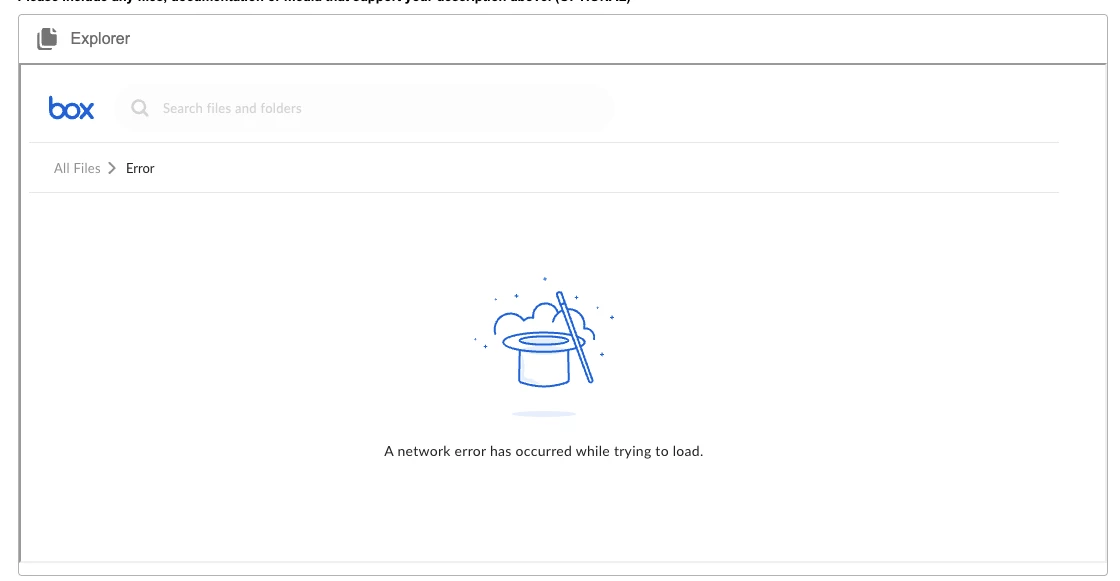
I am using content explorer in a screenflow in experience cloud. Getting the following error: 
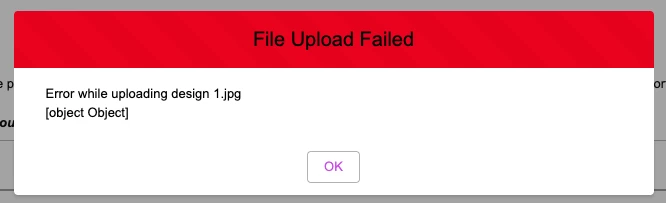
In a separate part of the flow I am using the Box Upload component and get the following error:


Network connection is strong.

Browser history and caching cleared.

Logged out and back into the experience cloud.

Folder sharing/collaboration is open.

1 reply

Jey Bueno Box
  • Community Manager
  • May 4, 2026

👋 Hi ​@Galvin Tech, welcome to the Box Community! Apologies for any delay.


We checked this internally and don’t have documentation that matches this specific network or upload error for Box for Salesforce. If the issue is still happening, please review the guidance below to help narrow down the cause:

  1. Verify the Box custom app in Salesforce is configured correctly.
  2. Verify the Box Service Account is authenticated in Box Settings.
  3. Confirm the Box Service Account owns or has co-owner access to the folder/file used by Content Explorer and the upload destination.
  4. Confirm Experience Cloud users have the Box App User (Experience Cloud) permission set.
  5. Review Experience Builder Security & Privacy / CSP / framing settings against the documented requirements.
  6. For upload specifically, test with a very simple filename and confirm there are no filename restriction issues.
  7. Check whether the destination folder owner is out of storage.


If the problem continues after these checks, please submit a ticket to Product Support. They may ask you to capture a HAR/network log so they can investigate further.
